
Clothes, hairstyle and group photo
Three photo tools in All Tools change part of a photo from a reference image. No prompt is needed: upload the photos and generate.
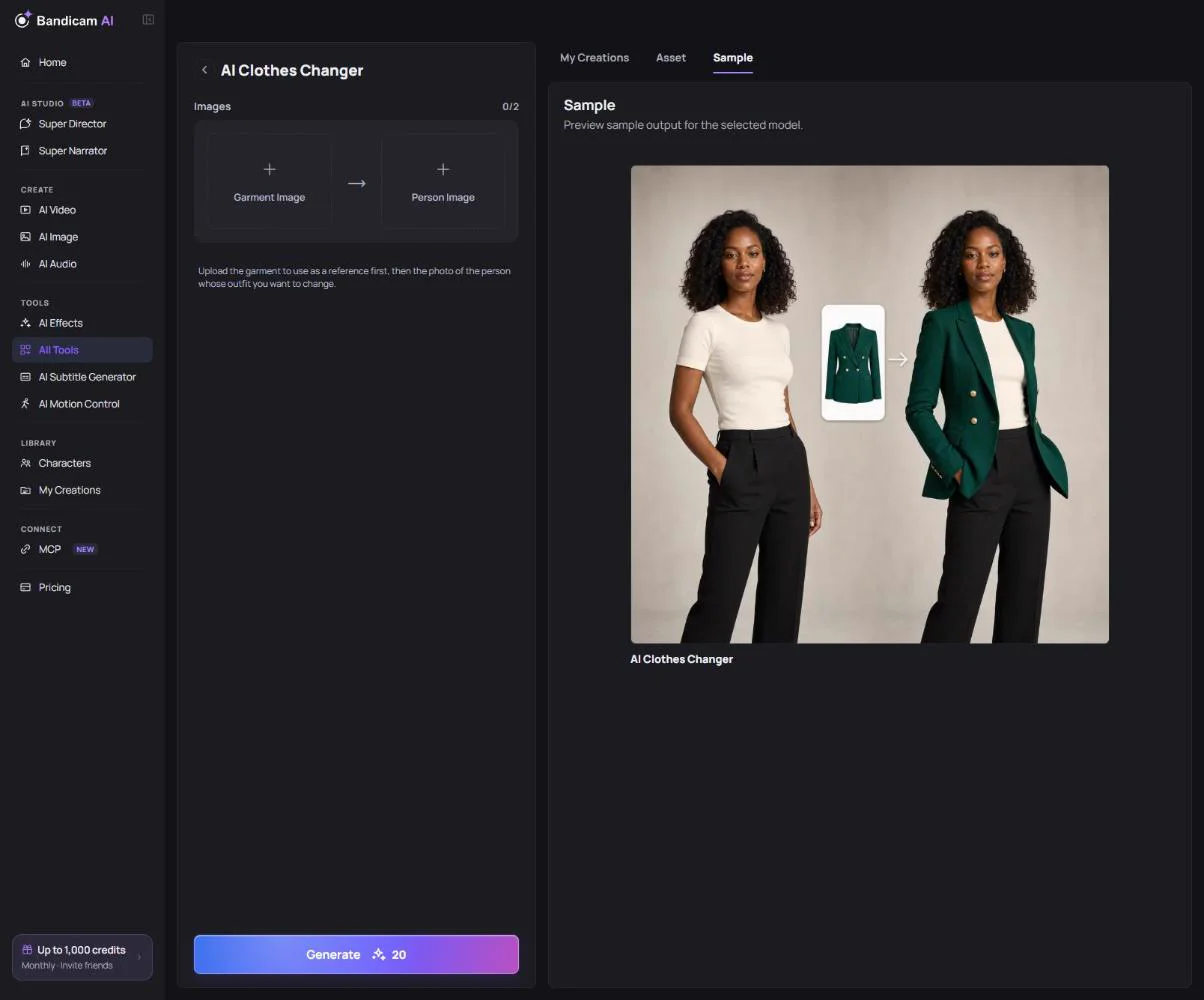
AI Clothes Changer
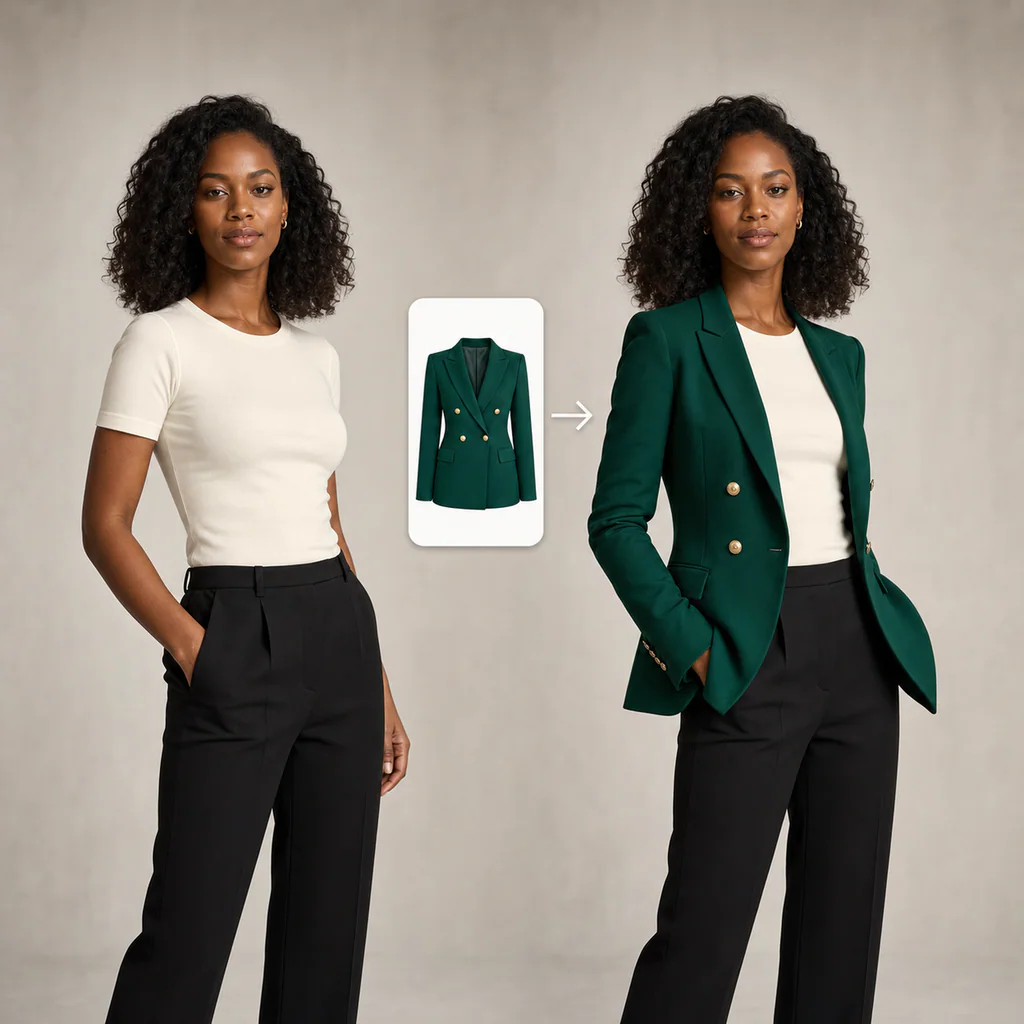
Clothes Changer dresses a person in a garment from another photo. Upload the garment image first, then the person image (each up to 20 MB, at least 256 pixels). A garment shown flat or on a plain background works best.
AI Hairstyle Changer
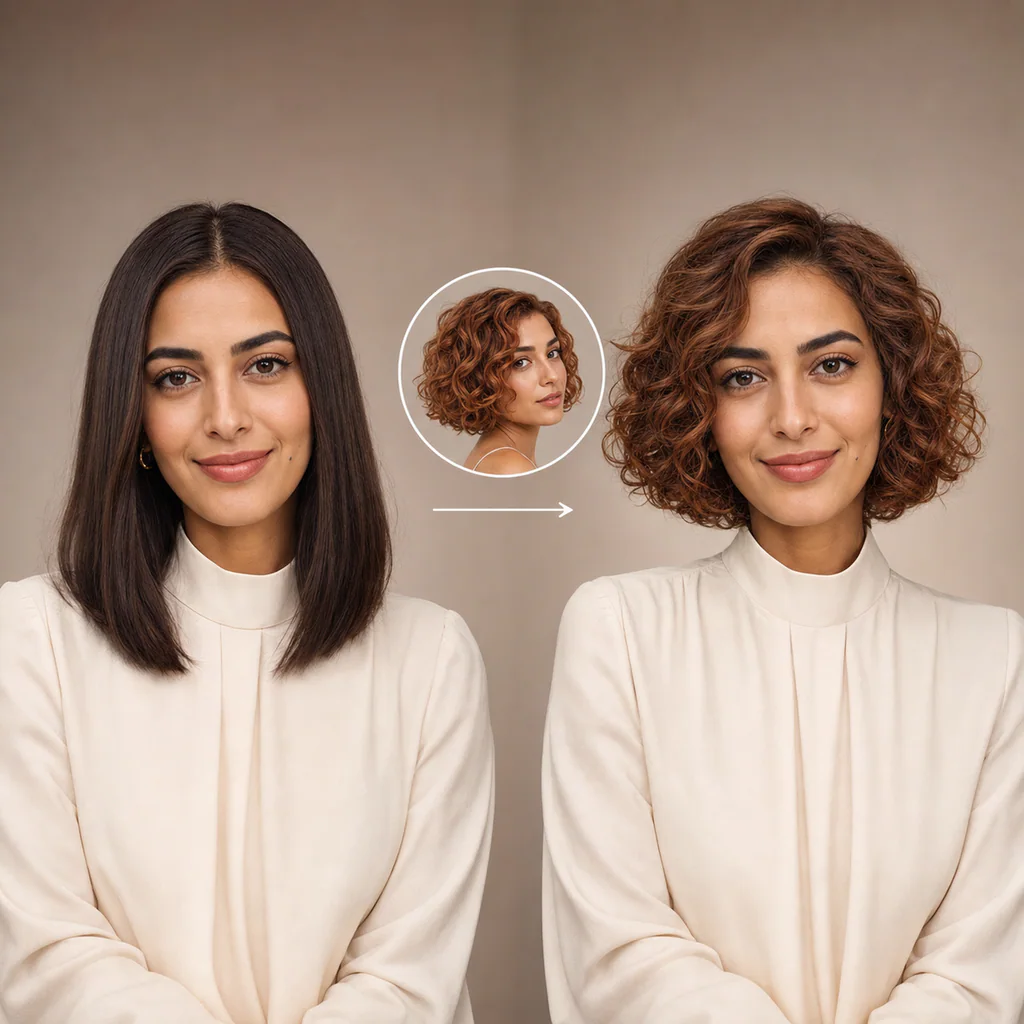
Hairstyle Changer gives you the hairstyle from a reference photo. Upload the hairstyle photo and your photo. Use a photo of yourself where the jaw, cheeks and chin are visible so the new style fits your face.
AI Group Photo
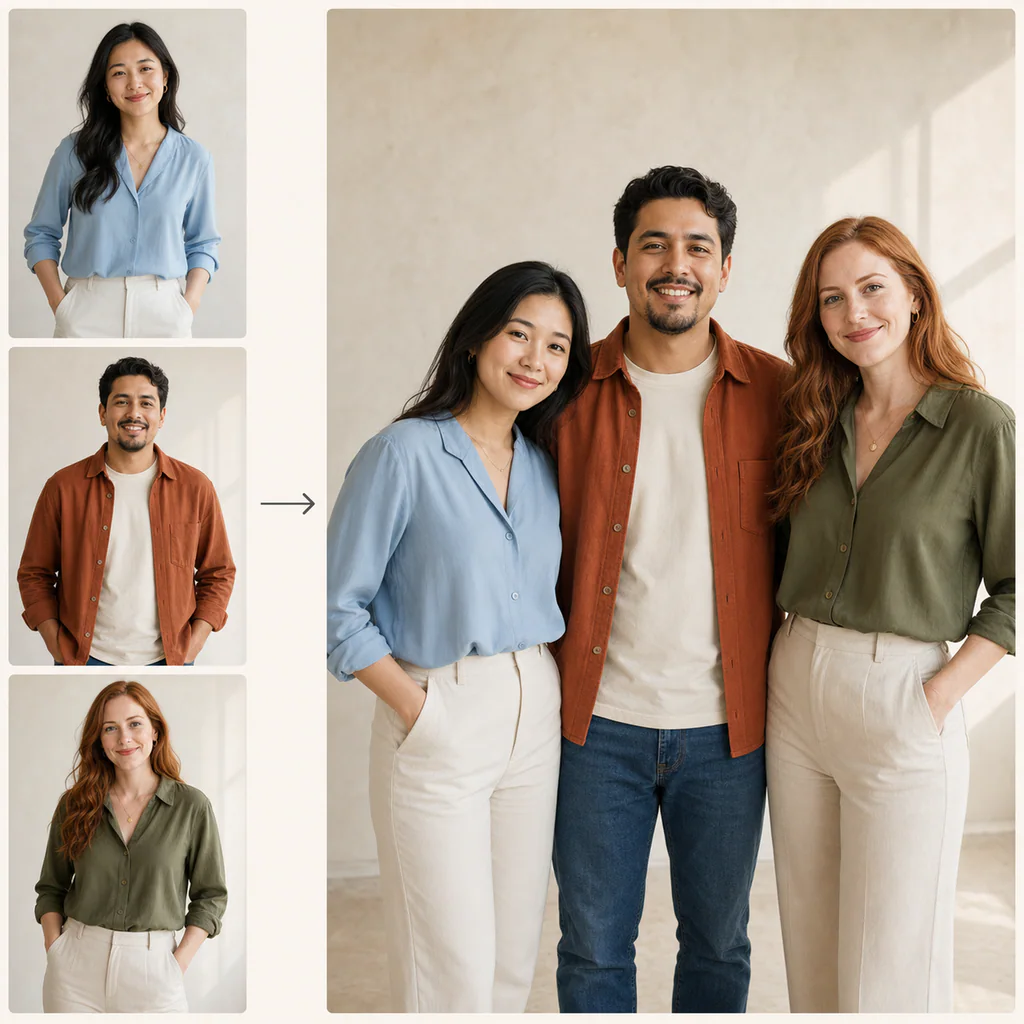
Group Photo puts 2 to 8 people from separate photos into one picture. One clear person per photo works best. Choose the Background: let the AI decide, or use the background of one of your photos.
What it costs
Each tool is charged per generated image. The price is on the button.
Use photos of people who agreed to it. Photos of real people or children may be refused by the safety filter, and creating deceptive or harmful images of real people isn’t allowed.