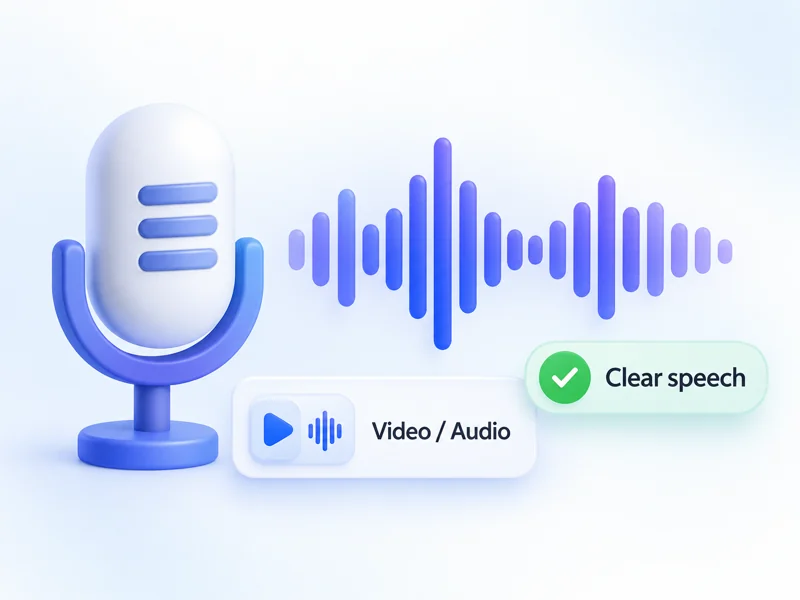
Start with clear speech
Choose a video or audio file with clear speech and minimal background noise.
BANDICAM AI STUDIO / AUDIO & CAPTIONS
Create subtitles from video or audio with Bandicam AI Studio. The AI subtitle generator also works as a caption generator for video, turning recorded speech into timed text.
YOUR STARTING POINT
Choose a video or audio file with clear speech and minimal background noise.
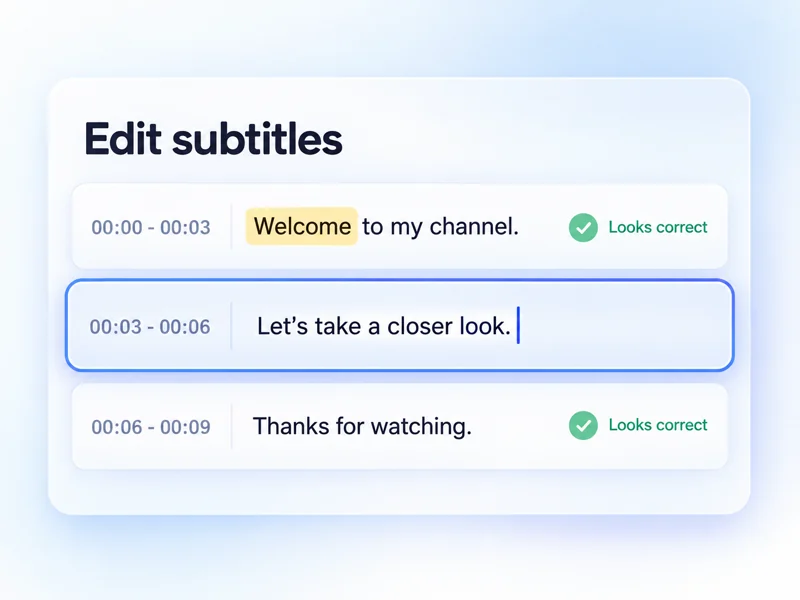
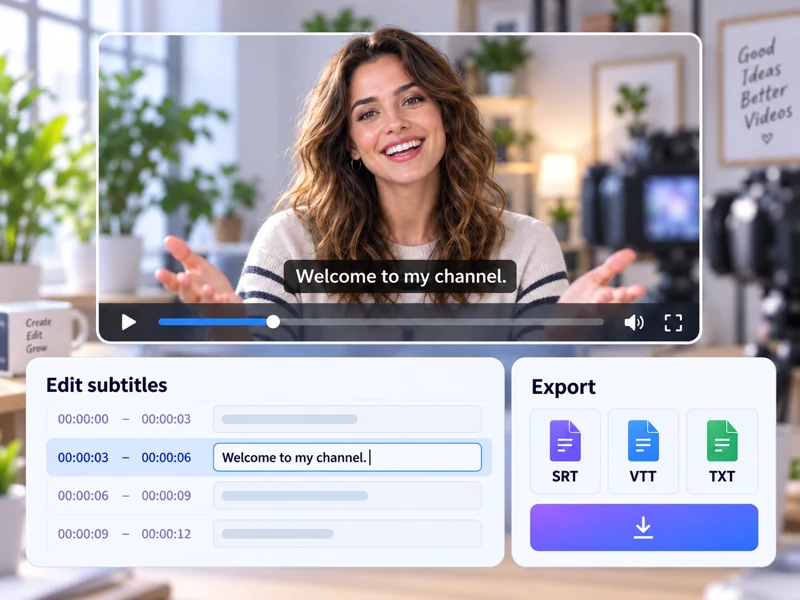
Check names, technical terms, and punctuation. Edit the subtitle text directly to correct any mistakes.
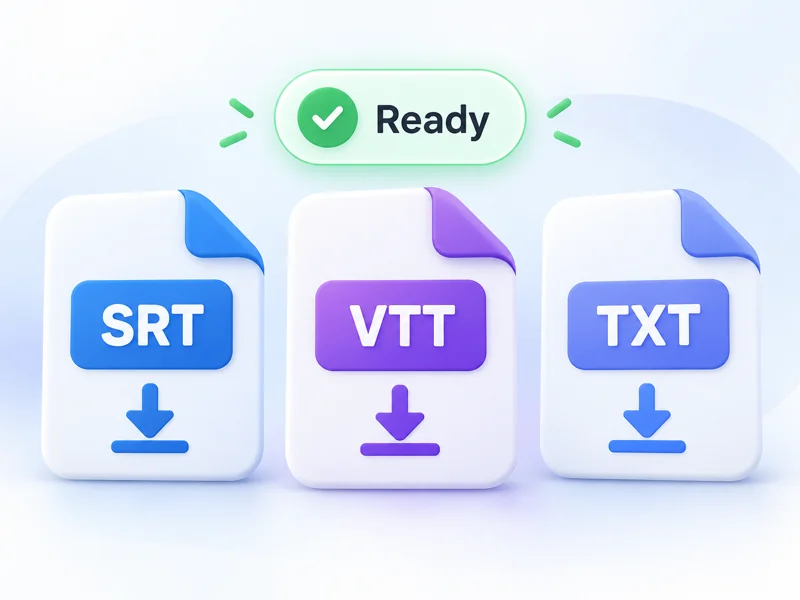
Save subtitles as SRT or VTT, or download a TXT transcript.
FROM INPUT TO RESULT
Open AI Subtitle Generator in Bandicam AI Studio and upload a video or audio file with clear speech.
Keep Auto detect or select the spoken language. Choose Standard or Best quality, then generate your subtitles.
Review and edit the subtitle text, translate it if needed, then download an SRT, VTT, or TXT file.
USE CASES
Add subtitles to videos, create auto captions, or download text for social clips, YouTube videos, lessons, and interviews.
Create auto captions for Reels, Shorts, TikTok, or LinkedIn videos so viewers can follow the message even when the sound is off.
Use the video caption generator to create SRT or VTT files for tutorials, product videos, webinars, or website videos that need editable text.
Add video subtitles or TXT transcripts to lessons, onboarding videos, and internal training so learners can review key points later.
Turn recorded conversations into timed subtitles or a transcript, then edit speaker names and important terms before sharing.
GOOD TO KNOW
Yes. You can generate timed subtitles from an audio recording without uploading a video.
Standard is the default option for faster transcription. Choose Best when transcription accuracy is your priority.
Yes. You can edit the subtitle text directly in AI Studio. You can also translate it into another language before downloading.
Yes. Enable Identify speakers to add editable speaker names when multiple people are talking. This option is off by default.
For videos, only the extracted audio is uploaded, so the video stays on your device. Audio files are uploaded directly, and in both cases, the uploaded audio is deleted after transcription finishes.
Generating subtitles uses AI credits. Check the credit cost shown in AI Studio before starting transcription.
BANDICAM AI STUDIO
Upload your video or audio to get started in Bandicam AI Studio.
Generate subtitles