Animate a person in a photo
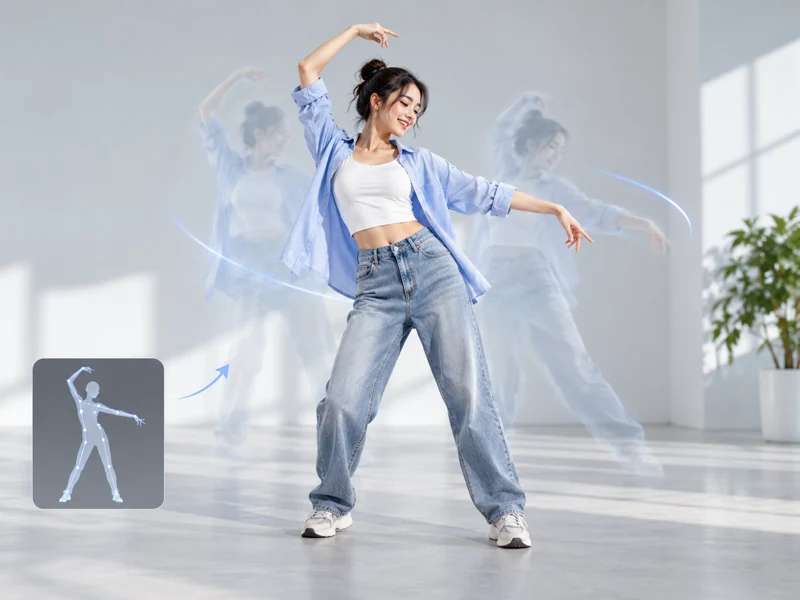
Use a clear full-body image of a person, then apply gestures, poses, or dance movement to create a short animation.
BANDICAM AI STUDIO / MOTION & EFFECTS
Create an AI motion control video with Bandicam AI Studio. Use a character image and reference video to guide gestures, poses, and body movements.
YOUR STARTING POINT
Use a clear full-body image of a person, then apply gestures, poses, or dance movement to create a short animation.
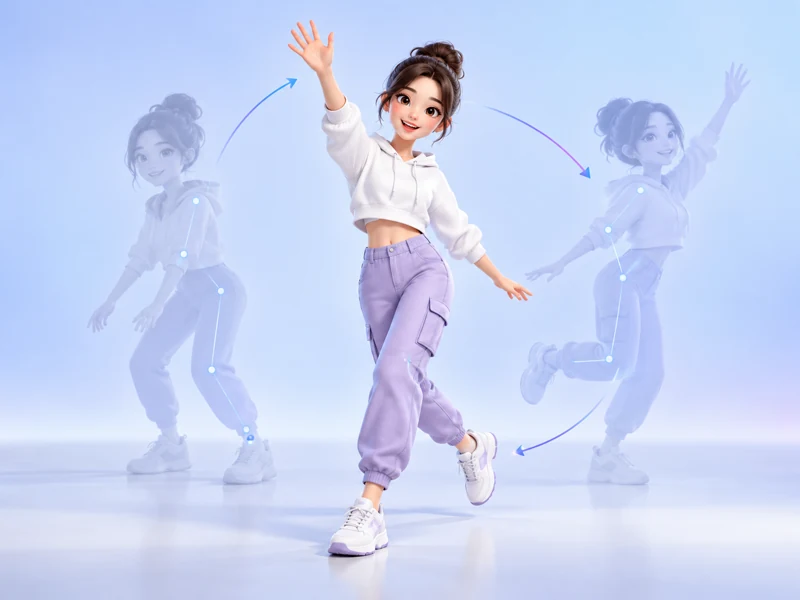
Apply body movement from a motion video to an avatar, mascot, or stylized character image.
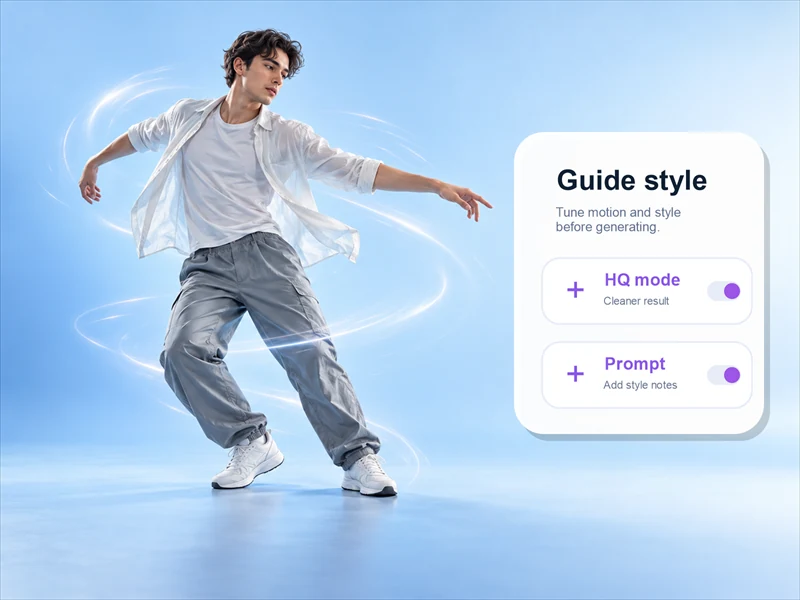
Use High Quality Mode or Prompt when you want more control over facial consistency, gestures, and movement style.
FROM INPUT TO RESULT
Open AI Motion Control in Bandicam AI Studio. Upload a Motion Video and a Character Image to set the movement and appearance.
Add a prompt if needed. You can also enable High Quality Mode, which lets you upload an optional face reference image.
Generate your animation, preview the character's movements, and download the clip.
MOTION IDEAS
Guide dance steps, gestures, walks, and character actions with a reference video.
Turn a dance, pose, or hand gesture into a short character clip with similar rhythm and body movement.
Create AI character animation for a mascot, illustrated character, or avatar while keeping the character style consistent.
Use motion control AI video drafts to test presenter moves, model poses, or product reveal actions before a larger edit.
Apply a reference move to a spokesperson, mascot, or branded character to preview campaign ideas with controlled body motion.
GOOD TO KNOW
AI motion control uses a video clip to guide how a still character moves. The image provides the appearance, while the video supplies the action.
No. Upload a Character Image and a Motion Video to get started. The prompt field is off by default, but you can enable it to add written instructions.
Yes. Enable High Quality Mode to upload an optional Face Reference Image. Use a clear, front-facing photo of the same person to help improve facial consistency.
No. Image to Video uses a still image and motion instructions. AI Motion Control uses a reference video to guide the character's movements.
Creating a video uses AI credits. Review the amount displayed in AI Studio before you generate.
BANDICAM AI STUDIO
Start with a character image and a motion reference in Bandicam AI Studio.
Generate video