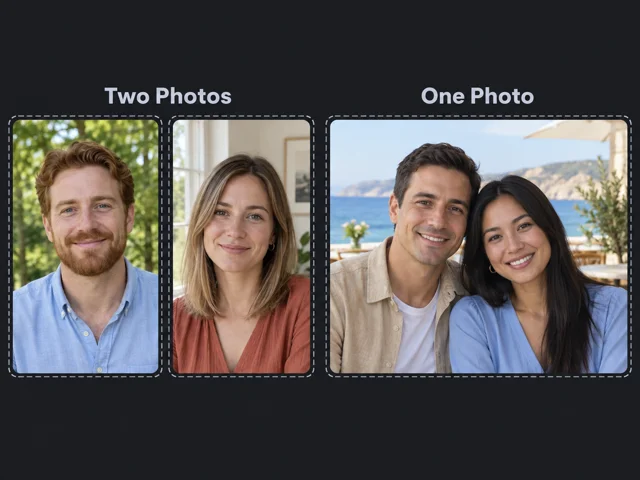
Choose one photo or two
Use one couple image or two separate portraits.
BANDICAM AI STUDIO / MOTION & EFFECTS
Create an AI kiss video with Bandicam AI Studio. Turn one couple photo or two portraits into a short kissing scene.

YOUR STARTING POINT
Use one couple image or two separate portraits.
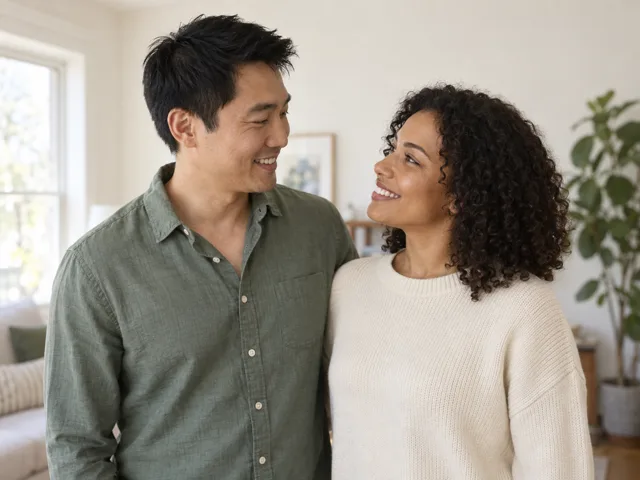
A clean background and visible faces make changes easier to evaluate.
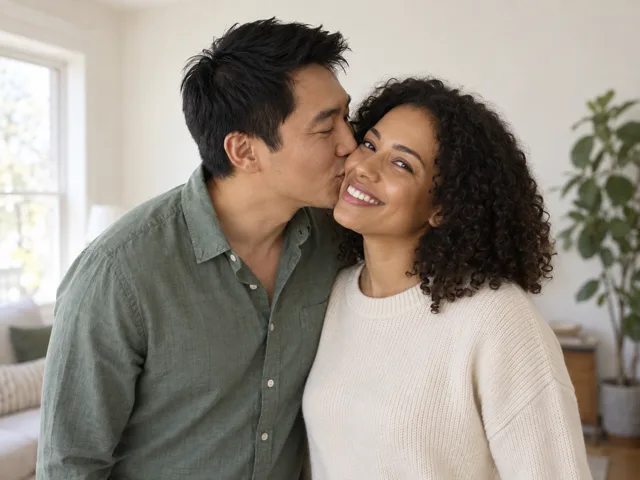
Watch the full clip to check facial expressions and movement during the kiss.
FROM PHOTO TO KISS
Open the AI kiss video maker in Bandicam AI Studio. Choose One Photo or Two Photos, then upload your images.
Keep the default Sweet kiss, or choose Cheek kiss or French kiss.
Generate the clip, preview the kissing scene, and download the result.
CREATE IDEAS
Create romantic clips for anniversaries, long-distance notes, couple messages, and wedding memories.
Turn a favorite couple image into a short AI kiss video for an anniversary greeting, Valentine’s Day post, or private message.
Use separate portraits to create an image-to-video AI kiss clip when you want a warmer message than a still image.
Create a short kiss video from proposal, engagement, or wedding photos for a memory reel or invitation teaser.
Make a short romantic clip for Reels, Shorts, or TikTok, then pair it with music, captions, or other photos.
GOOD TO KNOW
An AI kiss video is an AI-generated clip that animates a kiss between two people in an uploaded image.
You can use one couple image or two separate portraits, depending on the photos you have.
You can choose from three kiss types: Cheek kiss, Sweet kiss, and French kiss.
Cheek kiss: The person on the left gives a kiss on the cheek to the person on the right.
Sweet kiss: The two people share a soft, natural kiss.
French kiss: The two people share a longer, more passionate kiss.
Generating a clip uses AI credits. Check the credit cost shown in AI Studio before you start.
Yes. Bandicam AI Studio runs in your browser, so you can create the clip online.
BANDICAM AI STUDIO
Upload your images to get started in Bandicam AI Studio.
Generate video