Ad narration
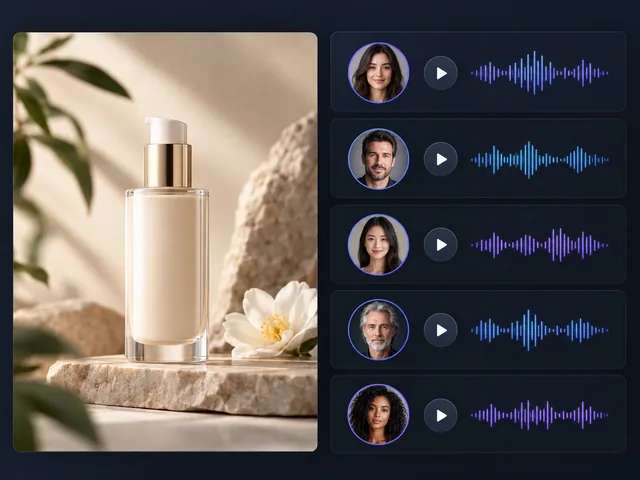
Try different voices for your ad narration to find a sound that fits your brand.
BANDICAM AI STUDIO / AUDIO & CAPTIONS
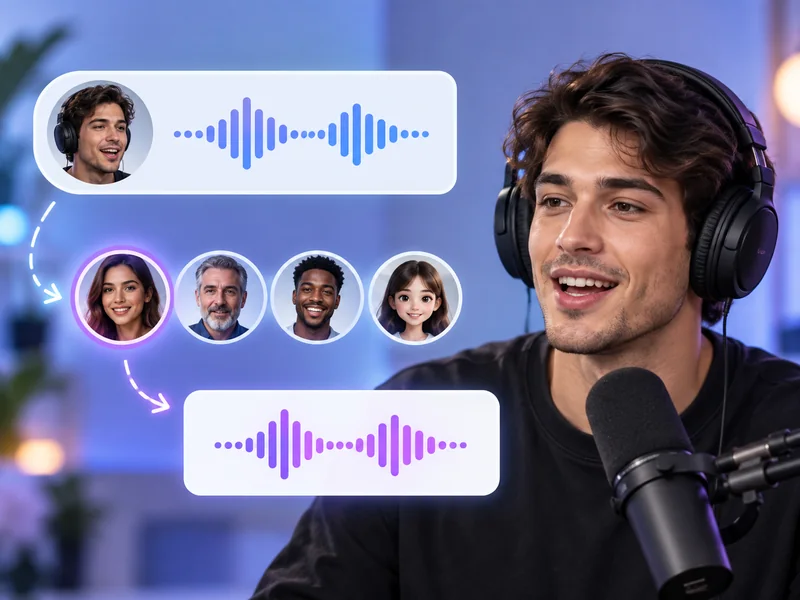
Change your voice online with Bandicam AI Studio. Upload audio or video, choose a target voice, and keep the original delivery and emotion.
YOUR STARTING POINT
Try different voices for your ad narration to find a sound that fits your brand.
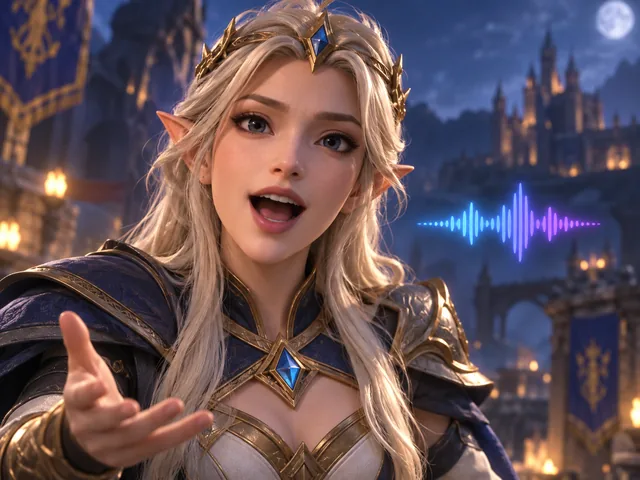
Turn your spoken lines into character voices for games, animations, or short skits.
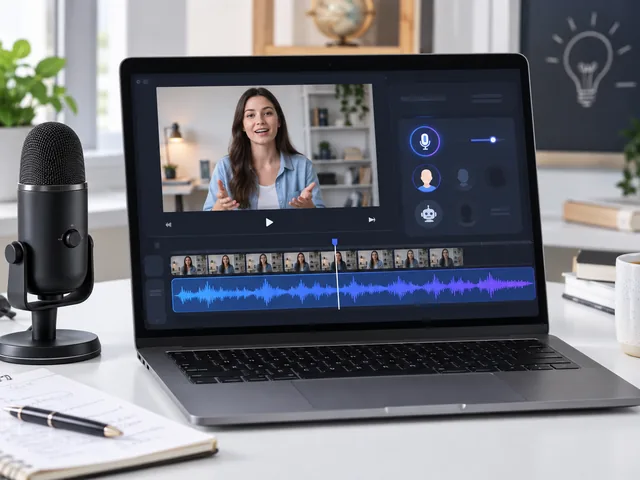
Change the voice in a lesson or tutorial without reading the script again.
FROM INPUT TO RESULT
Open AI Voice Changer in Bandicam AI Studio and upload an audio or video file.
Browse voices by language and style. Listen to samples, choose a voice, and enable background noise removal if needed.
Change the voice, listen to the result, and download the audio. Add it to your video in an editor if needed.
FEATURES
Use Bandicam AI Studio to create new voice versions for dubbing drafts, narration, and character voice ideas.
Transform recorded speech while keeping the original timing, pacing, and expression of the performance.
Choose from male, female, or neutral voice options, and preview samples before converting your audio.
Clean up noisy recordings when needed, generate the changed voice, and download the converted audio file.
GOOD TO KNOW
Yes. In Bandicam AI Studio, the audio is extracted from your video on your device, and only that audio is uploaded. The result is an audio file.
Bandicam AI Studio accepts videos up to 100 MB in size and up to 5 minutes in length.
Yes. Play a sample in the Voice library before choosing. You can browse by native language, accent, gender, or style.
Yes. Enable Remove background noise before conversion. This option is off by default.
This online voice changer works with audio or video files. It does not provide a live microphone effect for calls or games.
AI Voice Generator creates speech from text. A voice changer changes the voice in an audio or video file while keeping the original delivery and expression.
Changing a voice uses AI credits. Check the amount shown in Bandicam AI Studio before you start.
BANDICAM AI STUDIO
Upload audio or video in Bandicam AI Studio to get started.
Change voice