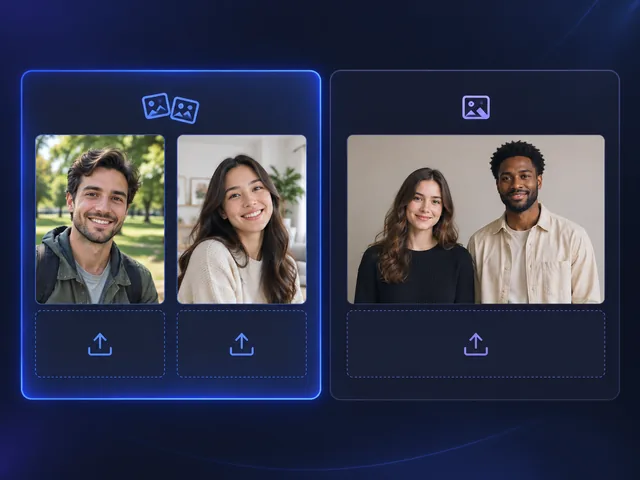
Choose the right photo mode
Use Two Photos for separate portraits, or One Photo when both people are already in the same image.
BANDICAM AI STUDIO / MOTION & EFFECTS
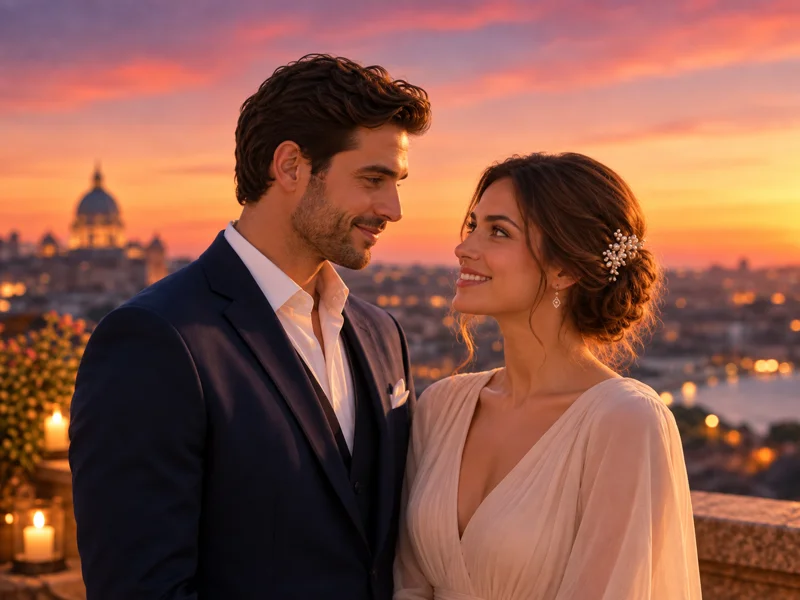
Create an AI hug video from a photo with Bandicam AI Studio. Turn a picture of friends, family members, or a couple into a short hugging clip.
YOUR STARTING POINT
Use Two Photos for separate portraits, or One Photo when both people are already in the same image.
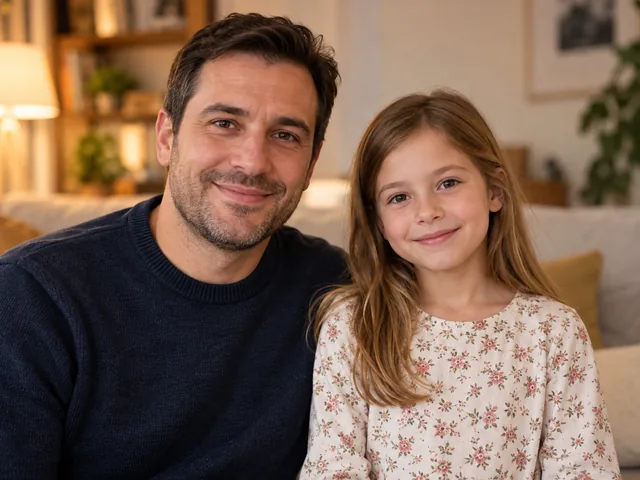
Choose photos that clearly show each person's face and upper body. Avoid images where objects block the face.

Preview how the people move together, paying attention to faces, hands, and arm positions.
FROM PHOTO TO HUG
Open AI Hug Video in Bandicam AI Studio. Choose Two Photos or One Photo to match the images you want to use.
In Two Photos mode, add one portrait to each upload box. In One Photo mode, upload a single image.
Generate your clip, preview the hug, and download the video. Try other photos if you want a different result.
CREATE IDEAS
Use Bandicam AI Studio as an AI hug video maker for memories, greetings, long-distance messages, or younger-self stories.
Create an AI hug video from family portraits for birthday messages, private keepsakes, or a simple memory album.
Turn photos into a warm hug video for weddings, anniversaries, Mother’s Day, Father’s Day, or other meaningful dates.
Use separate portraits to create a photo-to-hug video for someone you cannot meet in person right now.
Pair a recent photo with an older photo to create a reflective “hug your younger self” video for personal storytelling.
GOOD TO KNOW
An AI hug video uses a photo as its starting point and generates movement to make the people appear to embrace.
Two Photos mode uses two solo photos, one person per photo. One Photo mode uses a single image.
Clear portraits with visible faces and upper bodies usually work best. Avoid blurry images, side profiles, or photos where objects block the face.
Generating a video uses AI credits. Check the credit cost shown in Bandicam AI Studio before you generate.
BANDICAM AI STUDIO
Start with a photo and turn it into an animated embrace in Bandicam AI Studio.
Generate video