Prepare photos for print
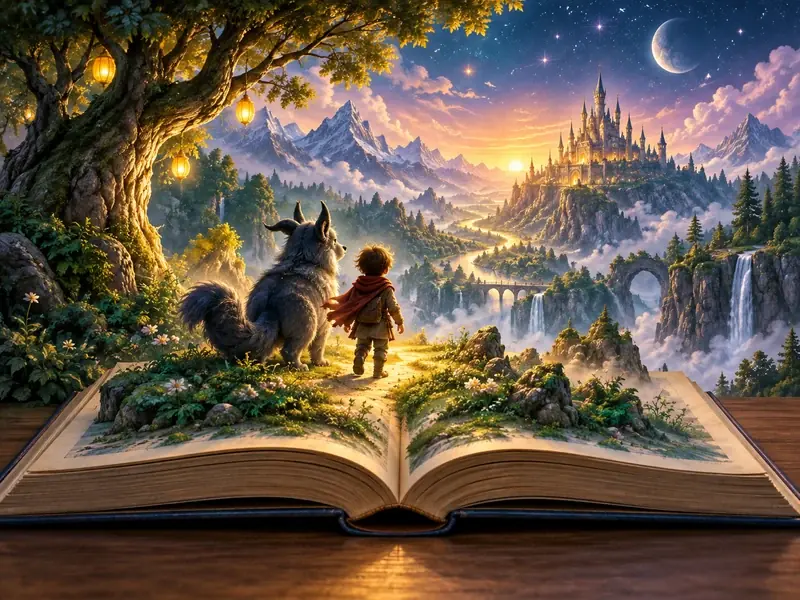
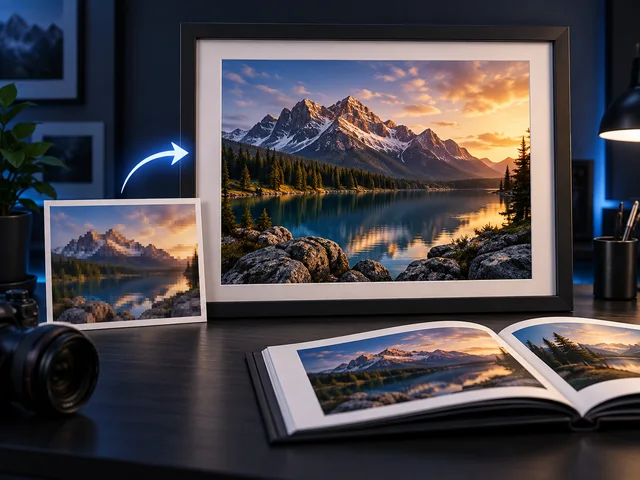
Enlarge portraits, landscapes, and illustrations for posters, framed prints, or photo books. An upscaled image can help the final print look cleaner at larger sizes.
BANDICAM AI STUDIO / ENHANCE
Increase the resolution of photos and illustrations with Bandicam AI Studio. Use the AI image upscaler for larger images, or refine details with the AI image enhancer.

EVERYDAY USES
Enlarge portraits, landscapes, and illustrations for posters, framed prints, or photo books. An upscaled image can help the final print look cleaner at larger sizes.
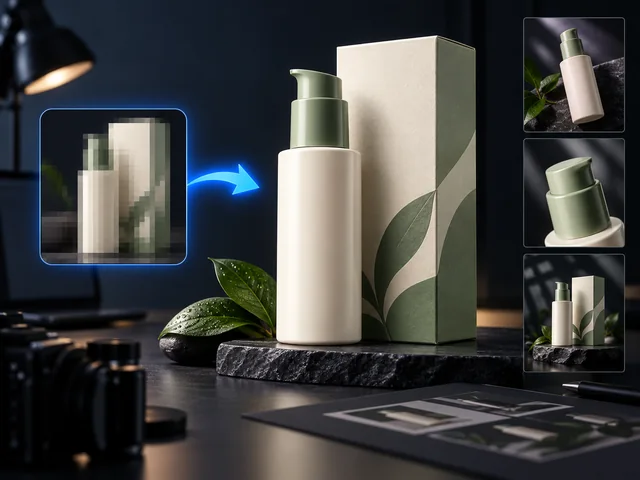
Increase image resolution for listings, store banners, and promotional materials. Clearer product images can make details easier to see on product pages.
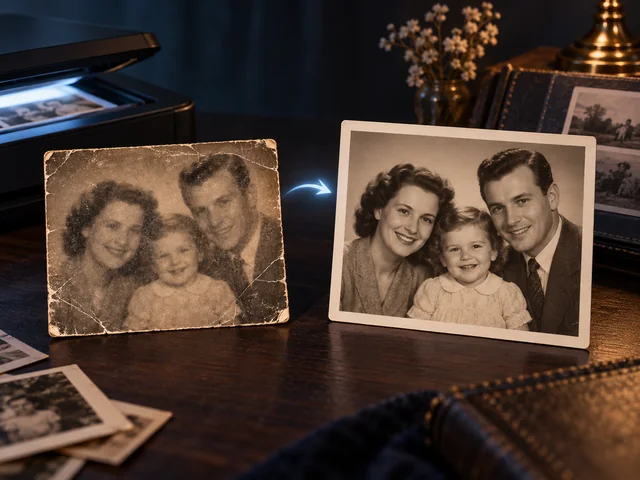
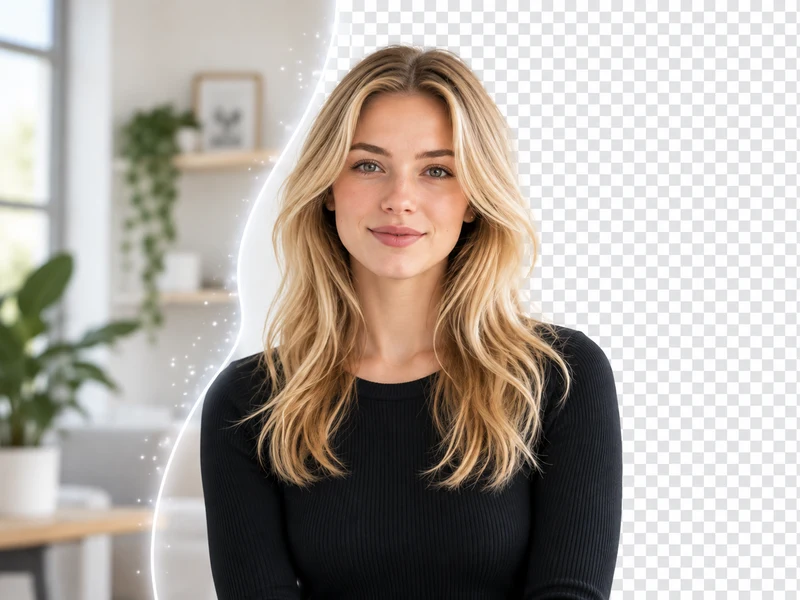
Use the AI image enhancer to refine older photos and scans before sharing them with family. It can help make soft or low-resolution images easier to view.
FROM INPUT TO RESULT
Open AI Image Upscaler in Bandicam AI Studio. Select Image Upscale or Image Enhancement, then upload your image.
Image Upscale uses a fixed 4× scale. For Image Enhancement, select a scale and enhancement mode.
Upscale or enhance your image, then preview and download the result.
FEATURES
Bandicam AI Studio brings image upscaling and image enhancement together, so you can choose the right workflow for each image.
Create a larger 4× version of a photo, product image, or illustration for sharing, printing, or editing.
Choose Preserve, Balanced, Sharpen, Restore, or Creative for different image needs.
Upload common image formats, then upscale or enhance the image in Bandicam AI Studio.
GOOD TO KNOW
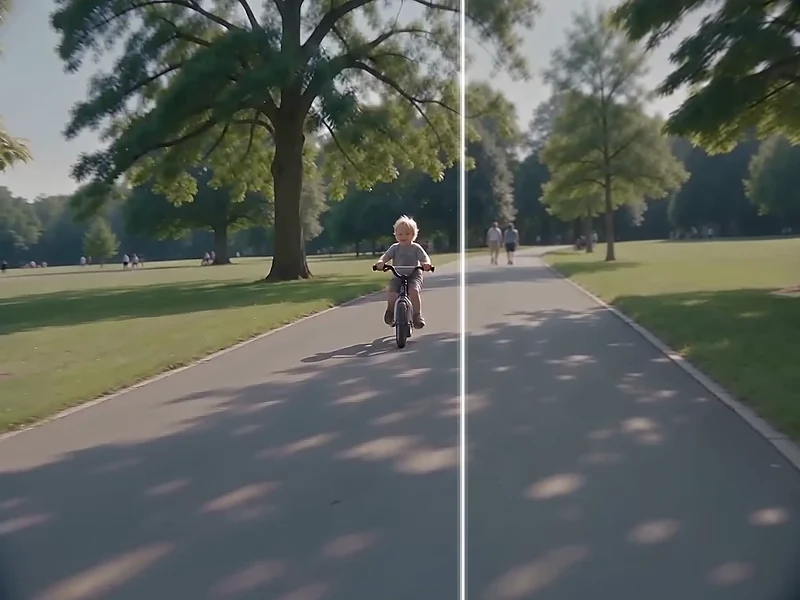
Basic resizing calculates new pixels from the surrounding ones. AI upscaling also uses learned patterns to add detail as it enlarges an image.
An AI image enhancer refines image details and clarity. In Bandicam AI Studio, you can choose an enhancement mode and 2× or 4× scaling.
Use Image Upscale when you want a straightforward 4× larger image. Use Image Enhancement when you want to improve detail and clarity with 2× or 4× scaling and modes such as Preserve, Sharpen, or Restore.
AI upscaling can change fine details rather than recover them exactly. Check faces, lettering, and product features before using the result.
Yes. Image upscaling uses AI credits. Check the cost shown in Bandicam AI Studio before you start.
BANDICAM AI STUDIO
Upload your image and create a larger version in Bandicam AI Studio.
Upscale image