
BANDICAM AI STUDIO
Explore Bandicam AI tools
Find a starting point for your next video, image, voice, or caption project. Explore the feature guides and try their input previews.





EXPLORE
Motion & effects



GOOD TO KNOW
Choosing the right AI tool
Which AI tool should I start with?
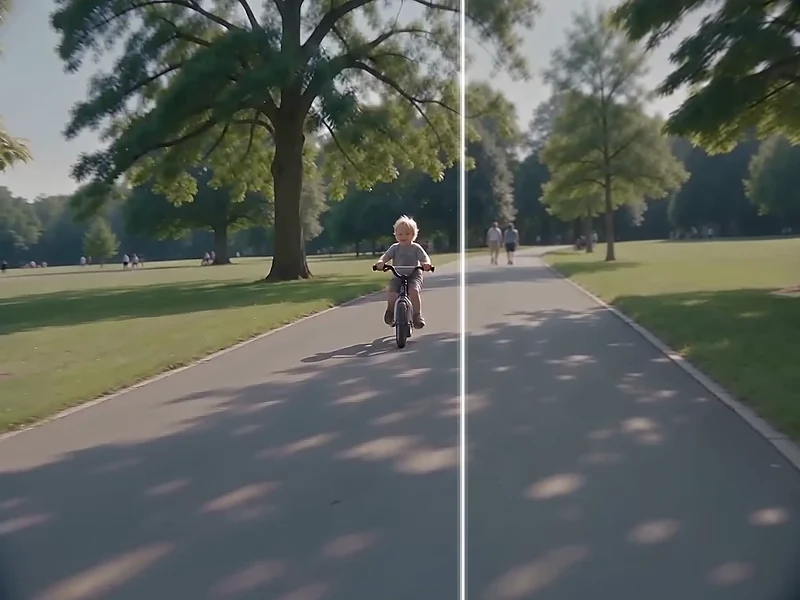
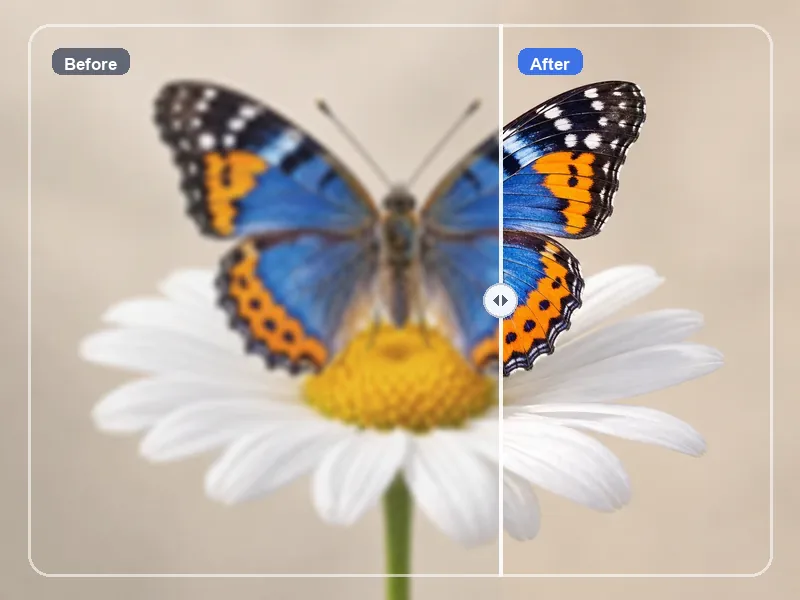
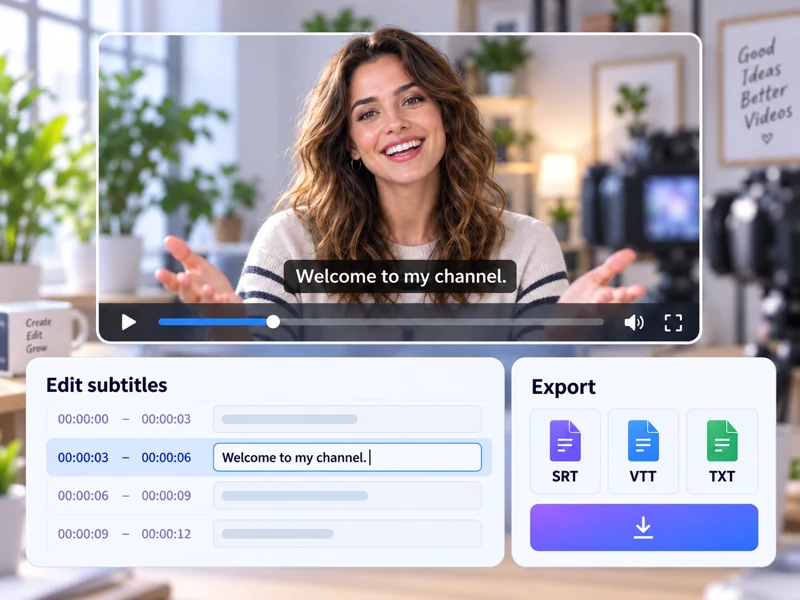
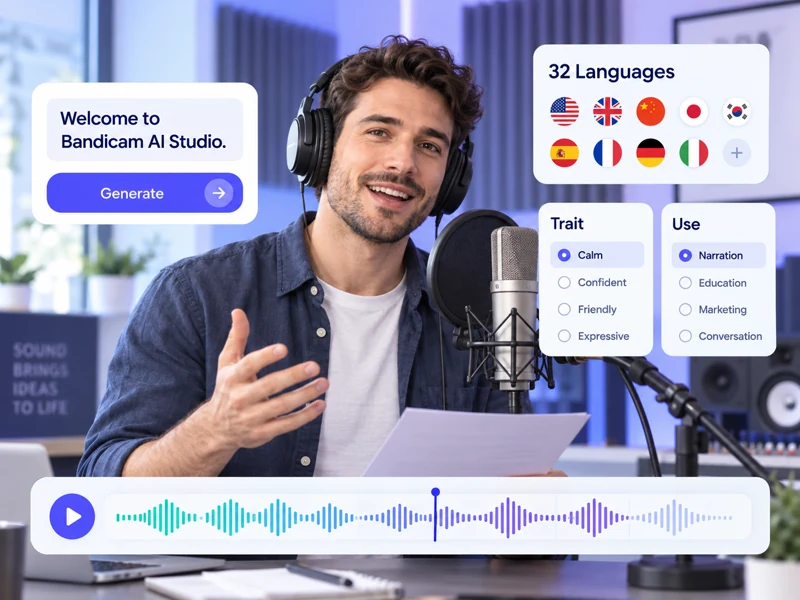
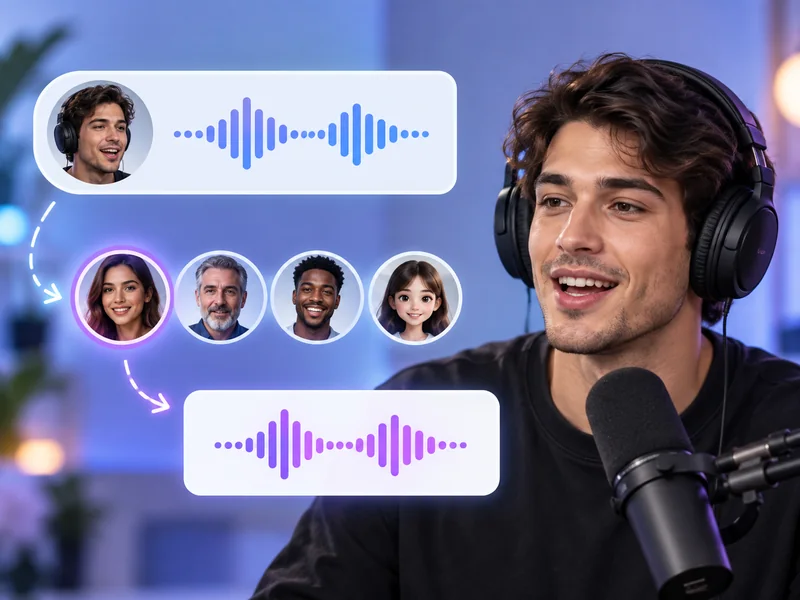
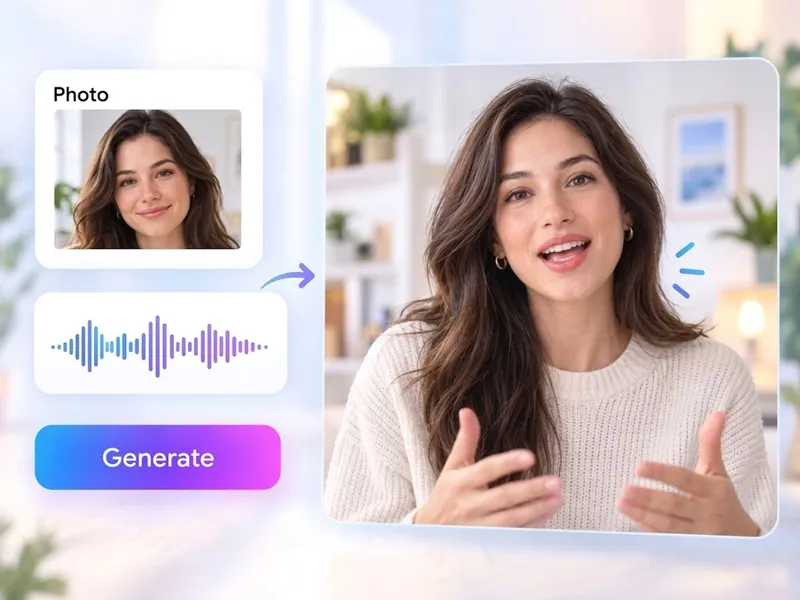
Start with what you already have. If you have an idea, try Text to Video or the AI Image Generator. If you have a photo, try Image to Video, the AI Image Upscaler, or the AI Background Remover. For recordings, try the AI Video Upscaler, AI Subtitle Generator, or AI Voice Changer.
What is the difference between AI Video Generator, Text to Video, and Image to Video?
AI Video Generator covers both workflows: creating a video from a text prompt or from an image. Text to Video focuses on turning a scene description into a clip, and Image to Video focuses on bringing a still image into motion.
Do I need to install any software?
No. The AI tools run in Bandicam AI Studio in your browser. Bandicam Screen Recorder is a separate desktop application for capturing your screen.
How much do the AI tools cost?
Generation uses AI credits. The required credits depend on the tool, model, and settings you choose. Review the displayed cost in AI Studio before generating.