Blog and social media images
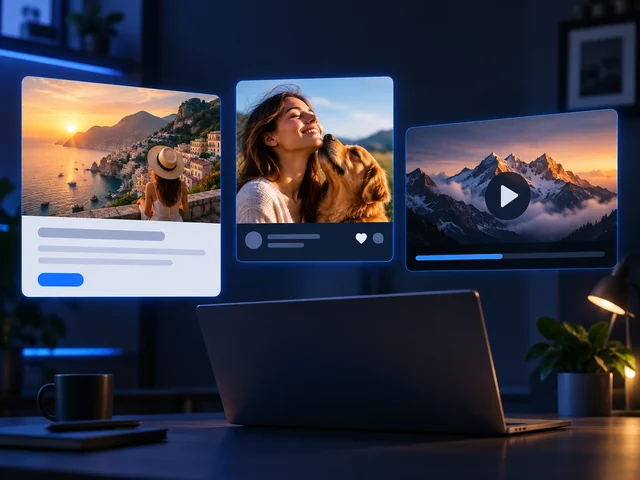
Create AI-generated images for blog articles, social posts, and video thumbnails that match the topic and style of your content.
BANDICAM AI STUDIO / IMAGE
Create images from text with Bandicam AI Studio. Use the AI image generator as an AI photo generator or AI picture generator for realistic images, illustrations, and design ideas.
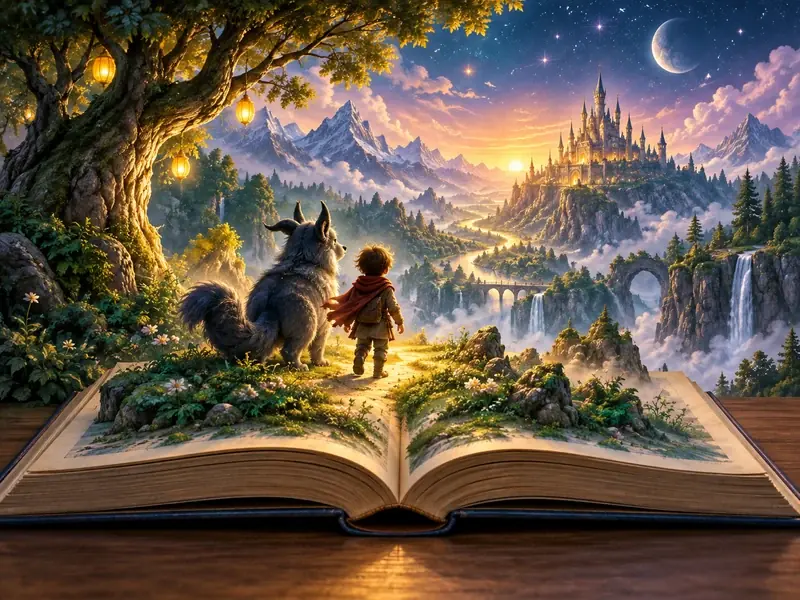
CREATIVE USES
Create AI-generated images for blog articles, social posts, and video thumbnails that match the topic and style of your content.
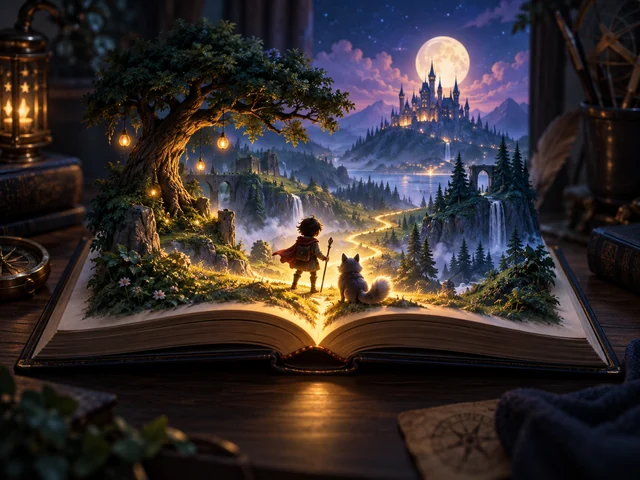
Create characters, landscapes, or imagined worlds for children's tales and fantasy adventures.

Visualize product, packaging, or interior ideas with an AI picture generator before developing a design.
FROM TEXT TO IMAGE
Open AI Image Generator in Bandicam AI Studio and describe the image you want to create.
Choose a model and select the image settings it supports.
Generate and preview your image, then download it. Adjust the description to try a different style or composition.
FEATURES
Start from text, choose a model, or guide the result with reference images in Bandicam AI Studio.
Create AI-generated images from text, or upload a reference image and describe how you want to change it.
Choose the image model or model variant that fits your goal, then use the settings supported by that model.
Use Image to Image with a reference, or add characters in AI Studio when you want a more consistent subject.
TRY AN EXAMPLE
Choose a sample for a product photo, story illustration, or travel scene. Edit it to suit your project, then continue in Bandicam AI Studio.
A ceramic coffee cup on pale blue paper, soft side lighting, a clean editorial product photograph, generous negative space.
GOOD TO KNOW
Choose Text to Image in Bandicam AI Studio and describe the image you want to create. Select a model, adjust the available settings, and generate your image.
Describe the subject, style, mood, background, and key details you want to see. A clear AI image prompt helps the generator create a result that is closer to your idea.
Yes. Choose Image to Image, upload the image you want to use, and describe the changes you want.
Small details and text may differ from your description. Review the image and adjust your wording if the result is not what you intended.
Image generation uses AI credits. Check the credit cost shown in Bandicam AI Studio before you generate.
BANDICAM AI STUDIO
Write a description and create your image in Bandicam AI Studio.
Generate image