Video narration
Create an AI voiceover for tutorials, product demos, or presentations.
BANDICAM AI STUDIO / AUDIO & CAPTIONS
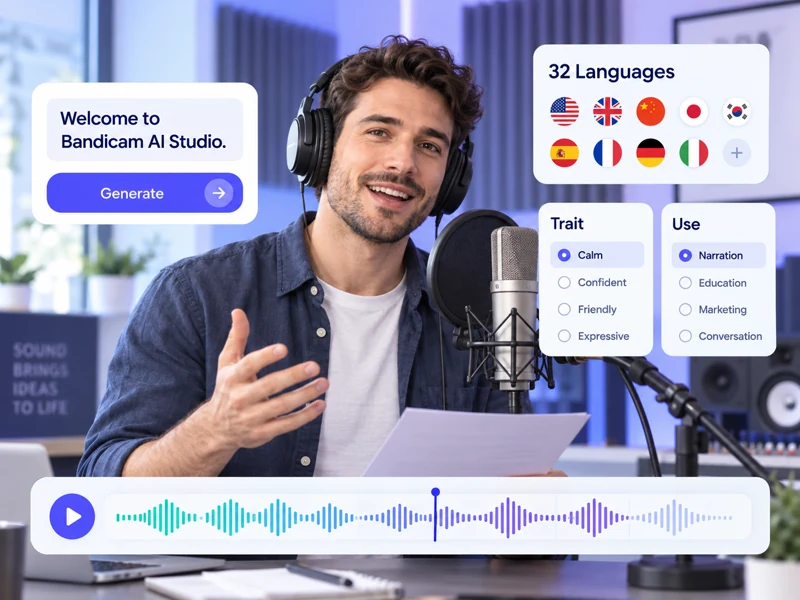
Use Bandicam AI Studio as a text to speech generator and AI voiceover generator for narration, stories, or dialogue. Choose a voice model and add expression to your script.
YOUR STARTING POINT
Create an AI voiceover for tutorials, product demos, or presentations.
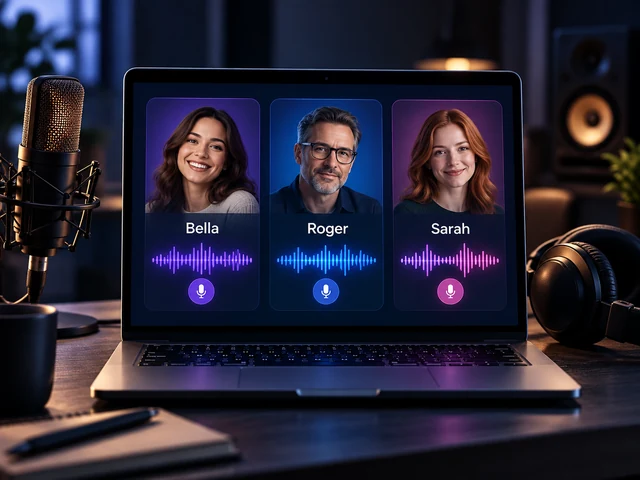
Create scripted interviews or character conversations with a different voice for each speaker.
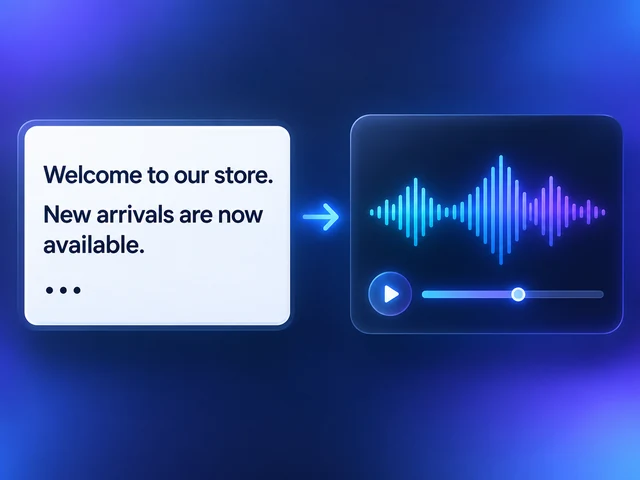
Turn event notices, store announcements, or welcome messages into spoken audio.
FROM INPUT TO RESULT
Open AI Voice Generator in Bandicam AI Studio and type or paste your script.
Choose a voice model, set Single voice or Multi-voice, then adjust the available speech settings.
Generate the speech, listen to the result, and download your audio. Adjust the script or settings to try another version.
FEATURES
Choose the voice type, speaker setup, and delivery settings that fit your script in Bandicam AI Studio.
Choose expressive Premium voices with emotion and style tags, or Standard voices for natural text-to-speech audio.
Create one narrator or label lines with speakers such as A: and B: to make dialogue with multiple voices.
Add pauses, use delivery tags, and adjust stability, speed, or emotion to shape the generated voice.
A PLACE TO BEGIN
Choose a tutorial intro, presentation, or story opening to fill the text box above. Adapt the script to your project.
Welcome! In this tutorial, we will walk through three simple steps. First, choose your starting point.
GOOD TO KNOW
Yes. Play the sample next to a voice in Bandicam AI Studio before selecting it.
Premium offers more expressive speech with emotion and style tags. Standard provides natural voices for general text-to-speech audio.
Yes. In Multi-voice, choose voices for A and B, then put A: or B: before each line. Use Add speaker for more voices. Unlabeled lines use A.
Yes. In Premium, adjust stability, speed, and emotion. Use Add Pause for breaks and Tags for delivery styles or sounds such as laughter and sighs.
Try spelling words the way they sound or adjusting punctuation, then listen to the result.
Text to speech turns a written script into audio. AI Voice Changer changes the voice in an existing audio or video file.
Speech generation uses AI credits. Check the credit cost shown in Bandicam AI Studio before you generate the audio.
BANDICAM AI STUDIO
Enter your script and choose a voice in Bandicam AI Studio.
Generate voice