
AI Voice Translator
AI Voice Translator dubs a video or audio file into another language. The original language is detected automatically, and the new speech follows the timing of the original.
Translate a video or recording
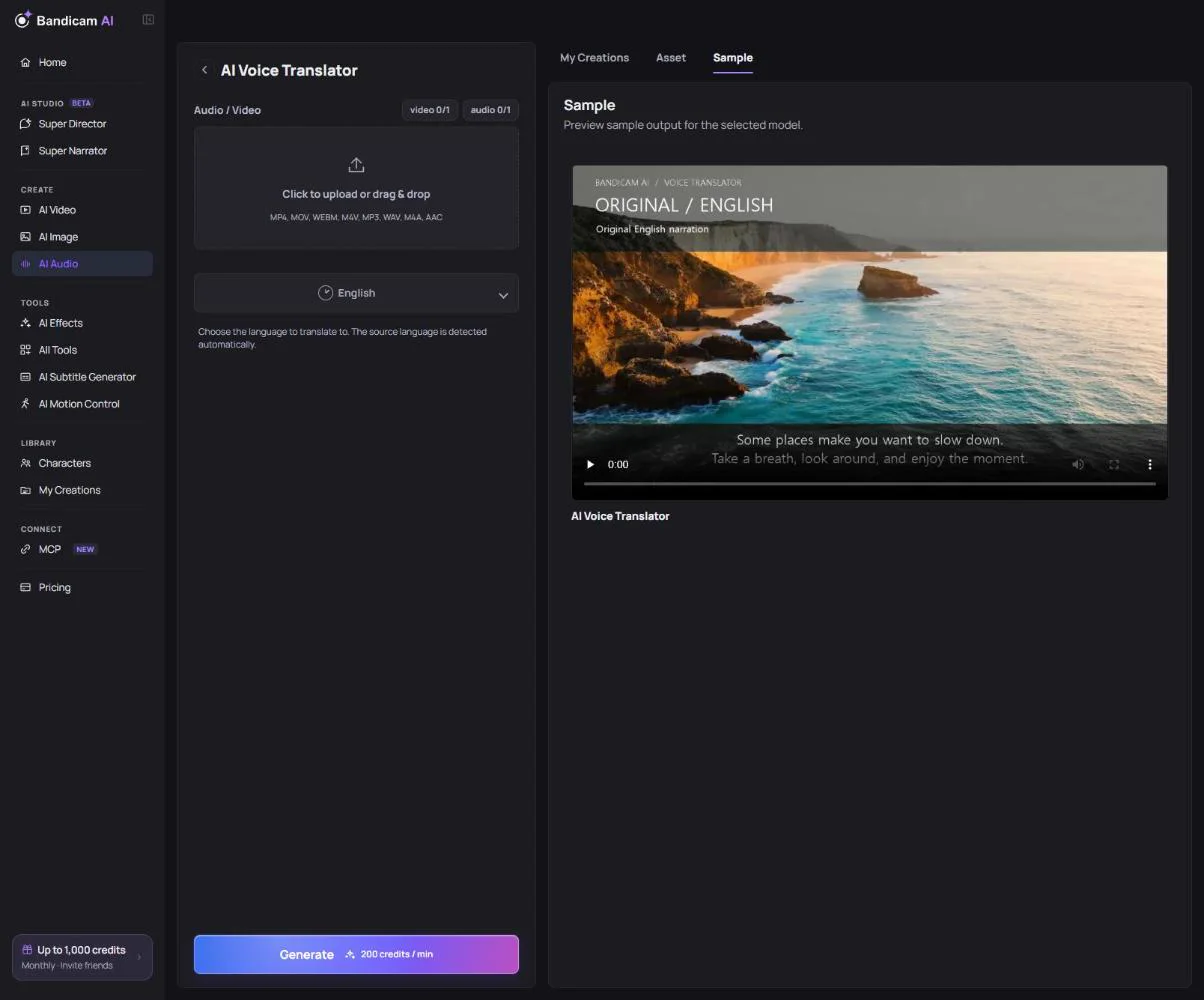
- Upload a file: MP3, WAV, M4A, AAC, MP4, MOV, WebM or M4V, up to 100 MB and 30 minutes.
- Choose the target language: English, Korean, Japanese, Chinese, Spanish, French, German, Italian, Portuguese, Hindi, Arabic, Russian, Turkish, Vietnamese, Indonesian or Thai.
- Press Generate. Longer files take longer; you can leave the page and find the result in My Creations.
What it costs
Charged per minute of the uploaded file. The price is shown once the file is added.
Tip: Clear speech with little background music gives the best dub. If you only need translated captions, the Subtitle Generator can translate subtitles instead.