
AI Background Remover
AI Background Remover separates the subject from the background and saves it as a PNG with a transparent background, ready for thumbnails, product shots and designs.
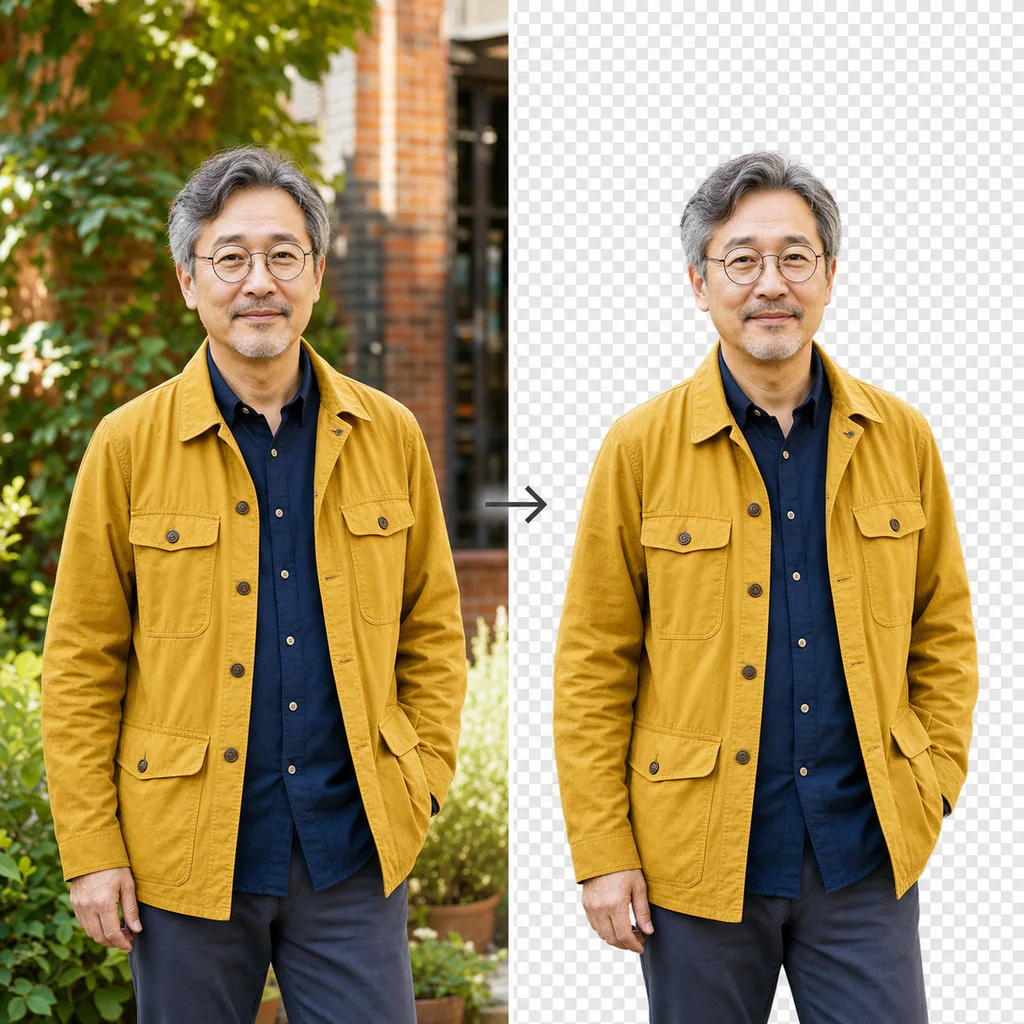
Remove a background
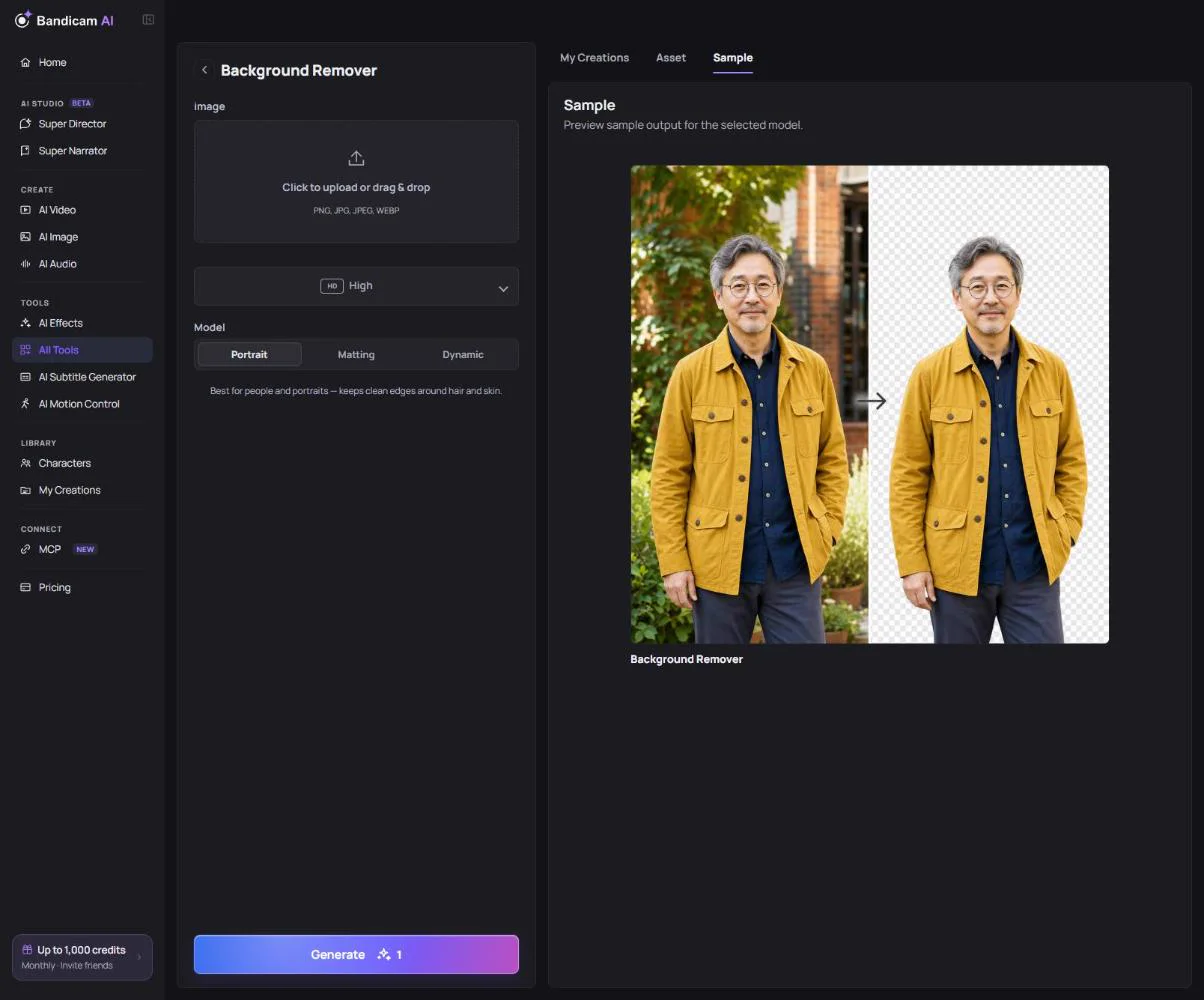
- Upload an image: JPG, PNG or WebP, up to 20 MB and 25 megapixels.
- Choose the model:
- Portrait — best for people (the default).
- Matting — for fine edges such as hair, fur or soft objects.
- Dynamic — general purpose for products, animals and scenes.
- Choose the quality: High (default) or Standard.
- Press Generate and download the transparent PNG.
What it costs
Charged per image. The price is on the button.