
AI Lip Sync
AI Lip Sync turns one portrait photo and one audio clip into a video in which the person speaks the audio, with matching mouth and head movement.
Make a talking video
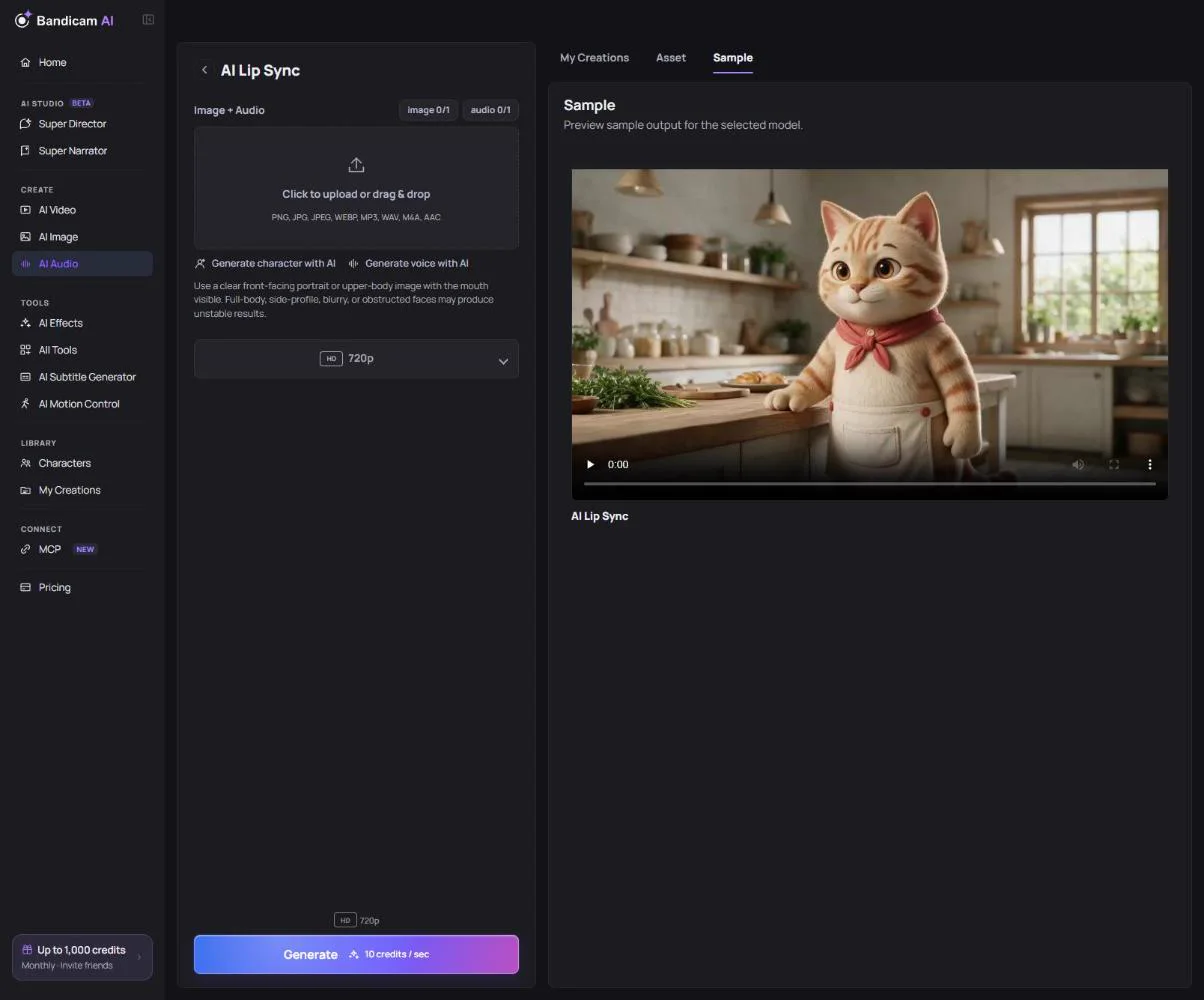
- Add a portrait: JPG, PNG or WebP, up to 20 MB. Use a clear, front-facing face or upper body with the mouth visible.
- Add the audio: MP3, WAV, M4A or AAC, up to 25 MB and 30 seconds. Make it with the Voice Generator if you don’t have a recording.
- Choose 720p or 1080p and press Generate.
Photos that work best
- One person, facing the camera, with the whole face in view.
- Avoid side profiles, full-body shots, blurry photos, or hands and objects in front of the mouth.
- Some photos of real people may be refused by the model’s safety filter. An AI-made portrait or a Character works reliably.
What it costs
Charged per second of audio; 1080p costs more than 720p. The video is saved to My Creations.
Only animate faces you have the right to use. Making someone appear to say things they didn’t say without consent isn’t allowed.