Pick a Color from the Screen
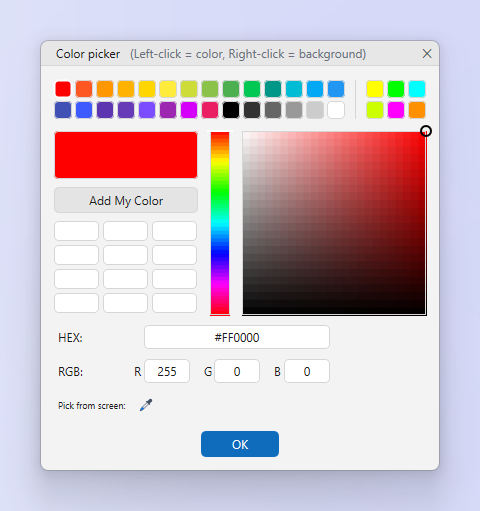
The Color Picker reads a pixel and shows its value in several notations. The Eyedropper tool does the same inside the editor.
How to
- Open the Color picker. From the Capture tab menu or the tray menu. Inside the editor use the Eyedropper tool.
- Point at the pixel. The magnifier shows the pixels around the pointer. Click to lock the value.
- Copy or use. Copy the value, or choose Use as drawing color or Use as background color.
Tips
- Left-click sets the drawing color, right-click the background color, the same as the palette.
- More colors… in the palette opens a full color dialog with the same notations.
Frequently asked questions
Which formats are shown?
HEX, RGB, HSL and HSV.