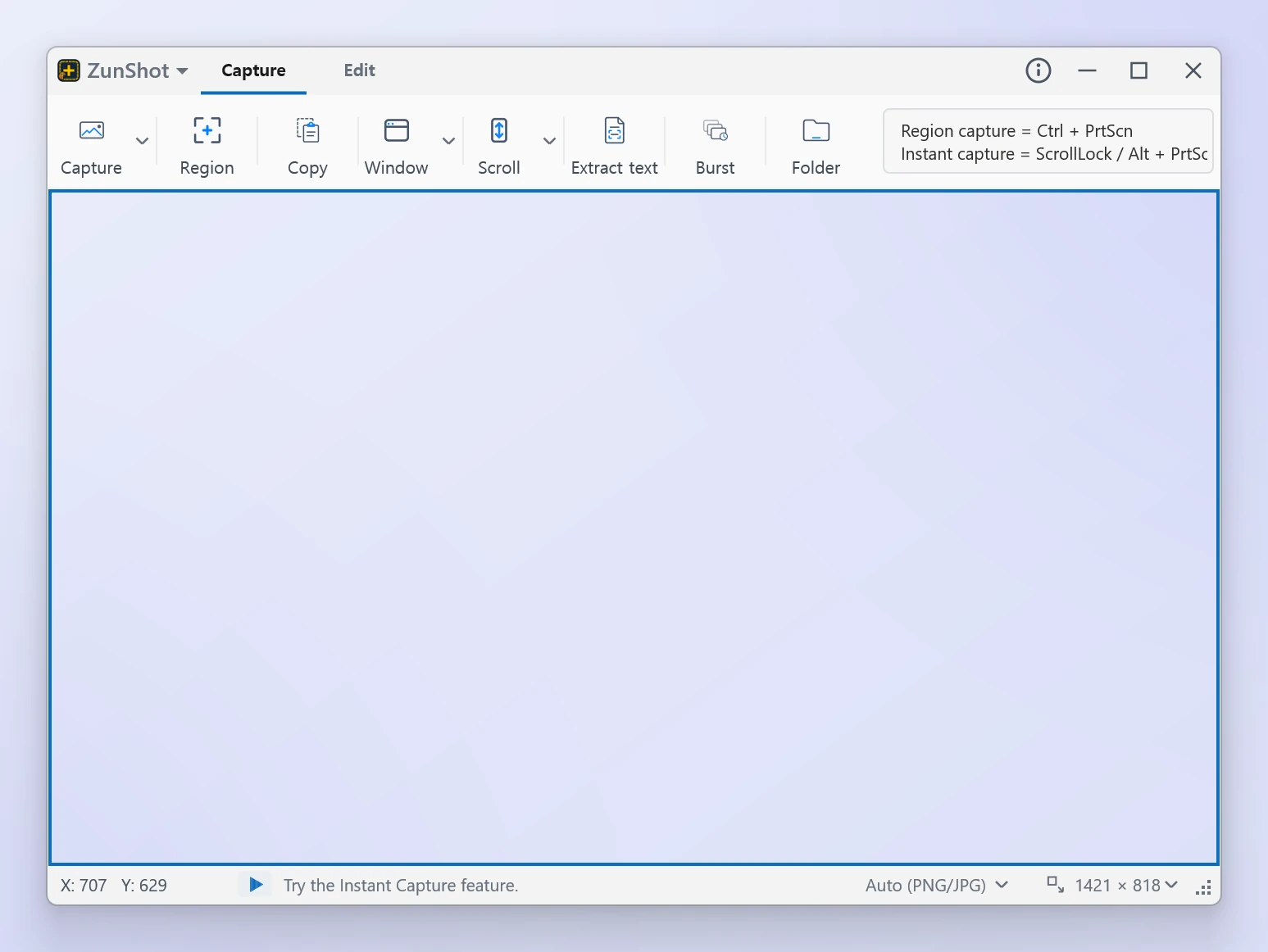
Mode 01
Capture Mode
Keep a resizable capture frame on screen and choose a region, window, monitor, scrolling page, web page or burst capture. Ideal when you need several screenshots with consistent settings.
Choose Capture mode, Edit mode, or Instant Capture to match the way you need to capture and explain your screen. Every feature has its own page in the menu.
Keep a resizable capture frame on screen and choose a region, window, monitor, scrolling page, web page or burst capture. Ideal when you need several screenshots with consistent settings.
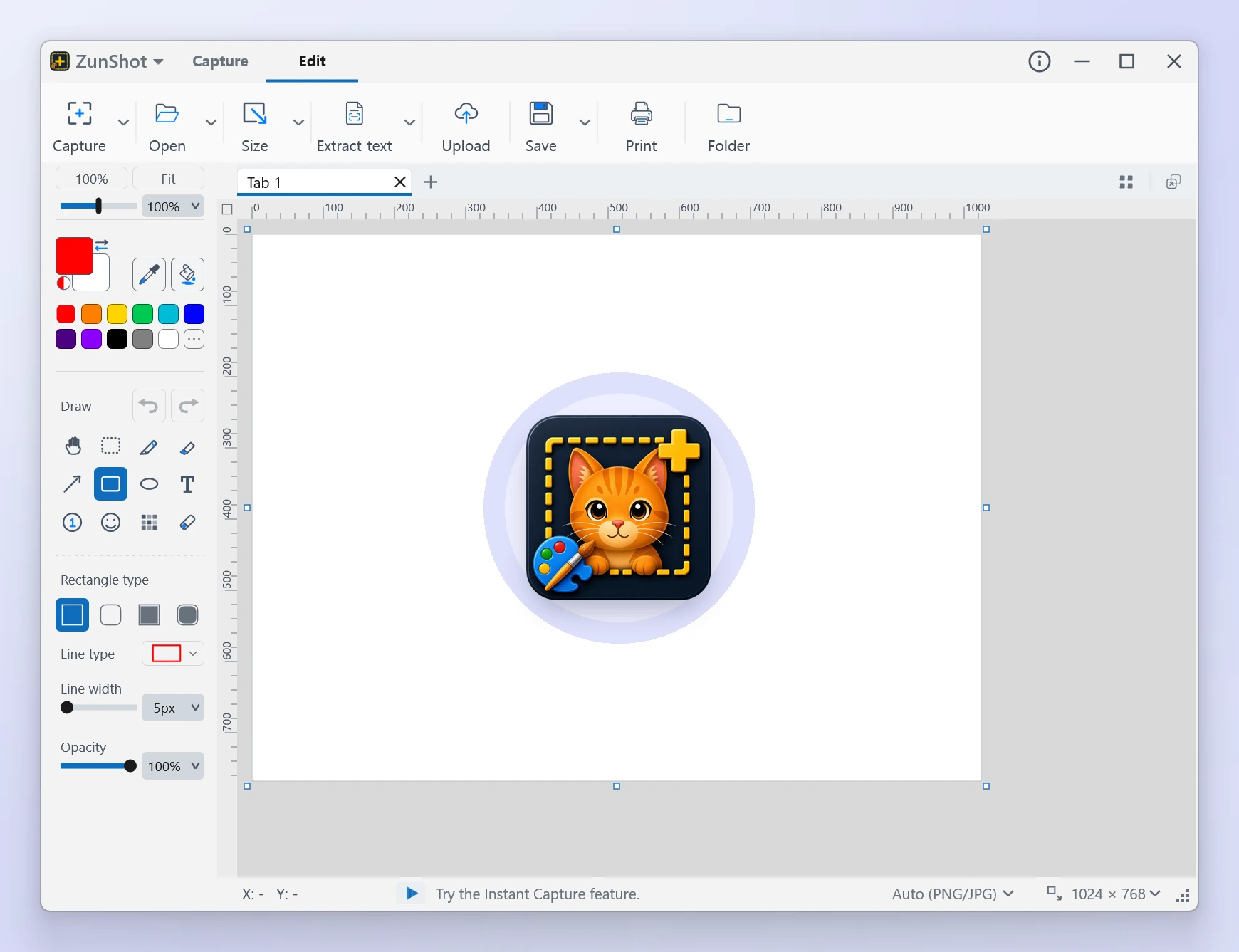
Open captures and image files as tabs, then crop, annotate, blur, extract text with OCR, print, upload or pin them to the screen.
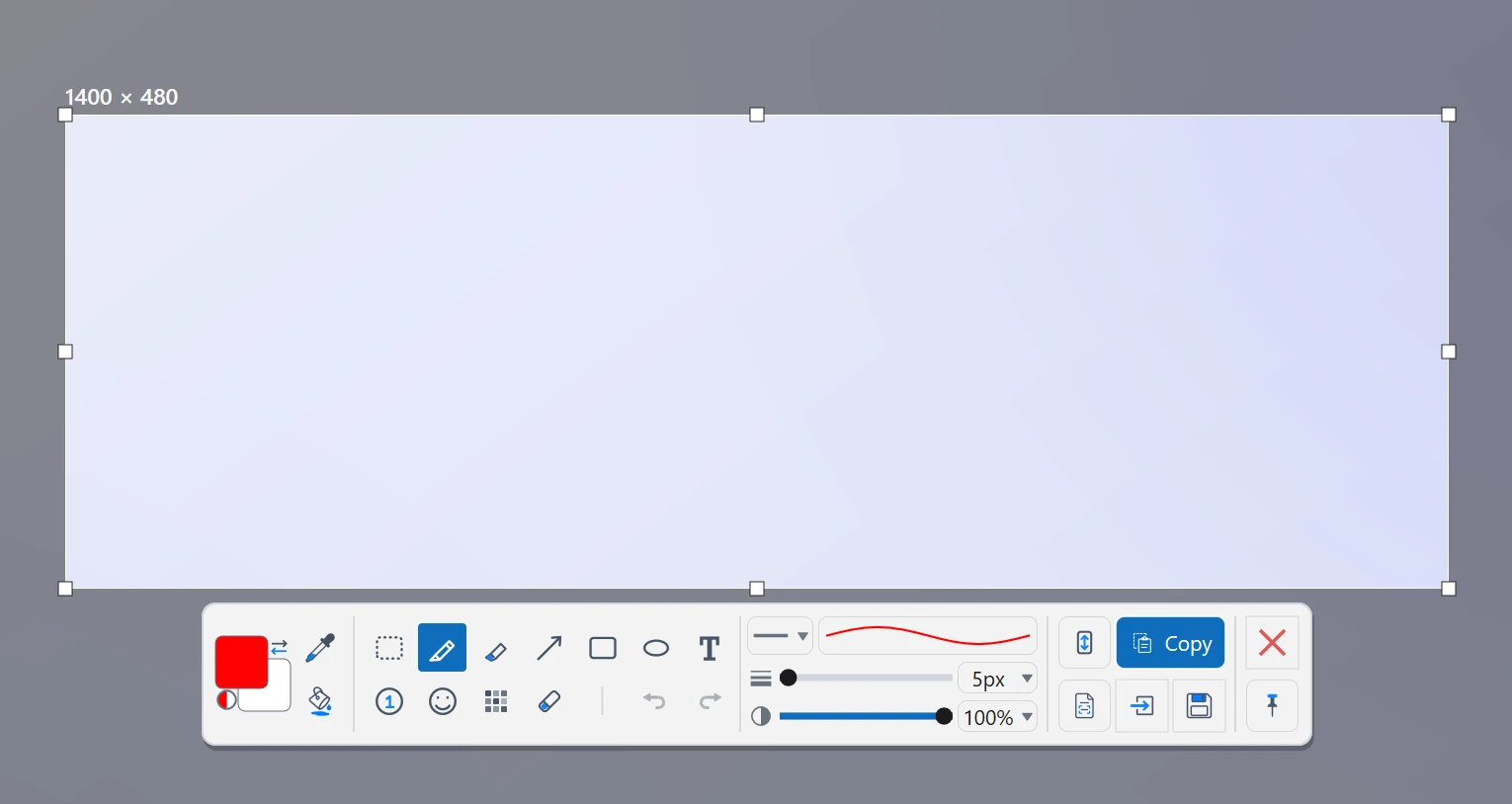
Press Scroll Lock or Alt+PrtScn to freeze the screen, select the exact area, and use the compact toolbar immediately.
Tell us what you were trying to capture, what happened, and which version of Windows you use.
← Back to the ZunShot product page