How do I update ZunShot?
The Microsoft Store version is updated by Windows. The setup-file version checks bandicam.com and offers the download inside the app.
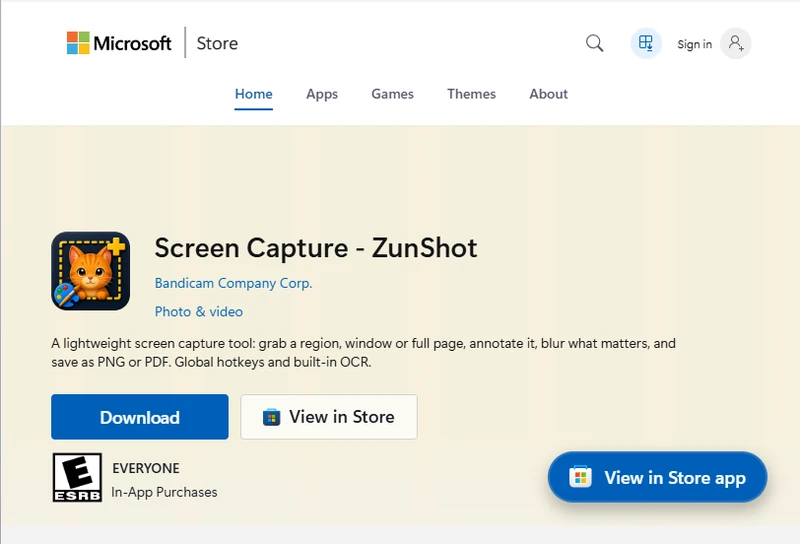
Microsoft Store version
Updates arrive automatically. To check now, open the Store app, choose Library, then Get updates. ZunShot does not download installers itself in this version.
Setup-file version
ZunShot checks for a new version at start-up and shows a notice. You can also click ⓘ > Check for updates. The installer upgrades in place and keeps your settings.
Which version do I have?
ⓘ > About shows the version number, for example 27.13.x. Windows Settings > Apps shows Microsoft Store as the source for the Store version.
Quick answers
- How do I update the Store version?
- Windows updates it automatically. Check manually in Microsoft Store > Library > Get updates.
- How do I update the setup-file version?
- Click ⓘ > Check for updates, or accept the notice shown at start-up.
Related FAQs
- [Black] My capture is black or empty
- [Hotkey] A hotkey does not work / no Scroll Lock / PrtScn opens Snipping Tool
- [Clipboard] Copy fails or the paste has a white background
- [Scrolling] Scrolling capture stops early or looks misaligned
- [OCR] Extract text returns wrong characters or nothing
- [Window] The ZunShot window disappeared
- [Uninstall] How do I uninstall ZunShot and remove its data?
- [Support] How do I contact ZunShot support?