Extract text returns the wrong characters or nothing
ZunShot uses the OCR engine built into Windows. Results depend on the installed recognition language and on the image quality.
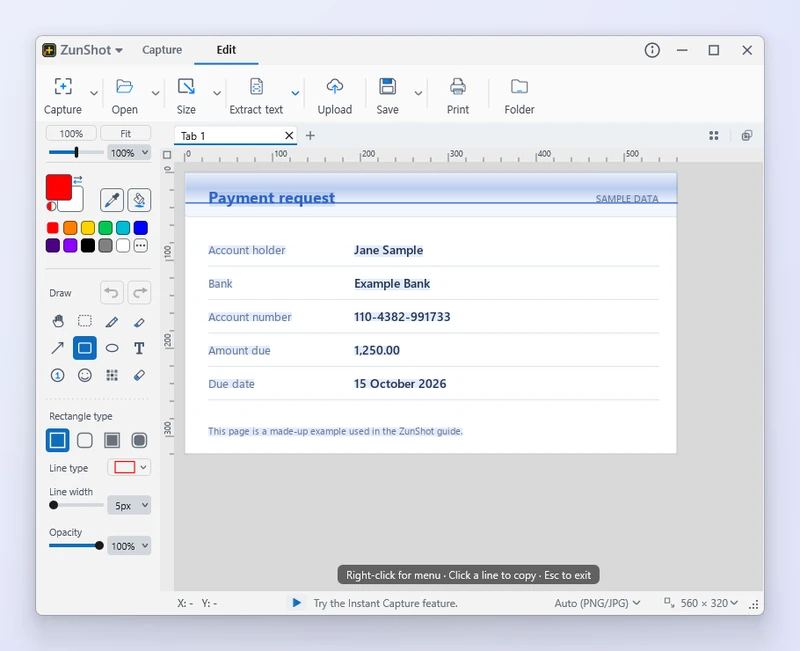
Garbage characters
The recognition language does not match the text. Choose the right language in the extract panel. If it is not listed, install it: Settings > Language > Install OCR languages….
The language is installed but OCR still fails
Windows registers the OCR engine only when the language's Basic typing feature is installed, not just the display language. Open Windows Settings > Time & language > Language, pick the language, and add Basic typing.
Nothing is recognized
- Zoom the capture so the text is at least about 20 pixels tall, then extract again.
- Crop away photos and icons around the text.
- Heavily compressed or stylized text may not be readable.
More in the guide: Extract Text (OCR).
Quick answers
- Why does OCR produce garbage?
- The selected language does not match the text. Choose or install the right Windows OCR language.
- Is my image uploaded for OCR?
- No. Recognition runs on your PC with the Windows OCR engine.
Related FAQs
- [Black] My capture is black or empty
- [Hotkey] A hotkey does not work / no Scroll Lock / PrtScn opens Snipping Tool
- [Clipboard] Copy fails or the paste has a white background
- [Scrolling] Scrolling capture stops early or looks misaligned
- [Window] The ZunShot window disappeared
- [Update] How do I update ZunShot?
- [Uninstall] How do I uninstall ZunShot and remove its data?
- [Support] How do I contact ZunShot support?