Copy to the clipboard fails, or the paste looks wrong
The clipboard is shared by every program. When another one is holding it, ZunShot cannot write to it.
Copy failed
- Clipboard managers, remote desktop sessions and some password managers hold the clipboard briefly. Wait a second and copy again.
- If it keeps failing, close the clipboard manager or end the remote session, then restart ZunShot.
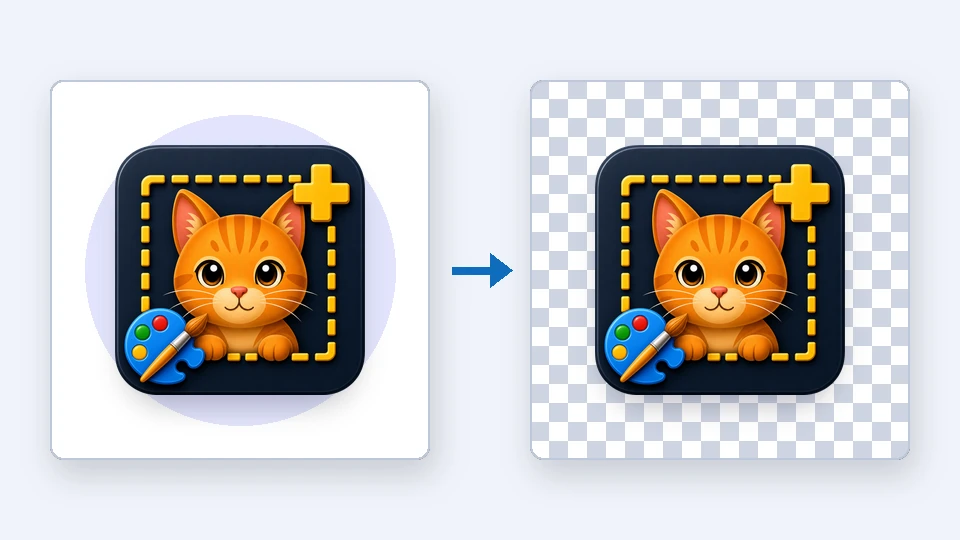
The pasted image has a white background instead of transparency
Many apps take the bitmap version of the clipboard, which has no transparency. Save as PNG and insert the file instead.
Nothing pastes into a specific app
Some apps accept only files, not images. Save the capture and drag the file into the app.
Quick answers
- Why does Copy fail in ZunShot?
- Another program is holding the clipboard. Retry, close clipboard managers or remote sessions, and restart ZunShot if needed.
- Why is the pasted screenshot's background white?
- The target app used the bitmap clipboard format, which has no transparency. Insert a saved PNG instead.
Related FAQs
- [Black] My capture is black or empty
- [Hotkey] A hotkey does not work / no Scroll Lock / PrtScn opens Snipping Tool
- [Scrolling] Scrolling capture stops early or looks misaligned
- [OCR] Extract text returns wrong characters or nothing
- [Window] The ZunShot window disappeared
- [Update] How do I update ZunShot?
- [Uninstall] How do I uninstall ZunShot and remove its data?
- [Support] How do I contact ZunShot support?