How do I cancel, renew or refund ZunShot Pro?
The subscription belongs to your Microsoft account, so cancellation, renewal and refunds are handled by Microsoft, not inside ZunShot.
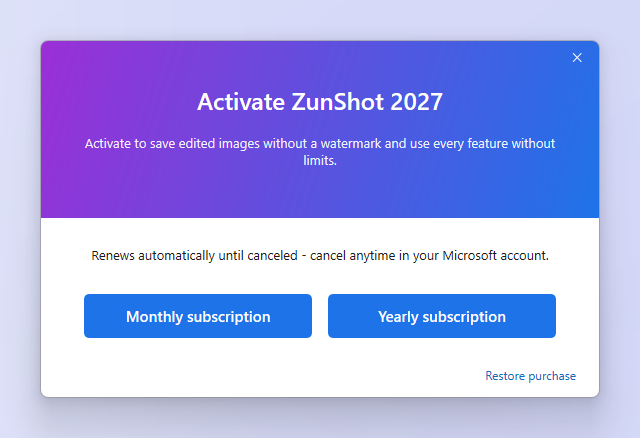
Cancel or change the plan
- Go to account.microsoft.com > Services & subscriptions.
- Find ZunShot Pro and choose Manage. You can turn off recurring billing or cancel.
- Pro stays active until the end of the paid period. After that ZunShot returns to the free version and edited images get the watermark again.
Refunds
Refund requests for Store purchases go through Microsoft order history. Microsoft decides according to its Store refund policy. ZunShot support cannot issue Store refunds directly.
Payment failed or the price changed
Update the payment method in your Microsoft account. ZunShot only checks whether the subscription is active.
Quick answers
- How do I cancel ZunShot Pro?
- In your Microsoft account under Services & subscriptions, choose Manage next to ZunShot Pro and cancel or turn off recurring billing.
- Can I get a refund?
- Request it in Microsoft order history. Microsoft handles Store refunds under its own policy.
- What happens after I cancel?
- Pro stays active until the paid period ends, then ZunShot returns to the free version.