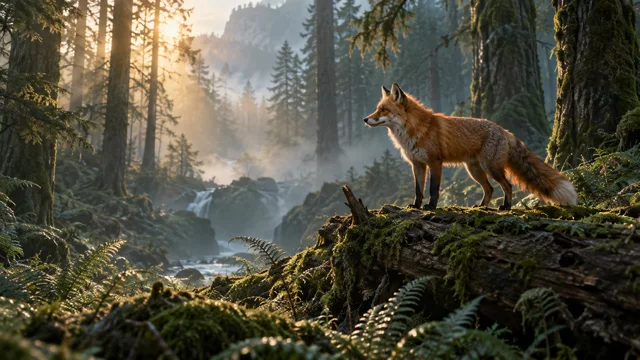
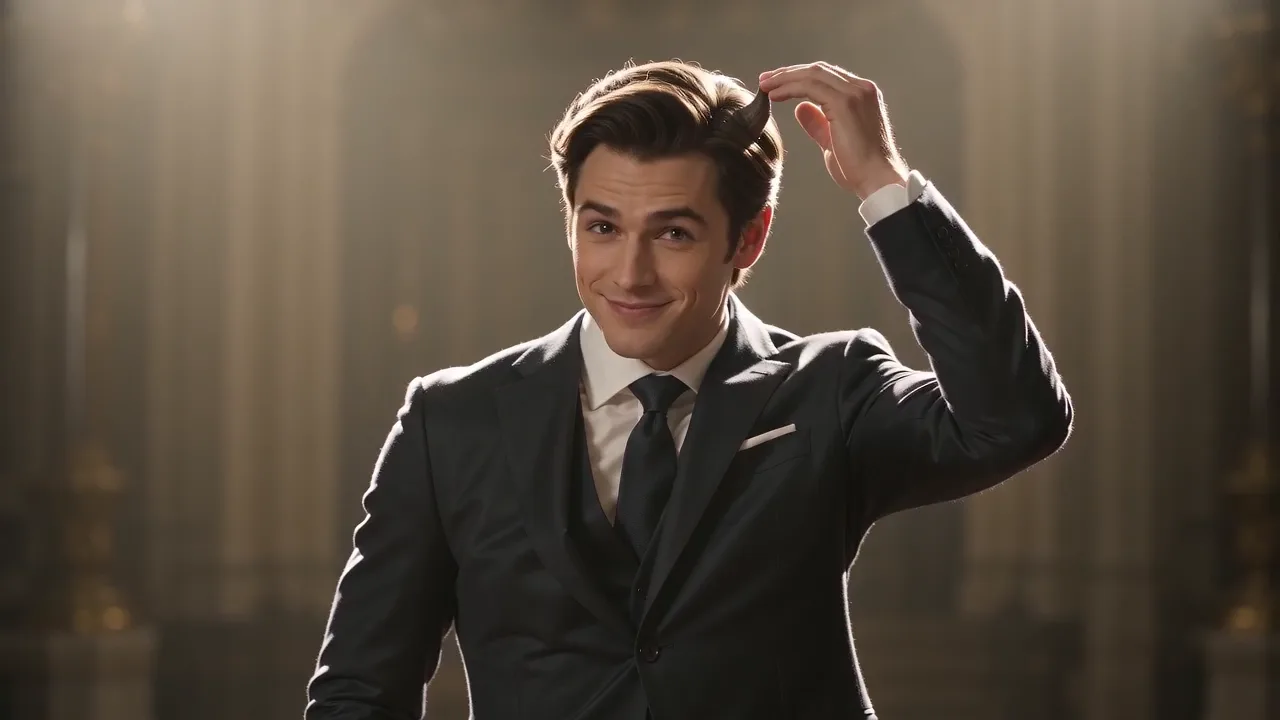
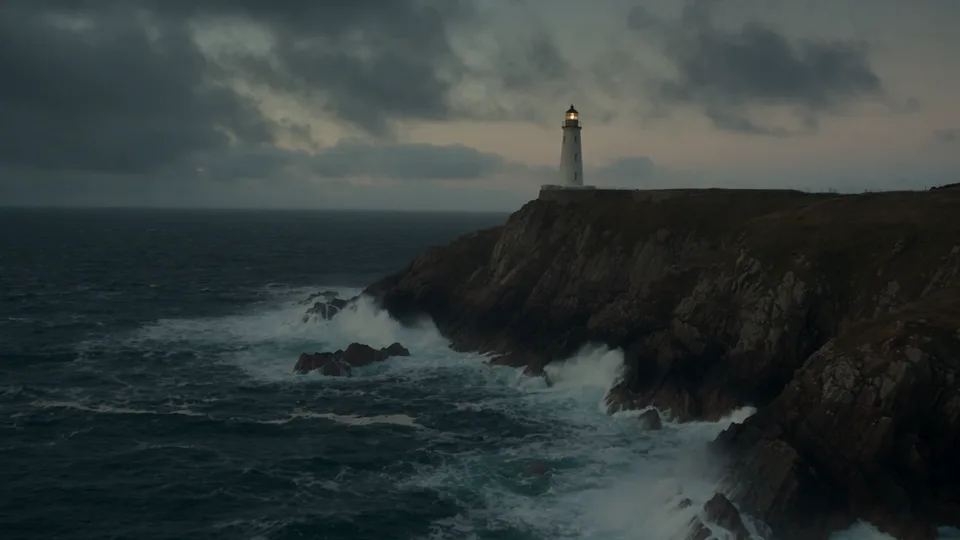
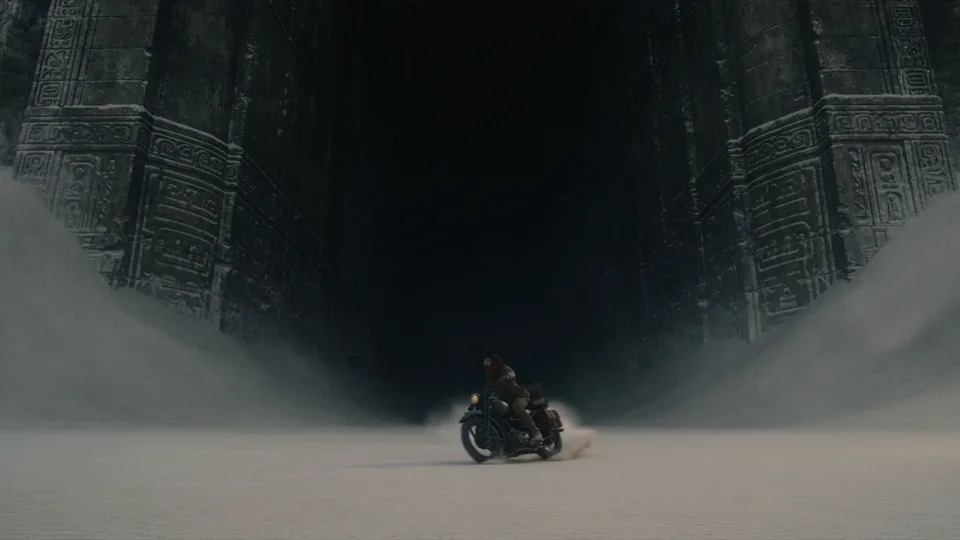
Intro video · Camera Movements for AI Video: 14 Types, Time Ranges and a 6-Part Prompt Formula (1 min 24 sec)
Camera Movements 14 types with AI video prompts
To show exactly how each camera movement differs, we generated 14 short clips of a hiker on a coastal trail, each built around one camera move. Every movement comes with its example video and the exact prompt we used. Copy a prompt, or click “Use this prompt” to generate it right away in Bandicam AI Studio.
The 10-second one-take that links a tracking shot, an orbit and a crane up was made with Seedance 2.5; the 14 single-movement examples were made with Wan 3.0. The intro video at the top was edited from these examples and a Bandicam screen recording.
Written and tested by Bandicam AI Team · Last updated · Every example video was made in Bandicam AI Studio
How to write a camera movement prompt
Spelling out what the camera actually does works better than writing the name of the move alone. The examples below come from the “Dolly in” prompt.
1
Movement name first
Start the prompt with the camera movement. Speed or direction, such as "slow" or "from left to right", can go right before the name.
Slow dolly in
2
Describe the motion
Say once more, in plain words, how the camera moves.
the camera moves steadily forward
3
First and last frame
Write where the shot starts and where it ends.
from a wide shot … ending in a close-up of the face
4
Keep the subject simple
When the point is the camera, keep the subject's own movement small.
a hiker in a yellow jacket standing on a grassy cliff-top trail
5
Speed
Say whether the move is slow or fast.
slow · steadily · fast · agile
6
Place, light and sound
The rest works like any other prompt.
above the sea at golden hour … Wind and distant surf
One move per 5 seconds
Put two or more moves into a 5-second video and none of them comes out clearly. To combine moves, make the video longer and split it into time ranges, as in the 10-second one-take example.
Lock the camera when you need to
If you say nothing about the camera, it may drift a little. Write that it is locked: "Static shot, the camera is locked off on a tripod and does not move".
A pan is not a tracking shot
In a pan the camera turns in place; in a tracking shot the camera travels with the subject. Make the difference explicit in the prompt: "rotates on a tripod" versus "moves sideways".
A zoom is not a dolly
A zoom only changes the lens; a dolly moves the camera closer. For a zoom, write "the camera stays in place and only the lens zooms".
From a short prompt to a full prompt
The short prompt most people start with and the full prompt behind one of the examples, side by side with the video each one made.
Short promptFull prompt
Writing only “a video where the camera moves forward” gave a misty forest path with the camera barely moving. For a real dolly in, write a full prompt like the one behind the “Full prompt” video, with the movement name, the motion, the first and last frame and the speed together.
We took one example from this page, changed a single part and generated it again. Everything else in the prompt, the model and the settings stayed the same. The highlighted words are what changed. When a result is not what you want, change one thing at a time like this.
Changing one phrase about the time of day changed the color and mood of the whole frame. The dolly in, the hiker and the cliff composition stayed the same.
Changed prompt · 251 characters
Slow dolly in, the camera moves steadily forward: from a wide shot toward a hiker in a yellow jacket standing on a grassy cliff-top trail above the sea at misty blue dawn, ending in a close-up of the face looking at the horizon. Wind and distant surf.
Model
Wan 3.0
Aspect ratio
16:9
Length
5 sec
Resolution
480p
Credits
48
November 19, 2026 · Wan 3.0 · first result, published as generated
the cliffs and sea behind stretch away→the deep rocky gorge behind stretches away
grassy cliff-top trail at golden hour→standing on a narrow rope bridge at golden hour
With only the place changed, the hiker stays in the center of the frame and the background became a gorge. In the second half, though, the hiker clearly grows larger, so it looks closer to a dolly in. Neither video fully achieves a dolly zoom, where the subject keeps the same size.
Changed prompt · 269 characters
Dolly zoom, vertigo effect: a hiker in a yellow jacket stays the same size in the center of the frame while the deep rocky gorge behind stretches away and the background perspective warps, standing on a narrow rope bridge at golden hour. Low tense drone sound and wind.
Model
Wan 3.0
Aspect ratio
16:9
Length
5 sec
Resolution
480p
Credits
48
November 19, 2026 · Wan 3.0 · first result, published as generated
Types of camera movements at a glance
Put the movement name at the start of the prompt and add one sentence about what the camera does. Click a movement to jump to its example video.
Moves back while zooming in, or the reverse, keeping the subject the same size while the background seems to rush in or stretch away.
Moments of shock, dread or sudden realization
Camera movements: 15 examples
Click a thumbnail to play the example video. Every prompt is shown exactly as it was used to make the video, so you can copy it or send it straight to Bandicam AI Studio.
The colors show which part of the prompt formula above each phrase belongs to.
1Movement name first
2Describe the motion
3First and last frame
4Keep the subject simple
5Speed
6Place, light and sound
CutTiming and cuts
01 · Three moves split into time ranges
One 10-second take: tracking shot, orbit and crane up
To use several moves in one video, give each its own time range. "No cuts" and "one continuous shot" keep the model from cutting between them.
Prompt · 524 characters
One continuous 10-second shot with three camera movements, no cuts.
0-3s: low tracking shot through tall grass alongside the boots of a hiker in a yellow jacket on a cliff-top trail at golden hour.
3-6s: the camera rises and orbits around the hiker as they stop at the cliff edge and look out at the sea.
6-10s: the camera cranes up and pulls back high into the air, revealing the whole coastline, the cliffs and the sun on the horizon.
Cinematic, warm light, lens flare. Sound: wind, distant surf and a soft swelling score.
Model
Seedance 2.5
Aspect ratio
16:9
Length
10 sec
Resolution
720p
Sound
On
Credits
740
November 16, 2026 · Seedance 2.5 · first result, published as generated
02 · The camera does not move; only the subject moves inside the frame.
Static shot
Use it for calm scenes or when the action should hold all the attention. Say clearly that the camera is "locked off on a tripod and does not move", or it may drift along with the subject.
Prompt · 279 characters
Static shot, the camera is locked off on a tripod and does not move: a hiker in a yellow jacket walks along a grassy cliff-top trail above the sea at golden hour, entering from the left and crossing the frame. Tall grass sways in the wind, waves far below. Wind and distant surf.
Model
Wan 3.0
Aspect ratio
16:9
Length
5 sec
Resolution
480p
Sound
On
Credits
48
November 16, 2026 · Wan 3.0 · first result, published as generated
03 · The camera turns left or right in place.
Pan
Use it to sweep across a wide landscape or to move the eye from one point to another. The prompt says where the pan starts (the open sea) and where it ends (the hiker).
Prompt · 238 characters
Slow pan from left to right, the camera rotates on a tripod: the shot starts on the open sea and sweeps along the cliffs until it finds a hiker in a yellow jacket standing on a grassy cliff-top trail at golden hour. Wind and distant surf.
Model
Wan 3.0
Aspect ratio
16:9
Length
5 sec
Resolution
480p
Sound
On
Credits
48
November 16, 2026 · Wan 3.0 · first result, published as generated
04 · The camera tilts upward in place, from low to high.
Tilt up
Use it to introduce a person or a building from bottom to top. The prompt names the first frame (the boots) and the last frame (the face and the sky).
Prompt · 205 characters
Slow tilt up: the camera starts on a pair of hiking boots on a grassy cliff-top trail and tilts up along a hiker in a yellow jacket to the face and the golden-hour sky above the sea. Wind and distant surf.
Model
Wan 3.0
Aspect ratio
16:9
Length
5 sec
Resolution
480p
Sound
On
Credits
48
November 16, 2026 · Wan 3.0 · first result, published as generated
05 · The camera moves forward toward the subject.
Dolly in (push in)
Use it to focus on a character's emotion or to build tension. The prompt says it starts on a wide shot and ends on a close-up.
Prompt · 247 characters
Slow dolly in, the camera moves steadily forward: from a wide shot toward a hiker in a yellow jacket standing on a grassy cliff-top trail above the sea at golden hour, ending in a close-up of the face looking at the horizon. Wind and distant surf.
Model
Wan 3.0
Aspect ratio
16:9
Length
5 sec
Resolution
480p
Sound
On
Credits
48
November 16, 2026 · Wan 3.0 · first result, published as generated
06 · The camera moves backward away from the subject.
Dolly out (pull back)
Use it to reveal where the character is, opening or closing a scene. The prompt starts on a close-up and lists what comes into view as the camera pulls back.
Prompt · 226 characters
Slow dolly out, the camera moves steadily backward: starting on a close-up of a hiker in a yellow jacket and pulling back to reveal the grassy cliff-top trail, the huge cliffs and the sea at golden hour. Wind and distant surf.
Model
Wan 3.0
Aspect ratio
16:9
Length
5 sec
Resolution
480p
Sound
On
Credits
48
November 16, 2026 · Wan 3.0 · first result, published as generated
07 · The camera travels beside a moving subject at the same speed.
Tracking shot
A tracking shot follows someone who walks, runs or rides by moving the camera itself alongside them. The hiker stays in the center of the frame in profile while the grass in the foreground slides past, which is what makes it feel like travel. That is the key difference from a pan, where the camera only turns on the spot. In the prompt, say both the direction ("side tracking shot", "moves sideways") and the speed ("at the same speed as the subject"), and put something in the foreground, like grass, so the movement reads clearly.
Prompt · 284 characters
Side tracking shot, the camera moves sideways at the same speed as the subject: a hiker in a yellow jacket walks along a grassy cliff-top trail above the sea at golden hour, kept in the center of the frame in profile, grass passing in the foreground. Footsteps, wind and distant surf.
Model
Wan 3.0
Aspect ratio
16:9
Length
5 sec
Resolution
480p
Sound
On
Credits
48
November 16, 2026 · Wan 3.0 · first result, published as generated
08 · The camera follows the subject from behind.
Follow shot
Use it to let viewers look where the character is heading. The prompt sets the camera height (shoulder height) and says the hiker walks away from the camera.
Prompt · 235 characters
Follow shot from behind, the camera follows at shoulder height: a hiker in a yellow jacket with a backpack walks away from the camera along a narrow grassy cliff-top trail above the sea at golden hour. Footsteps, wind and distant surf.
Model
Wan 3.0
Aspect ratio
16:9
Length
5 sec
Resolution
480p
Sound
On
Credits
48
November 16, 2026 · Wan 3.0 · first result, published as generated
09 · The camera circles around the subject.
Orbit shot
Use it to show a person or a product from several angles. The prompt gives the angle (180 degrees) and has the subject stand still.
Prompt · 221 characters
Orbit shot, the camera circles 180 degrees around the subject: a hiker in a yellow jacket stands still at the edge of a grassy cliff above the sea at golden hour while the background rotates behind. Wind and distant surf.
Model
Wan 3.0
Aspect ratio
16:9
Length
5 sec
Resolution
480p
Sound
On
Credits
48
November 16, 2026 · Wan 3.0 · first result, published as generated
10 · The camera rises straight up.
Crane up (crane shot)
Use it to end a scene by revealing the whole place from above. The prompt gives the starting height (ground level) and what comes into view as the camera rises.
Prompt · 230 characters
Crane shot rising straight up: the camera starts at ground level in the grass behind a hiker in a yellow jacket and lifts high above to reveal the cliff-top trail, the cliffs and the wide sea at golden hour. Wind and distant surf.
Model
Wan 3.0
Aspect ratio
16:9
Length
5 sec
Resolution
480p
Sound
On
Credits
48
November 16, 2026 · Wan 3.0 · first result, published as generated
11 · The camera flies forward high above, looking down.
Aerial drone shot
Use it as an establishing shot of the whole location. Describing the hiker as "tiny" and "far below" tells the model how high the camera is.
Prompt · 202 characters
High aerial drone shot flying forward over the coastline: far below, a tiny hiker in a yellow jacket walks along a grassy cliff-top trail above the sea at golden hour, waves breaking on the rocks. Wind.
Model
Wan 3.0
Aspect ratio
16:9
Length
5 sec
Resolution
480p
Sound
On
Credits
48
November 16, 2026 · Wan 3.0 · first result, published as generated
12 · The camera dives and climbs fast, as if riding a small drone.
FPV drone shot
Use it when a scene needs speed. The prompt lays out the flight path in order: dive, skim the waves, climb back up and rush past the hiker.
Prompt · 212 characters
FPV drone shot, fast and agile: the camera dives down a cliff face, skims over the waves, then climbs back up and rushes past a hiker in a yellow jacket on the grassy cliff-top trail at golden hour. Rushing wind.
Model
Wan 3.0
Aspect ratio
16:9
Length
5 sec
Resolution
480p
Sound
On
Credits
48
November 16, 2026 · Wan 3.0 · first result, published as generated
13 · The frame shakes slightly, like a camera held in the hand.
Handheld
Use it for documentary or vlog-style realism. The prompt sets both how much it shakes ("slightly") and the style ("documentary").
Prompt · 248 characters
Handheld camera, slightly shaky documentary style: close behind and beside a hiker in a yellow jacket walking fast along a grassy cliff-top trail above the sea at golden hour, natural camera shake and small reframing. Breathing, footsteps and wind.
Model
Wan 3.0
Aspect ratio
16:9
Length
5 sec
Resolution
480p
Sound
On
Credits
48
November 16, 2026 · Wan 3.0 · first result, published as generated
14 · The camera stays in place while the lens zooms in fast.
Crash zoom (fast zoom in)
Use it to suddenly single out something far away. "The camera stays in place and only the lens zooms" keeps it from turning into a dolly in.
Prompt · 245 characters
Fast zoom in, the camera stays in place and only the lens zooms: from an extreme wide shot of the cliffs and sea at golden hour, a quick crash zoom lands on a hiker in a yellow jacket standing on the distant cliff-top trail. A whoosh, then wind.
Model
Wan 3.0
Aspect ratio
16:9
Length
5 sec
Resolution
480p
Sound
On
Credits
48
November 16, 2026 · Wan 3.0 · first result, published as generated
15 · The camera and the zoom move in opposite directions: the subject keeps its size while the background perspective shifts.
Dolly zoom (vertigo effect)
A dolly zoom combines two opposite moves: the camera travels away from the subject while the lens zooms in at the same rate, or the reverse. The subject stays the same size in the frame, but the background seems to stretch away or rush in, so the space feels unstable. Filmmakers use it for shock, dread, vertigo or a sudden realization. Video models rarely get the exact optics right from the name alone, so the prompt also describes the result: the hiker "stays the same size in the center of the frame while the cliffs and sea behind stretch away and the background perspective warps". A large distance between the subject and the background generally makes the effect easier to see. In the first half of this clip, the hiker stays roughly the same size while the cliffs behind appear to rush in, approximating a dolly zoom. This is the opposite of the "stretch away" requested in the prompt. In the second half, the hiker clearly grows, so the effect is not maintained throughout.
Prompt · 255 characters
Dolly zoom, vertigo effect: a hiker in a yellow jacket stays the same size in the center of the frame while the cliffs and sea behind stretch away and the background perspective warps, grassy cliff-top trail at golden hour. Low tense drone sound and wind.
Model
Wan 3.0
Aspect ratio
16:9
Length
5 sec
Resolution
480p
Sound
On
Credits
48
November 16, 2026 · Wan 3.0 · first result, published as generated
Model and settings for each prompt
The values we chose when we made each example video. Credits show the charge for one generation of that video, or a quoted price where a note below the table says so.
Problems we ran into while making the examples on this page, with fixes from our tests and the model makers' official guides. The last column gives the source.
Problem
Fix
Source
The camera does a different move than I wrote
Put the movement name at the very start of the prompt and right after it describe how the camera actually moves. Example: Slow dolly in, the camera moves steadily forward.
Examples on this page
I can't tell a zoom in from a dolly in
For a zoom write "the camera stays in place and only the lens zooms"; for a dolly write "the camera moves forward". Compare the two examples side by side.
Examples on this page
Unwanted cuts appear
Write "no cuts" and "one continuous shot". To link several moves, make the video 10 seconds or longer and split it into time ranges.
Examples on this page · Runway official guide
The orbit spins too far or looks awkward
State the angle. The official Wan guide recommends keeping the arc under 45 degrees, since wider orbits risk spatial distortion; the orbit example on this page asked for 180 degrees.
Wan official guide · Examples on this page
The image shakes or blurs
State the speed, such as "slow" or "steadily", and keep the subject simple, with one person.
Examples on this page
How to make an AI video with a camera movement prompt
01
Pick a movement
Watch the example videos and choose the move that suits your scene. Click “Use this prompt” and Bandicam AI Studio opens with the prompt filled in.
02
Swap the subject and place
In AI Studio, keep the opening part that describes the camera move and replace only the hiker and the cliff-top trail with your own scene.
03
Generate and check
Choose the model and length in AI Studio and generate. If the move comes out weak, generate again or add one more sentence describing the motion.
Try it yourself
The prompt from the “One 10-second take: tracking shot, orbit and crane up” example is already filled in. Edit it or write your own, then click “Generate video” to continue in Bandicam AI Studio.
Camera movements: frequently asked questions
What are the main types of camera movements?
The basic camera movements are the static shot, pan, tilt, dolly in and out, tracking shot, follow shot, orbit, crane, aerial drone shot, FPV drone shot, handheld, zoom (including the crash zoom) and the dolly zoom. This page shows all 14 on the same scene so you can compare them.
What is a dolly zoom?
A dolly zoom, also called the vertigo effect, moves the camera and zooms the lens in opposite directions at the same time. The subject stays about the same size in the frame while the background perspective changes: pull the camera back while zooming in and the background seems to rush in; push in while zooming out and it seems to stretch away. It is used for moments of shock, dread or sudden realization.
What is a tracking shot?
In a tracking shot the camera travels alongside a moving subject at the same speed, usually from the side. Because the camera itself moves, the foreground and background slide past while the subject stays in the same place in the frame. That is the difference from a pan, where the camera only turns.
How do I keep the camera still in an AI video?
Start the prompt with "Static shot, the camera is locked off on a tripod and does not move". The static shot example on this page was made with exactly that wording. Then describe separately what moves inside the frame.
What is the difference between a pan and a tilt?
In both, the camera turns in place. A pan turns left and right; a tilt turns up and down.
What is the difference between a dolly in and a zoom in?
In a dolly in the camera moves forward, so the perspective of the background changes too. In a zoom in the camera stays put and only the lens magnifies the image. Compare the dolly in and crash zoom examples on this page.
Can I use several camera movements in one AI video?
Yes. The 10-second one-take example on this page splits 10 seconds into three time ranges and runs three moves in a row. For a 5-second video we recommend a single move.
Which model did you use and how many credits did it take?
The single-movement examples were made with Wan 3.0 at 480p and 5 seconds, 48 credits each. The 10-second one-take was made with Seedance 2.5 at 720p and 10 seconds for 740 credits. These are November 2026 values; check the credits shown in AI Studio before you generate.
Can I add a camera movement to a video made from a photo?
Yes. Choose “Image to video” in the prompt box and describe the camera movement along with how the photo should move.
A New Year's Eve countdown and ball drop, fireworks that spell 2027, a midnight toast and resolution ideas. Vertical videos for Reels, TikTok and Stories.
A rooftop band video, a 15-second synthwave shot list, a singing shot, a singer photo lip-synced to a song, and lofi, lyric video and visualizer backgrounds.