Seedance 2.5 prompts & price
Seedance 2.5 prompts with the credit cost of each video: multi-shot, dialogue, 3D animation, FPV drone and product shots.
See promptsWe made every video on these pages ourselves and publish the exact prompt, model and settings behind each one, sorted by topic. Copy a prompt you like, or click “Use this prompt” to generate it right away in Bandicam AI Studio.
Pick a topic to see the example videos, prompts, models, settings and steps on one page.
Seedance 2.5 prompts with the credit cost of each video: multi-shot, dialogue, 3D animation, FPV drone and product shots.
See promptsStatic shot, pan, dolly, tracking shot, orbit, drone and dolly zoom, each shown in an AI video with its prompt.
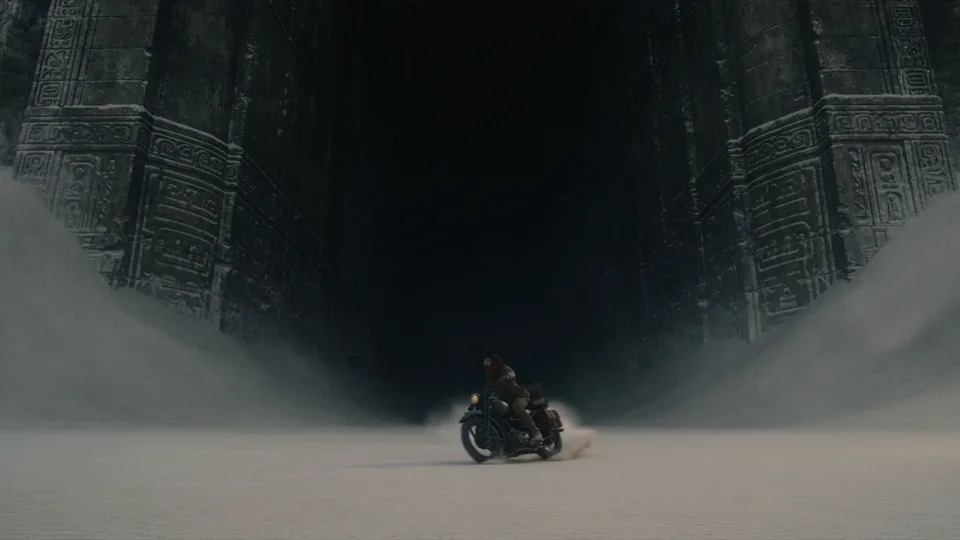
See prompts15-second shot lists for a movie trailer, film noir, sci-fi and a dialogue scene, plus lighting, lens and film-texture examples.
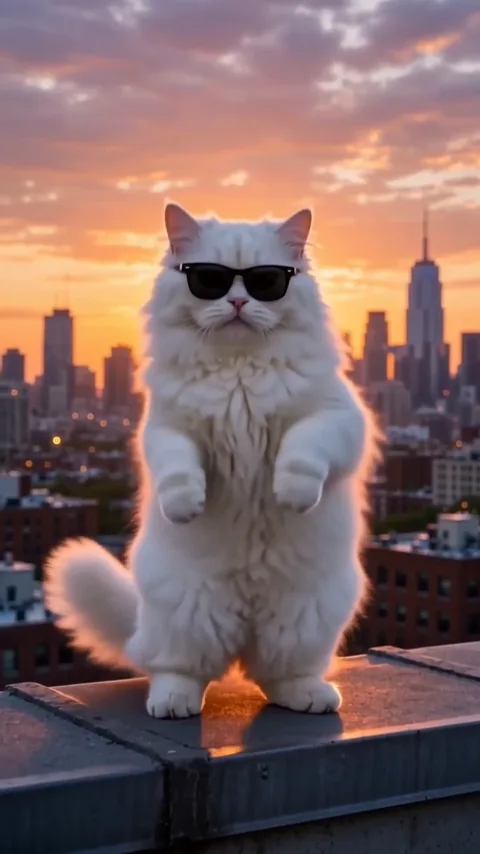
See promptsA hip-hop cat, a dancing corgi, a cat chef, a talking puppy and a dog photo brought to life. Vertical videos for Reels and TikTok.
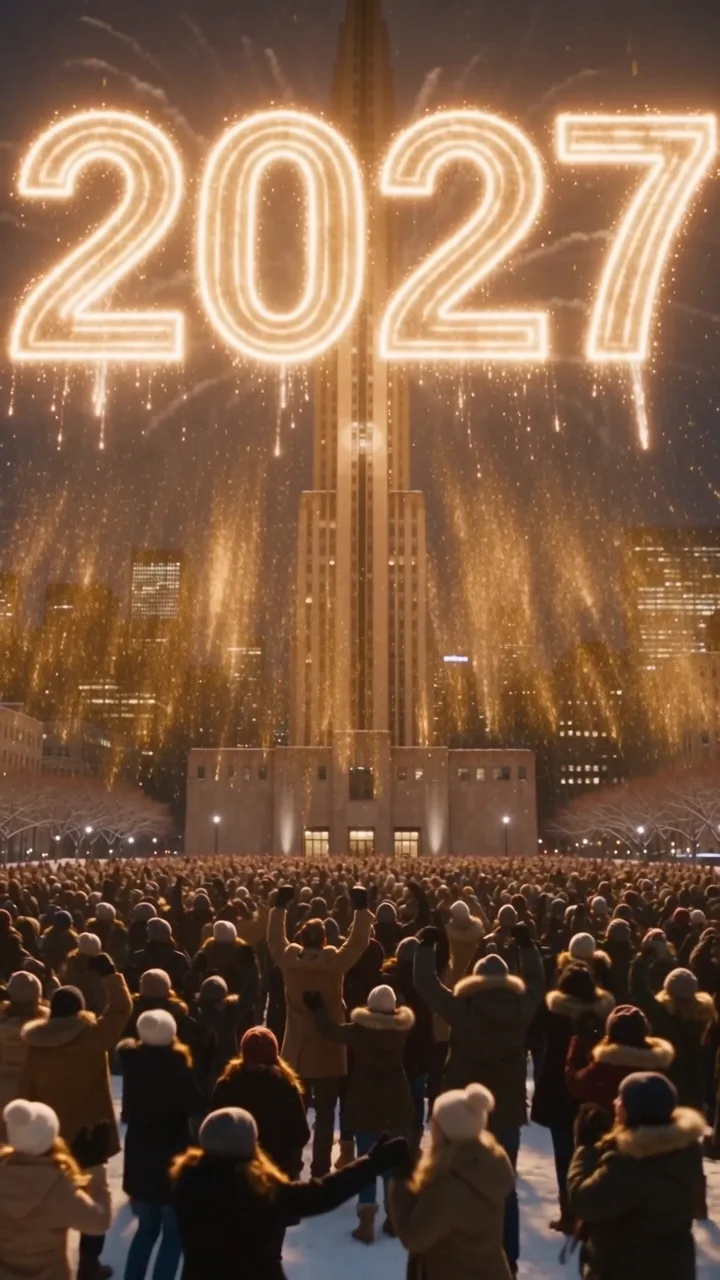
See promptsA New Year's Eve countdown and ball drop, fireworks that spell 2027, a midnight toast and resolution ideas. Vertical videos for Reels, TikTok and Stories.
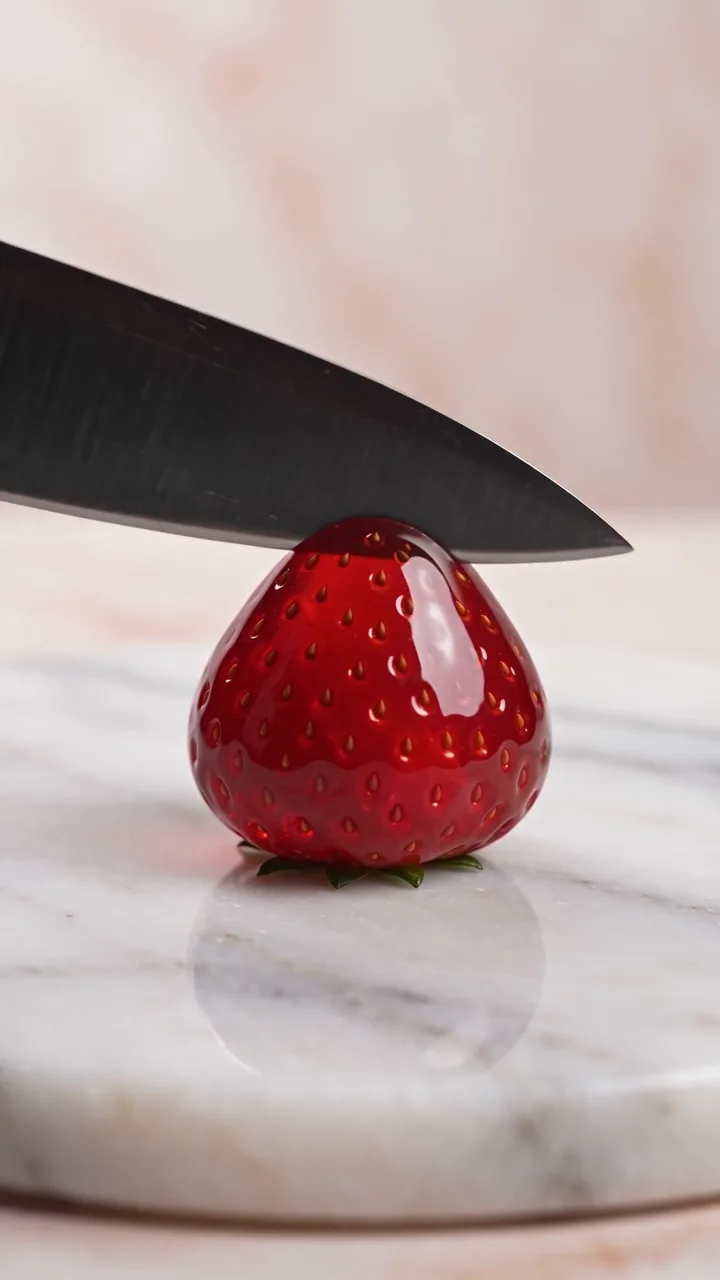
See promptsGlass fruit cutting, soap carving, keyboard typing and soda over ice: prompts that create the sound along with the video.
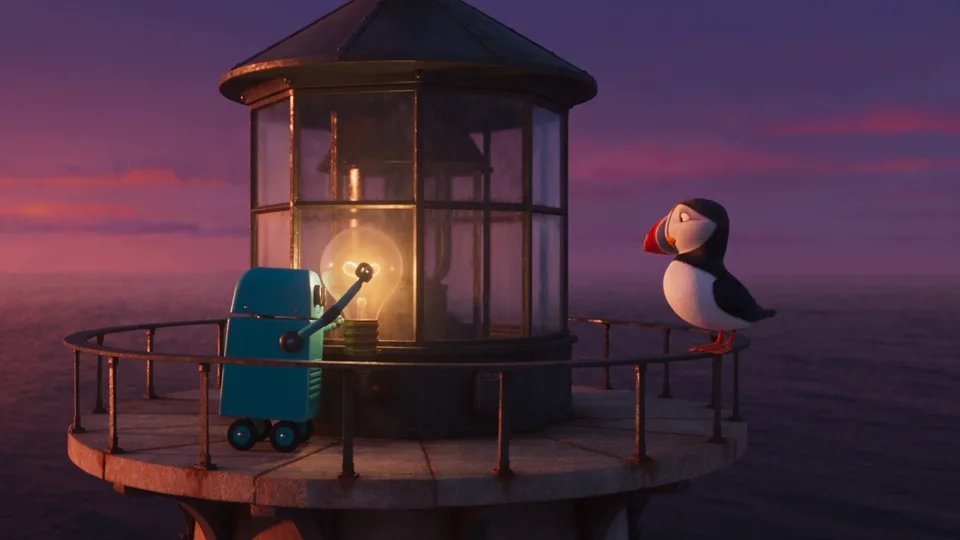
See prompts3D and 2D cartoon, hand-drawn anime, claymation, pixel art and storybook examples, plus turning a drawing into an animation.
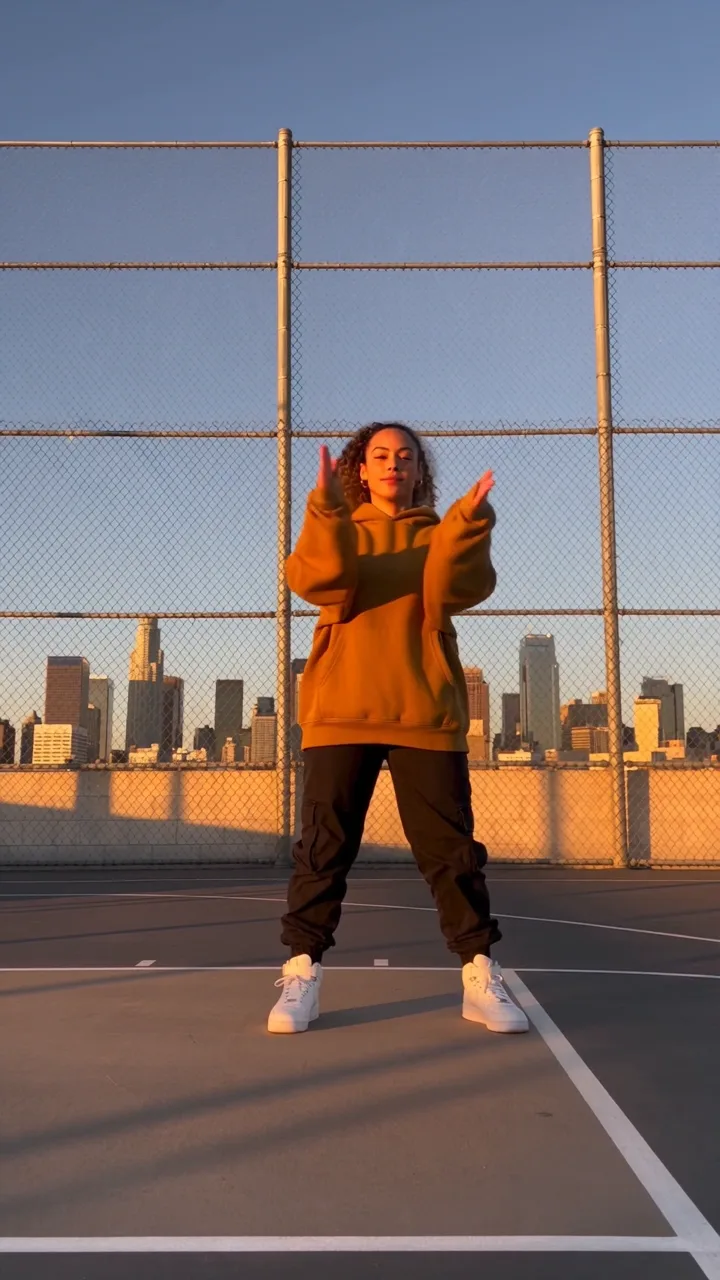
See promptsA sunset court routine, a 15-second crew shot list, 3D and anime dancers, tap-dancing penguins, a photo that dances and AI Motion Control.
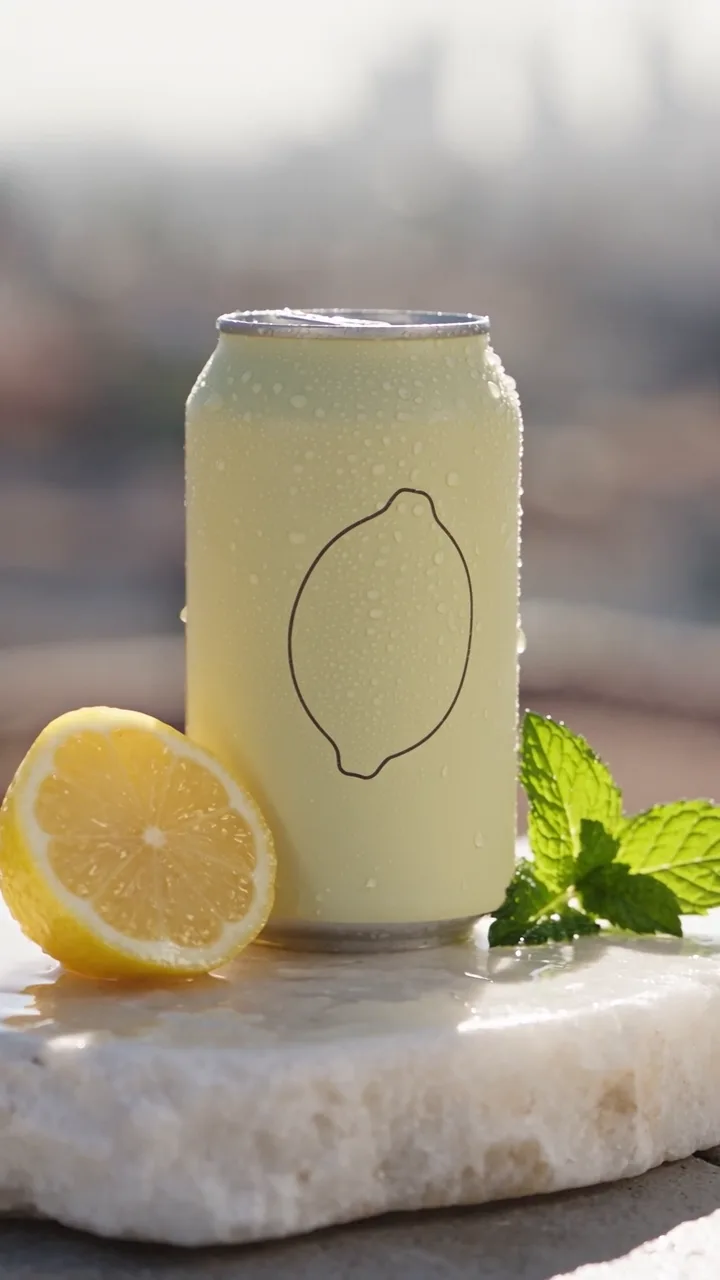
See promptsA 10-second drink commercial, a 15-second ad shot list, a turntable product shot, food, perfume, unboxing and UGC-style ads.
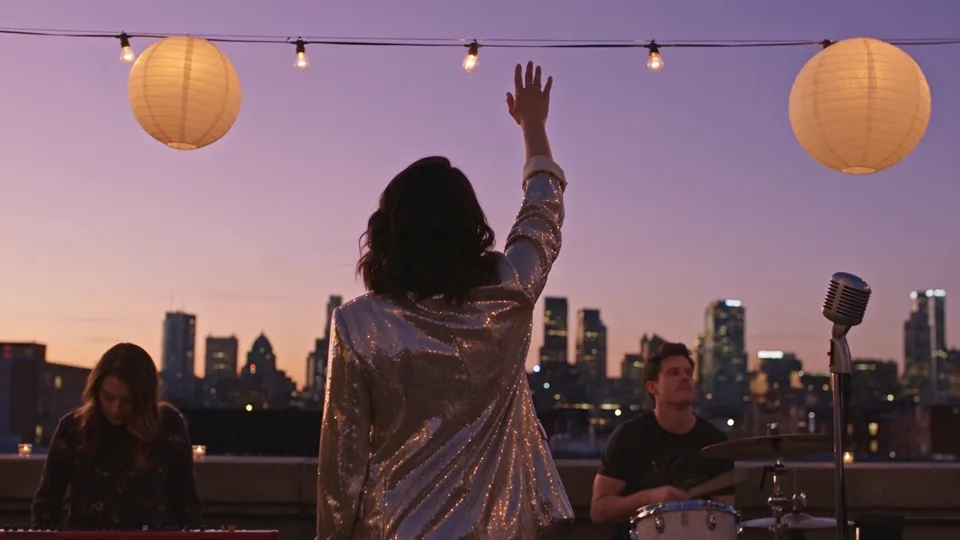
See promptsA rooftop band video, a 15-second synthwave shot list, a singing shot, a singer photo lip-synced to a song, and lofi, lyric video and visualizer backgrounds.
See promptsWrite these six parts in order so nothing important is left out. You do not have to use all six.
Say who or what is in the video in one phrase.
a courier on a red bicycleFor a 5-second video, write one or two main actions in the order they happen.
races throughWhere it is, when it is and what the weather is like.
a narrow wet cobblestone market streetOne shot size and one camera move.
The camera dollies alongsideLight, color, texture and art style.
Detailed fabric and stone textures, cinematic lightingIf the model makes sound, list what should be heard.
sounds of rain, bicycle bell and market chatterWe read the official prompt guides for Google Veo, OpenAI Sora, Runway, Kling, MiniMax Hailuo, Seedance and Wan, and combined their advice into our own checklist. The guides don't all agree on order, so adapt it to the model and the scene: for a 5-second video, use only the parts you need; for videos of 10 seconds or longer, add timed shots.
| Part | What to write | Example | |
|---|---|---|---|
| 01 | Style line | Put the genre, art style and overall mood in one line at the very start. | 3D animated style, warm and festive mood |
| 02 | Photo reference | Only when you start from a photo. Do not describe the photo again; say only what should move. | The dog in the photo tilts its head |
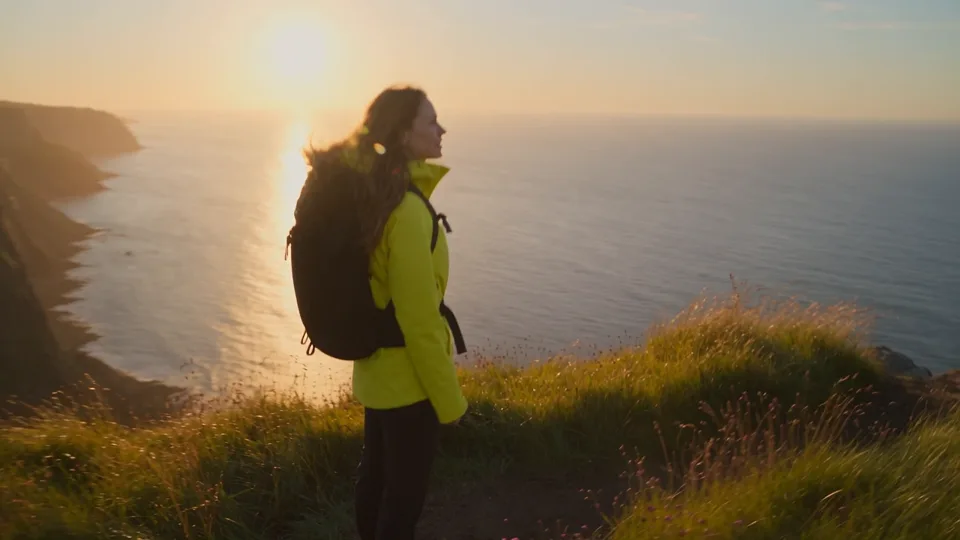
| 03 | Main subject | Who or what appears, down to how they look. With several shots, repeat exactly the same wording. | a hiker in a yellow jacket |
| 04 | Place and time | Where it is, when it is and the weather. | a cliff path above the sea at sunset |
| 05 | Action | One main action, or a short run of related actions, per shot, in the order they happen. | sits on the porch and lifts a teacup, then smiles |
| 06 | Camera | Shot size, angle, lens and camera move. Pick only one move. | vertical close-up, shallow depth of field, slow push-in |
| 07 | Light and color | The light source and its quality, plus the main colors. | soft morning sunlight, teal and amber |
| 08 | Sound | List dialogue, sound effects, ambience and music separately. Put dialogue in quotes with who says it and how. | The barista says brightly, "Your latte is ready." Ambience: cups clinking |
| 09 | Exclusions | For models that support it, briefly list what to leave out. Some guides, such as Runway's, prefer describing what you want instead. | no music, no voices, no subtitles, no logos |
| 10 | Timed shots | For videos of 10 seconds or longer, or with several shots, add time ranges in order, with no gaps between them. | Shot 1 (0-3s): … Shot 2 (3-6s): … Shot 3 (6-10s): … |
Tips from the official prompt guides of the two models behind our examples, limited to the ones that change how you write a prompt.
Sources: Seedance 2.5: BytePlus ModelArk documentation; Wan 3.0: Alibaba Cloud Model Studio documentation (checked November 19, 2026).
Choose the topic closest to the video you want. Every topic has at least five example videos with their prompts.
Click “Use this prompt” and Bandicam AI Studio opens with the prompt filled in. To write your own, type it into the box above and click “Generate video.”
Choose the model, aspect ratio and length listed next to the prompt. Then swap the subject or the place for your own idea.
Describe the video in a text prompt, choose a model, aspect ratio and length, and generate. The quickest start is a tested prompt: click “Use this prompt” under any example and Bandicam AI Studio opens with the prompt filled in. Then choose the model and settings listed with that example. You can also start from a photo with Image to video.
Write the subject, action, place and time, camera, light and style, and sound, in that order. Keep a 5-second video to one or two main actions; for longer videos, split the prompt into timed shots. Every topic page shows the prompts we actually used.
No. Every generation is different, even with the same prompt and settings. The mood and framing come out similar, but people and background details change each time.
Yes. The models also understand prompts in other languages, and a spoken line can be in another language if you name it, for example says in Spanish. Results vary by model. Put any spoken line or on-screen text in quotes so the model can tell it apart from the description.
Each prompt lists the model it was made with. Start with the same model and settings, then try another model with the same prompt and compare.
It depends on the model, length and resolution. Every example lists its recorded credit charge (or a quoted price where noted), for example 48 credits for a 5-second 480p Wan 3.0 clip and 165 credits for a 5-second 480p Seedance 2.5 clip with sound. Check the credit cost shown in AI Studio before you generate. Eligible new accounts get free sign-up credits once after verifying their email (100 in the US), and they expire after 30 days.