
CHRISTMAS GREETING
“Ho ho ho, Emma! I’m sending you a big Christmas hug from the North Pole. Have a wonderful day with your family!”
PERSONALIZED CHRISTMAS VIDEO
Imagine their smile when Santa says their name. Add your child’s name, a kind thing they did, or a Christmas wish to create a video message just for them.
Preview access is currently limited to administrators.
ONE MESSAGE. YOUR KIND OF SANTA.
A fireside greeting, a cheerful workshop visit, or a snowy woodland hello. Choose a character and preview his voice in the app.
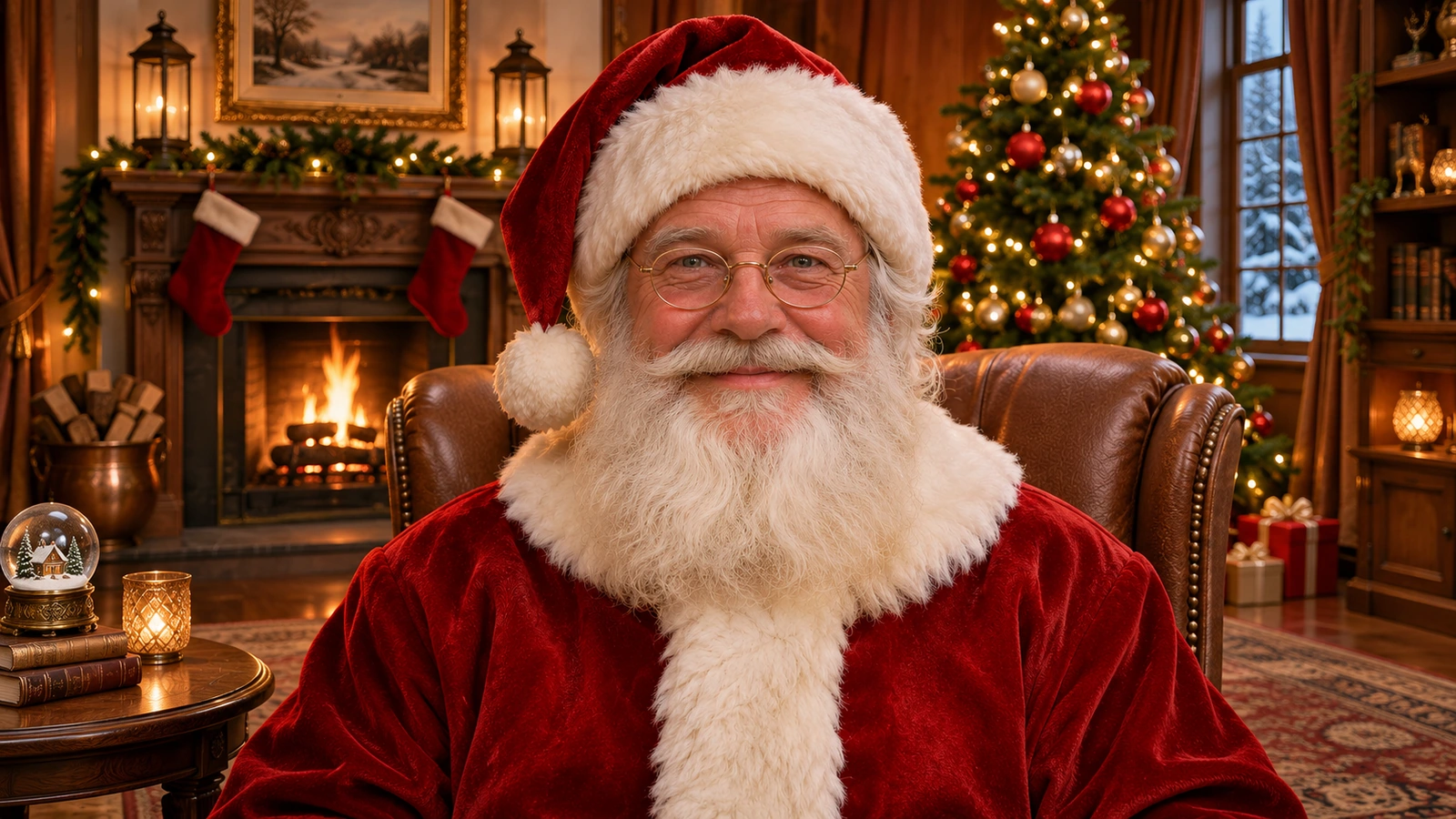
A familiar face for a warm Christmas welcome.
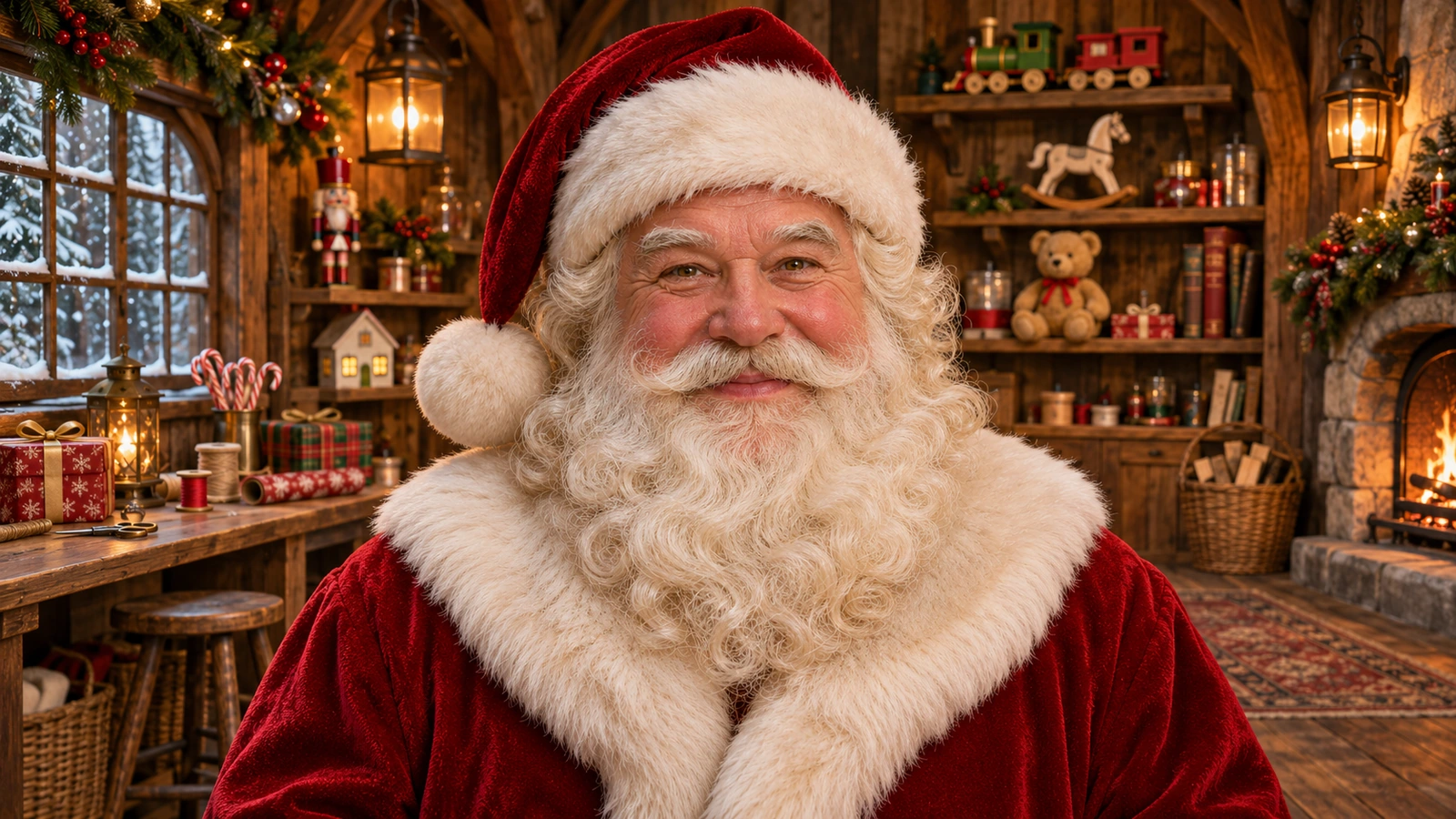
A cheerful greeting straight from the workshop.
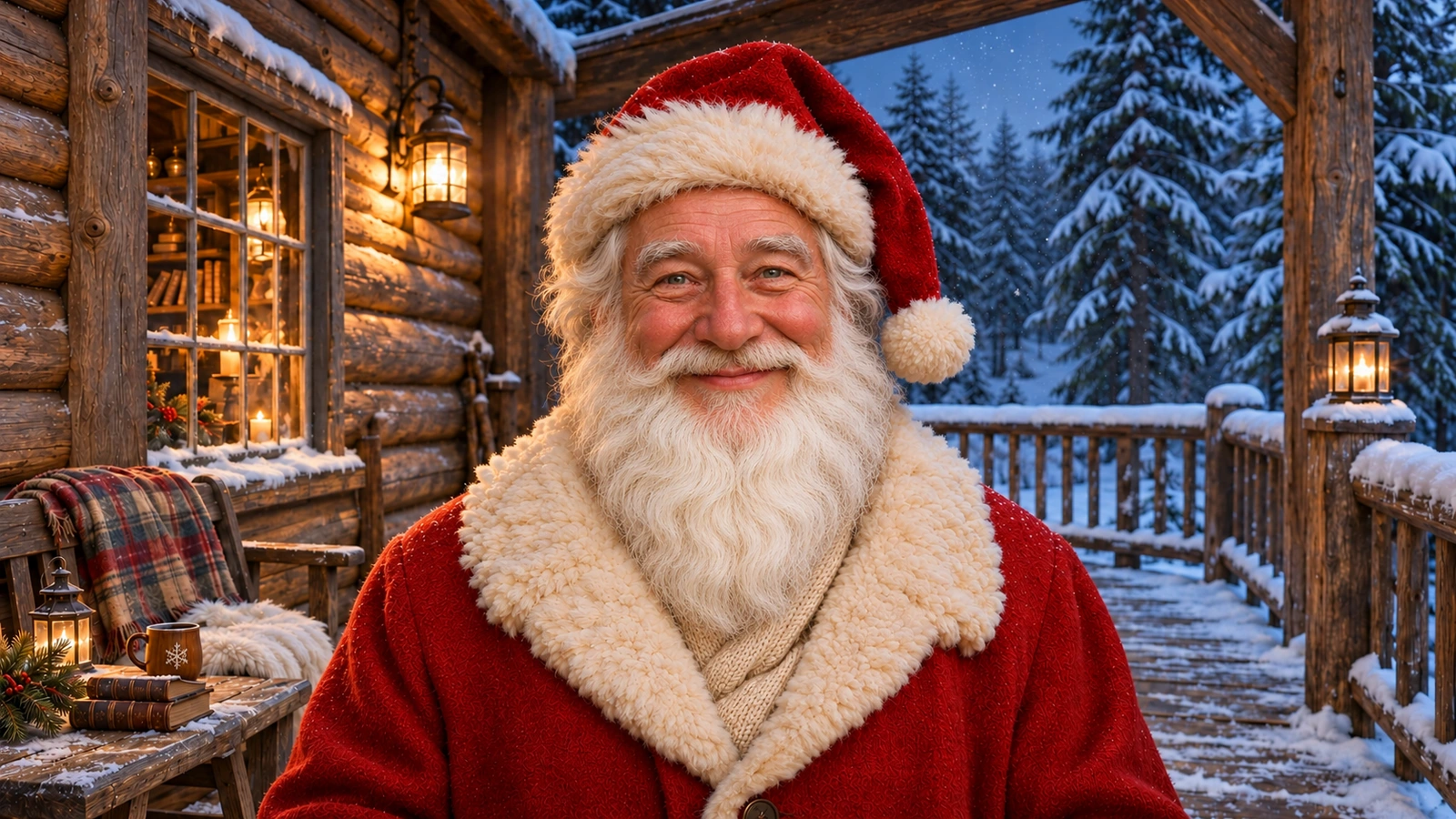
A little North Pole magic in a snowy setting.
THREE SIMPLE STEPS
Open Talking Santa in Bandicam AI Studio, choose the greeting mode, and select a Santa character. Listen to the voice samples to find your favorite.
Add a name, a Christmas wish, or a few words of encouragement. Use a starter message or write your own. Check the estimated speaking time.
Choose a video format and resolution, check the credit estimate, and generate. Review the finished Santa video, then download it to share with your family.
WHAT WILL YOUR SANTA SAY?
Start with a name, celebrate a kind act, or send a Christmas wish. Keep the message natural, as if Santa were speaking to them in person.
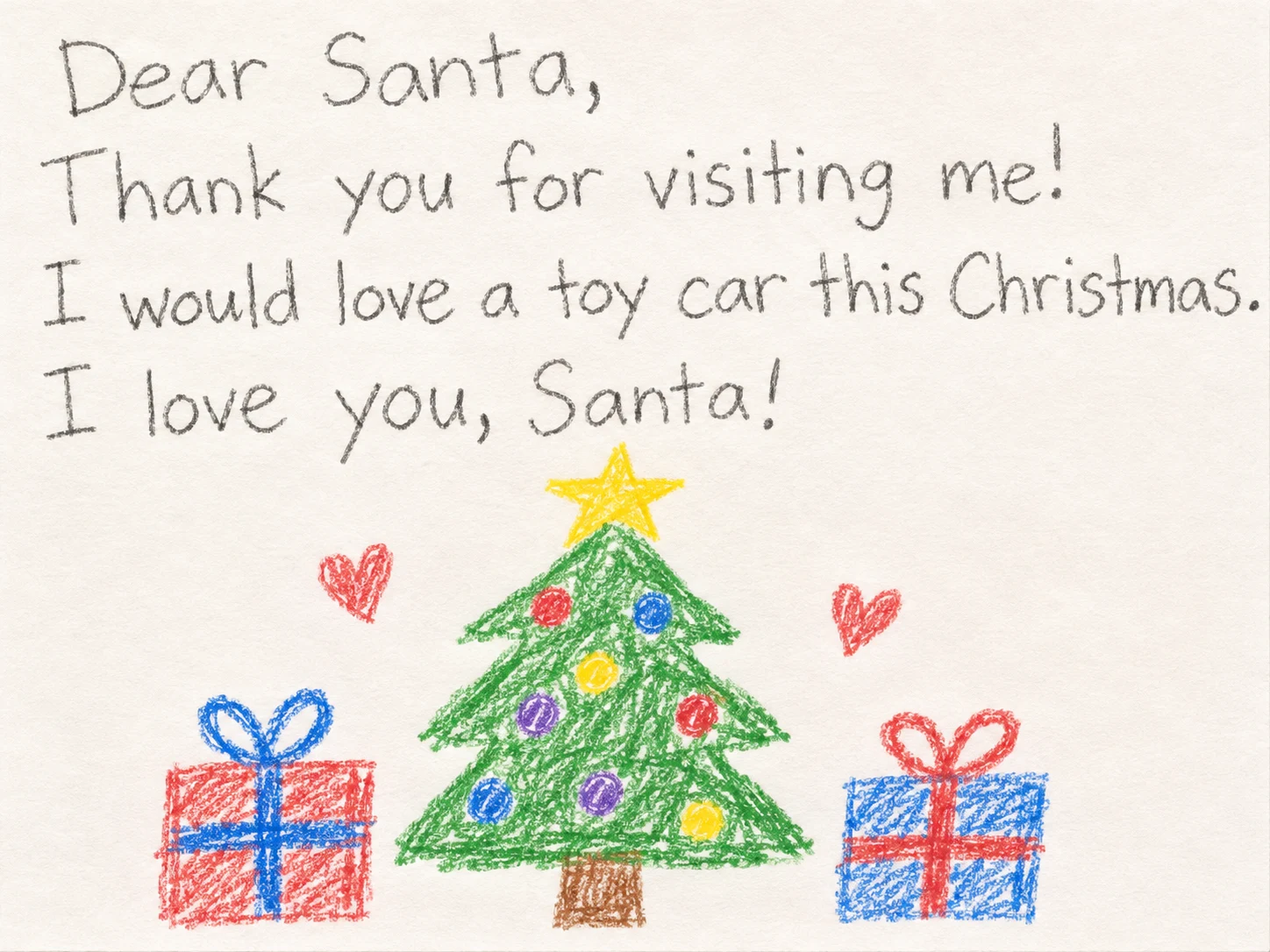
A REPLY FROM THE NORTH POLE
They wrote to Santa. Now he can answer. In the letter mode, add an image of the child’s letter and write a short reply for Santa to say while holding it.
Use a clear, front-facing image so the writing and drawings are easy to see. Keep Santa’s reply within 50 characters—about 10 seconds of speech.
“Thank you for your letter! Merry Christmas, Emma!”
The letter mode creates a 15-second scene with its own generated Santa voice. Voice samples belong to the greeting mode.
Open Talking SantaIn the app, select the letter reply mode.
A LETTER REPLY IN ACTION
This earlier sample is 12 seconds long. New letter replies are generated as 15-second videos.
GOOD TO KNOW
Yes. Type the name directly into your message, along with any personal details you want Santa to say. Names can be pronounced differently, so listen to the completed video before sharing it.
Not for a greeting. Choose one of the ready-made Santa characters and type your message. For a letter reply, upload an image of the child’s letter instead.
Greeting messages can contain up to 2,000 characters, and the generated speech must fit within 120 seconds. Speaking time varies by language and delivery. Letter replies generate a 15-second video with a 50-character message limit.
Yes. Write the message in the language you want Santa to speak. The spoken language follows your text; pronunciation and delivery can vary between languages.
Yes. Choose 9:16 for a vertical video or 16:9 for a landscape video. Santa greetings offer 720p and 1080p resolution.
Generating a video uses AI credits. The app shows the cost or estimate before you generate. Greeting costs depend on the generated speech length and the selected resolution. Preview access is currently limited to administrators.
LET SANTA VISIT, TOO
Turn a room image and a gift image into a playful Christmas visit. See Santa tiptoe in, deliver a present, or stop beside a sleeping child’s bed.
A LITTLE CHRISTMAS MAGIC
Your words. Their name. A Christmas greeting to keep.
Create a Santa video