
AI Audio tools
AI Audio brings together six tools for voice, music and sound.
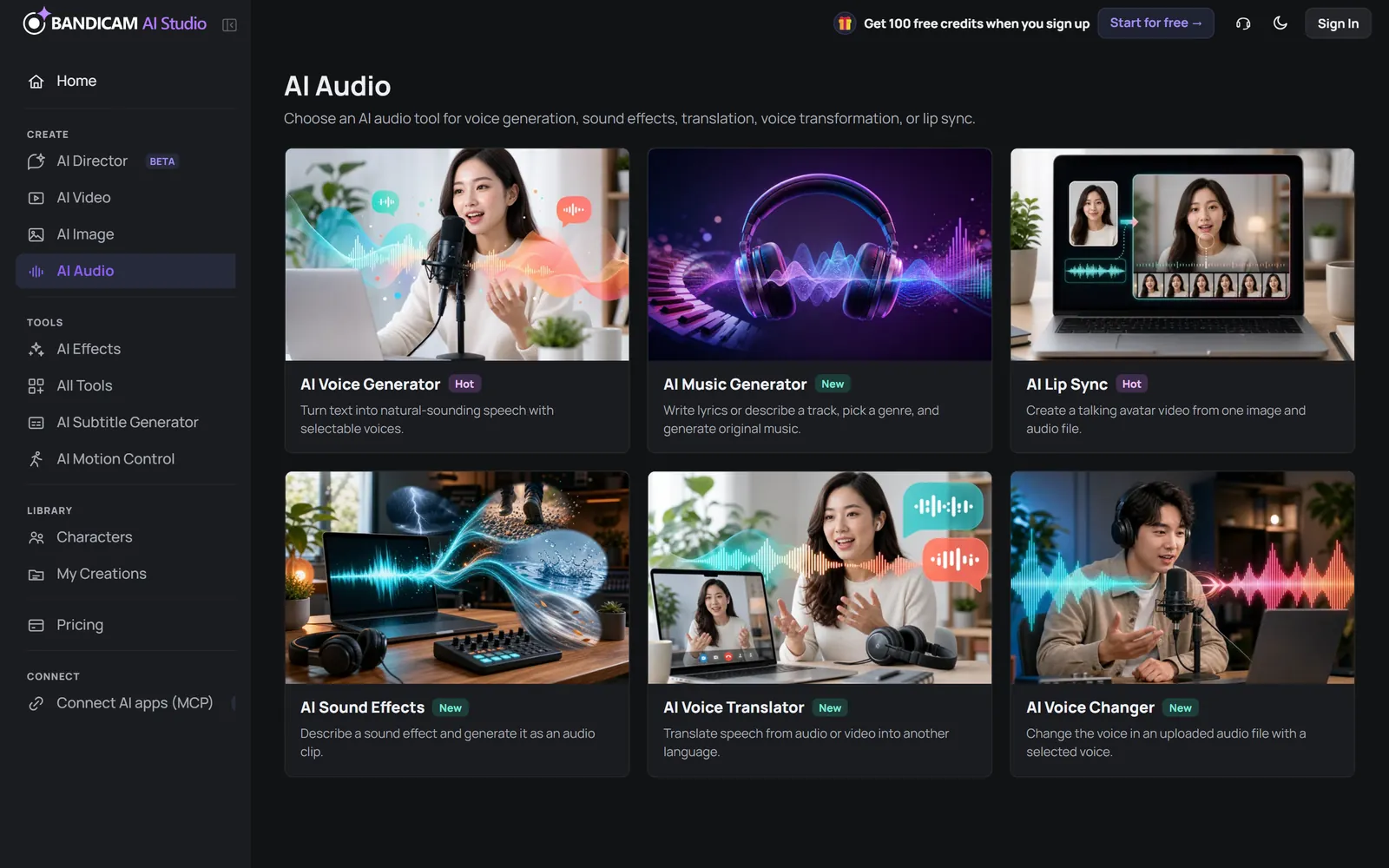
| Tool | What it does | Input and limits | Priced by |
|---|---|---|---|
| Voice Generator | Turns text into natural speech. Premium offers expressive voices, tags and multi-voice dialogue (2–10 speakers); Standard covers more languages at a lower price. | Text up to 40,000 characters | Characters of text |
| Music Generator | Makes songs with vocals or instrumental tracks. Choose genre, mood, tempo and length. | Lyrics or a description; songs up to about 3 minutes | Per song |
| Sound Effects | Creates a sound effect from a description, such as “footsteps on gravel.” | 1–22 seconds | Seconds of audio |
| Voice Changer | Changes the voice in a recording to another voice while keeping the delivery. Can remove background noise. | Audio up to 5 minutes and 100 MB | Minutes of audio |
| Voice Translator | Dubs the speech in an audio or video file into another language (16 languages). | Audio or video up to 30 minutes and 100 MB | Minutes of audio |
| Lip Sync | Animates a portrait so it speaks along with an audio file. | One portrait image and up to 30 seconds of audio | Seconds of audio |
Tips
- Voice Generator: play voice samples before you generate, and split long scripts into sections to fine-tune each part.
- Voice Changer and Voice Translator work best with clear speech and little background music.
- Lip Sync: use a front-facing portrait with the mouth clearly visible.
Only change, translate or animate voices and faces that you have the right to use. Imitating a real person without consent is not allowed under the AI Service Terms.