Bandicam pros and cons
Bandicam allows you to record everything on your computer.
- 4K Ultra HD video up to 3840x2160
- Over 24 hours without stopping
- Hardware accelerated Intel/NVIDIA/AMD H.264 encoders
About Bandicam Screen Recorder
Bandicam is a very powerful and robust software that is used extensively by YouTubers all over the world. Bandicam comes with an efficient screen grab feature which allows users to not only record their computer screen but also DirectX/OpenGL/Vulkan games and webcam.
Bandicam comes with an easy-to-understand user interface with advanced recording features such as real-time drawing, facecam, scheduled recording, mouse click effects, Chroma Key and so on.
Bandicam pros and cons
| Bandicam | |
|---|---|
| Pros | All-in-one screen recorder which allows you to record computer screen, DirectX/OpenGL/Vulkan games and webcam with audio. |
| Cons | Bandicam only works on Windows and Mac. It does not support Android or Linux. |

Bandicam's three recording modes
Check out the pros and cons of each Bandicam recording mode for Windows. For Mac, visit: Bandicam for Mac
| Screen Recording Mode | Game Recording Mode | Device Recording Mode | |
|---|---|---|---|
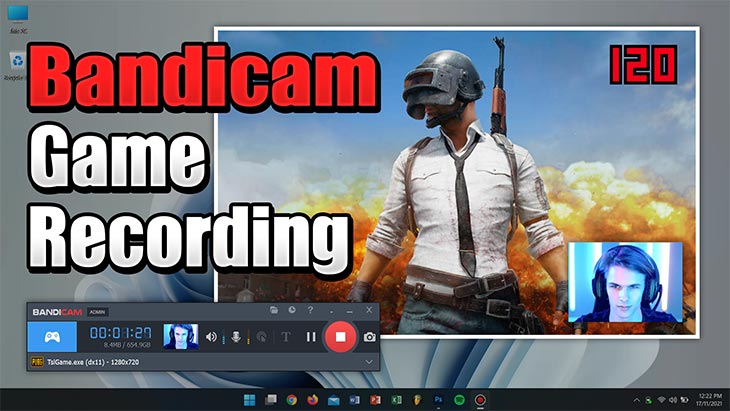
| The 'Screen Recording Mode' can be used for recording the partial or full area of the computer screen with audio. | The 'Game Recording Mode' can be used for recording DirectX, OpenGL, Vulkan, UWP games in high quality. | The 'Device Recording Mode' can be used for recording Webcams and HDMI devices. | |
 View Tutorial
|
 View Tutorial
|
 View Tutorial
|
|
| Pros |
|
|
|
| Cons |
|
|
|
Last Updated on