How to Cut a Video Segment You Want to Use
Bandicut is an easy-to-use video cutter program which can cut video by adjusting its start and end time by moving a slider.
With Bandicut, anybody can easily select the cutting area and trim parts of a video quickly while maintaining the quality of the original video.
Users can also extract audio from video to MP3, join multiple video files, remove one or more parts from the video, or split the video into multiple files. Please try Bandicut to cut a video file and upload it to YouTube and Vimeo.

To Cut a Video Segment, please follow the steps below:
1. Download the free version of Bandicut, start Bandicut, and click the 'Cut' button.

2. Set the beginning/end points of the video, and click the 'Start' button.

3. Click the 'Start' button to initiate the video cutting.

Main Features

Fast and Easy Video Cutter
With Bandicut, anyone can easily cut specific parts or merge multiple videos. You can also quickly split a large video file into smaller video clips or trim unwanted parts of a video such as commercials, outtakes, and trailers.
See more
Supports All Popular Video Formats
Bandicut supports almost all popular video formats such as AVI, MP4, MOV, M4V, MKV, MPEG, MPG, DAT, VOB, FLV, ASF, WMV, TS, TP, TRP, MPE. You can use Bandicut as an MP4 cutter, AVI cutter, MOV cutter or MPEG cutter.
See more
Cut video without losing quality
Lossless video-cutting software is able to cut specific parts of a video without re-encoding. Compared to other video-cutting programs, Bandicut allows you to cut, trim, split, and merge video files and segments without a decline in quality!
See more
Hardware-accelerated H.264 video encoders are supported
Bandicut supports the hardware-accelerated H.264 (NVIDIA, Intel, AMD) encoders which allow you to cut, join/merge, trim, and split videos at high speed with excellent quality.
See moreHow to Use Bandicut, Free Video Cutter
With Bandicut, anyone can easily cut specific parts or merge multiple videos.
Screenshots
Click Images to view Bandicut screenshots
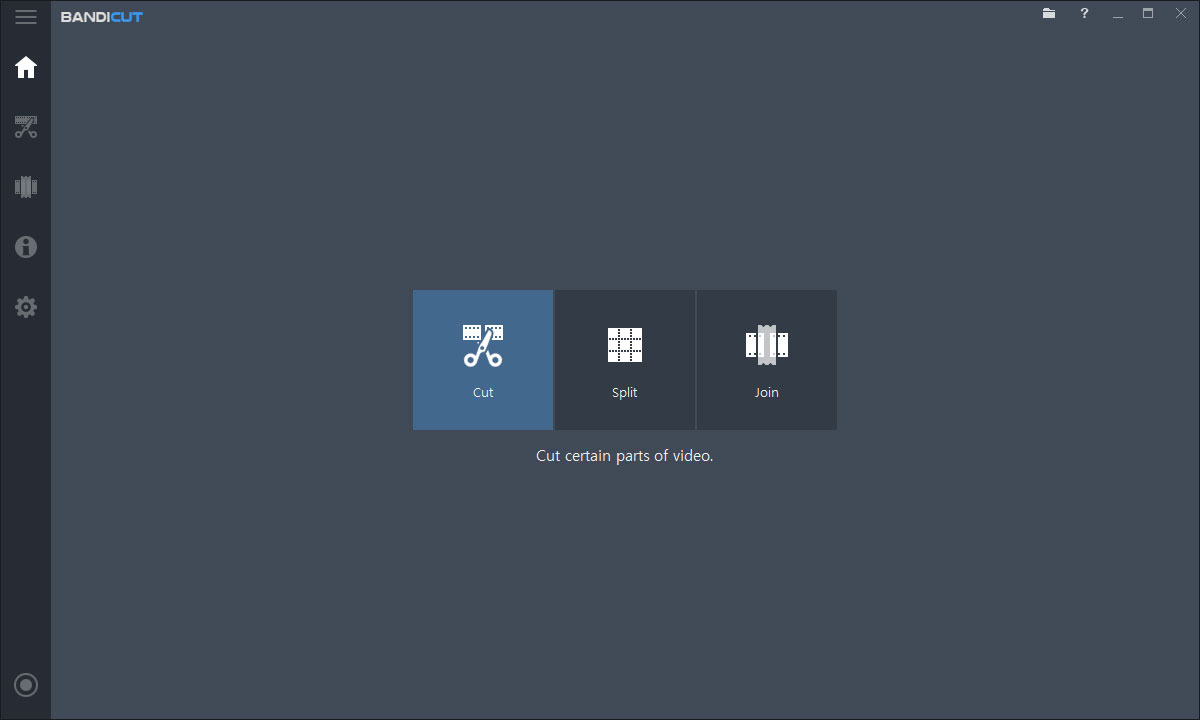
Bandicut
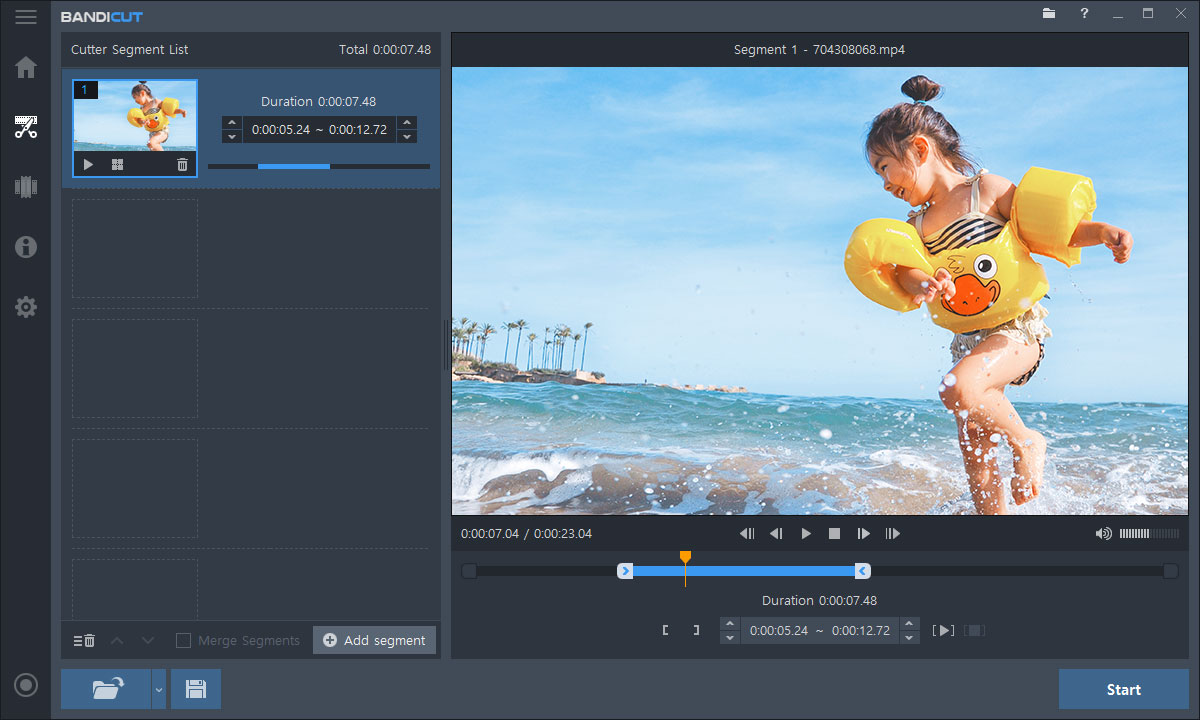
Video Cutter
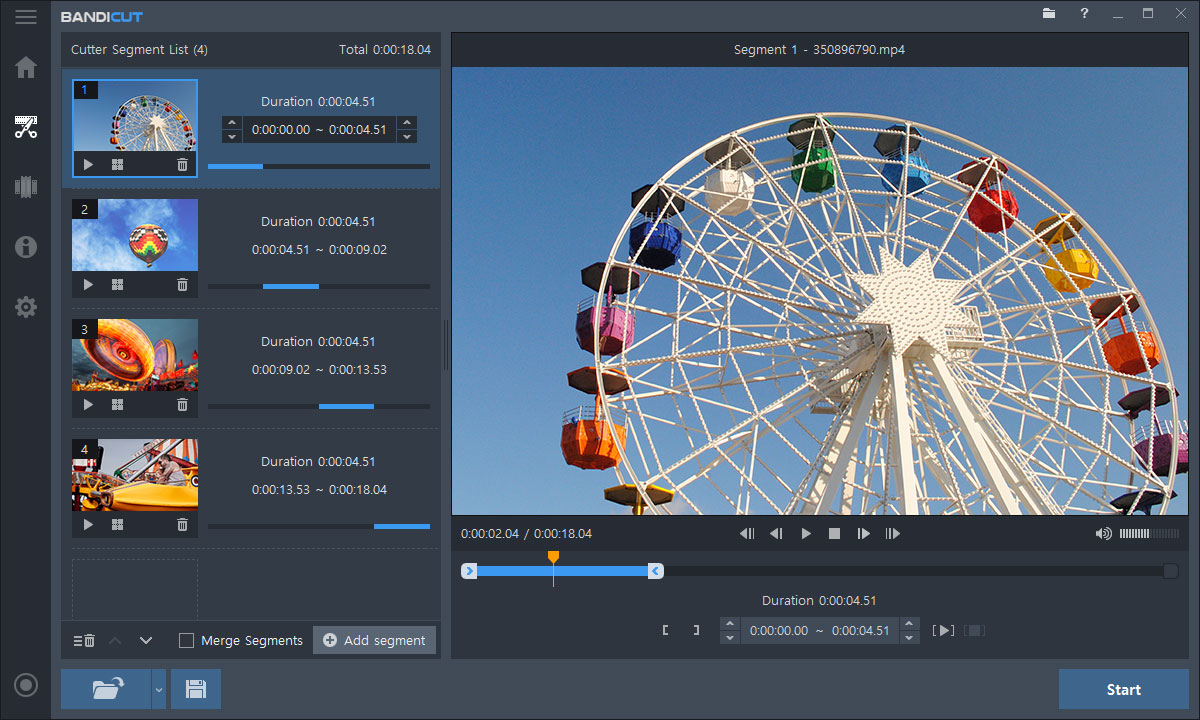
Video Splitter
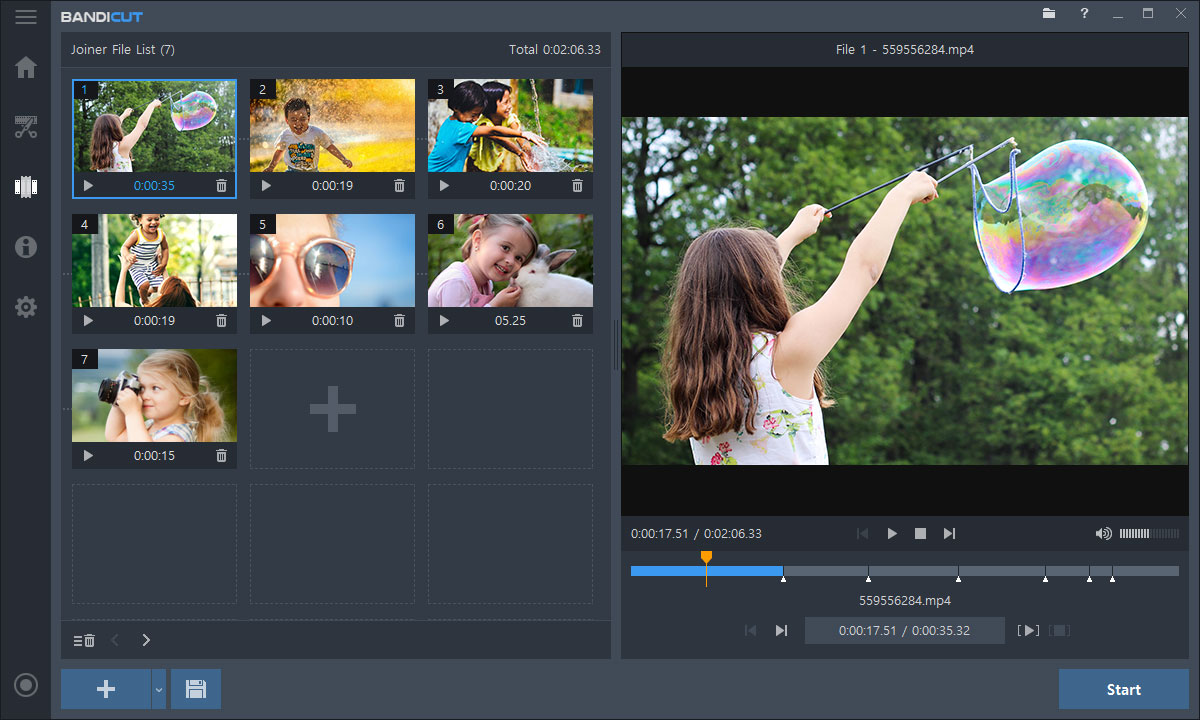
Video Joiner
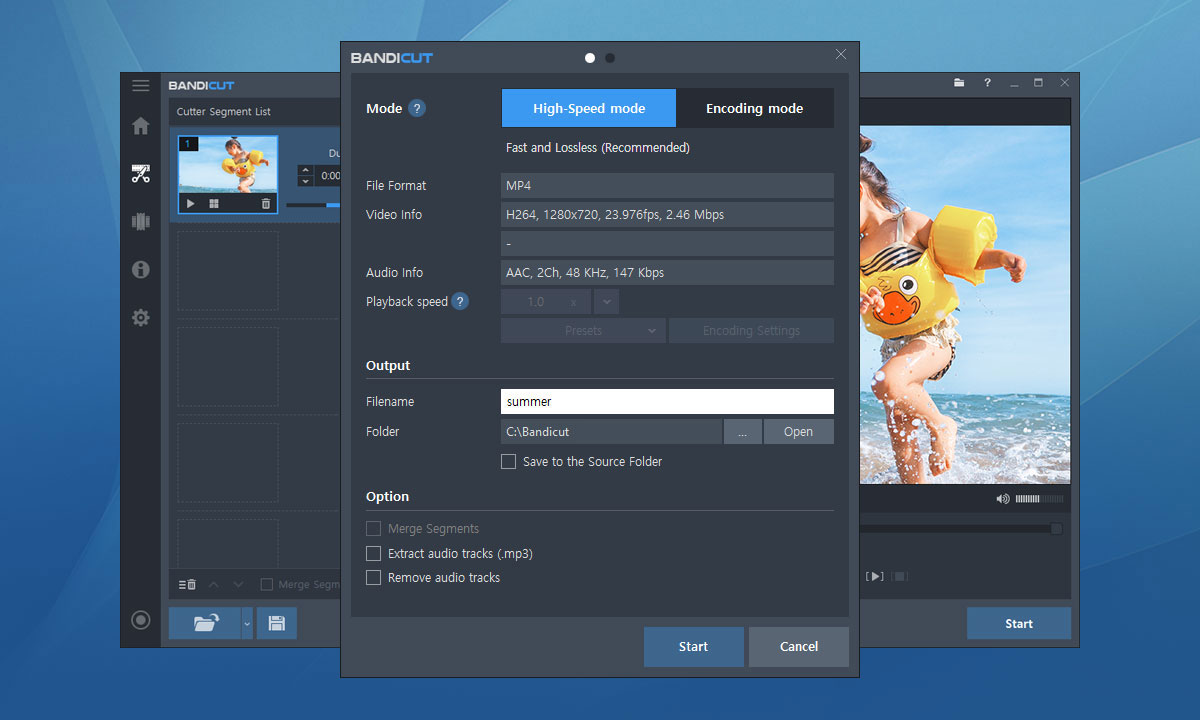
Output Settings

License Information