Bandicam Screen Recorder is an easy-to-use
Screen Recording Software
Try the free version of Bandicam, the best screen recorder!
Bandicam 2025 (v8.3.0.2533) - 12/30/2025
FREEDOWNLOAD
Try the free version of Bandicam, the best screen recorder!
Bandicam 2025 (v8.3.0.2533) - 12/30/2025
FREE
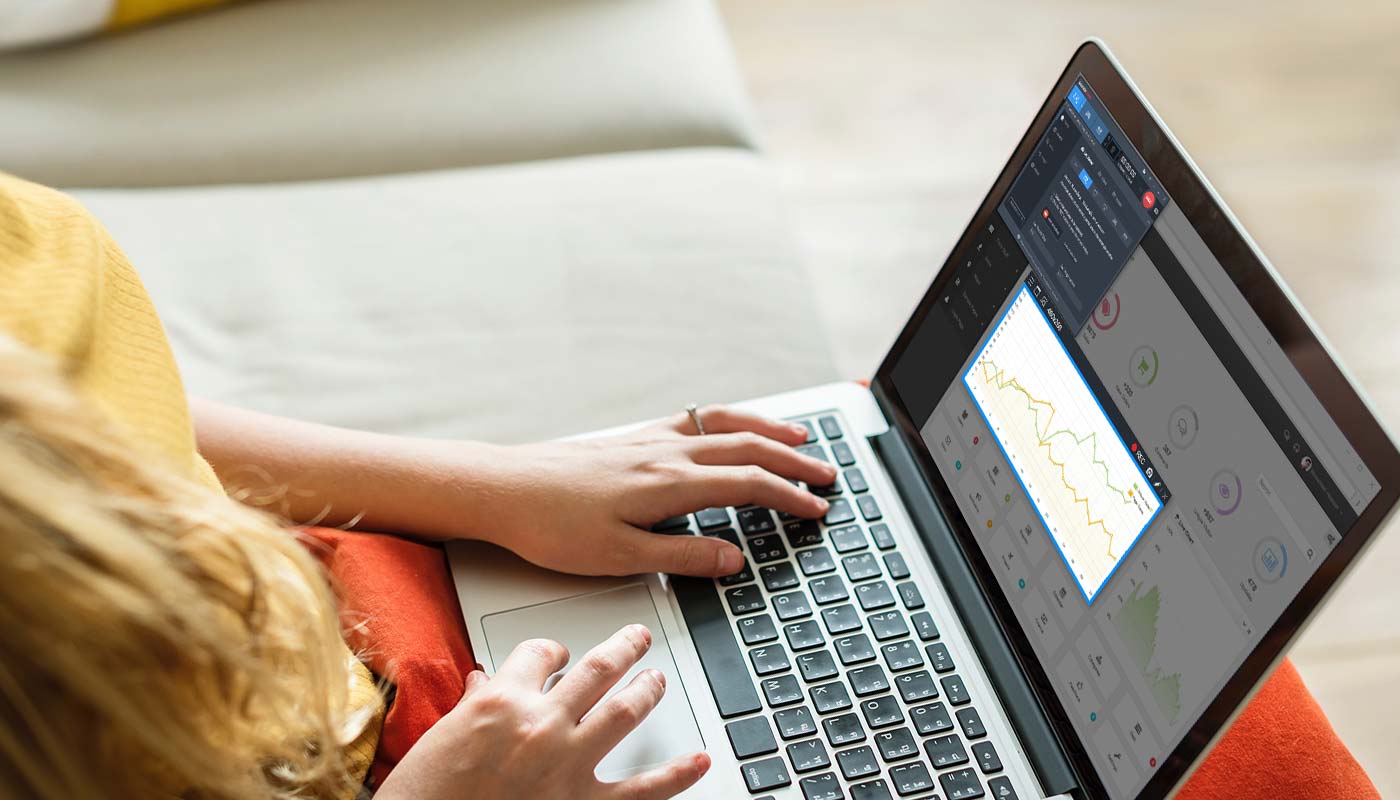
Bandicam is an easy-to-use, free screen recorder for Windows that enables you to capture any area of your screen either as a screenshot or a video file. You can record lectures, webinars, games and Skype calls with the option to add narration from your microphone and video from your webcam, as well as share on YouTube or Facebook. To record your pc screen, choose the 'Screen Recording' mode in Bandicam.
The features of Bandicam that help you get the best results
Select the area of the screen you want to record and start recording right away.
Draw and outline on your video or screenshot in real time.
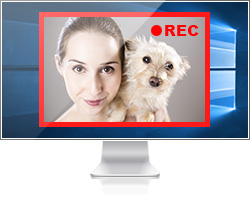
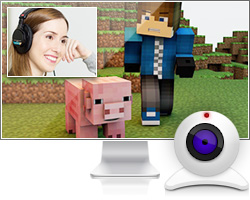
Add a webcam video of yourself on the video that you are recording.
Mix your own voice in the video that you are recording.
Put your own logo image on the video for showing who the creator is.
Add a mouse click effect and animation while recording.
'Screen Recording' mode is used for recording certain area of what is shown on the computer screen,
such as flash games, internet streaming videos and various Windows programs.
Click Images to view Bandicam's screenshots
Get Started
Select a recording mode
Screen Recording mode
Game Recording mode
Device Recording mode
Recorded video files
Bandicam Screen Recorder optimizes recording performance by using a hardware-accelerated H.264/HEVC encoder.
It will allow you to record the target with high speed, high compression ratio, and excellent quality.





Customer Reviews & Testimonials
Bandicam is a handy software program that allows you to screen-capture with ease. I enjoyed it and hope other customers will benefit from this tool, too.
Hi guys, this is my screen recorder. It is pretty good for a free screen recorder. There are no viruses or issues with the screen recorder, and it is easy to use.
In my opinion, this is the best screen recorder ever made. It takes screen shots records your screen and NO LAG!!! It records your voice and you will be able to record a certain part you want your viewers to see, or put it on full screen!
To monitor your system effectively, a right tool is compulsory. To do this, Bandicam can help you. It can record anything happening on the screen. It can record all actions that happened on your screen when you are there or when you are away. It can be used to monitor a computer and also to record video course, games, etc.