Bandicut is super fast video-cutting and joining software with an easy-to-use interface.
It allows users to trim parts of a video quickly while maintaining the quality of the original video.
Users can also extract audio from video to MP3, join multiple video files, remove one or more parts from the video, or split the video into multiple files.
Ways to use Bandicut
Remove unwanted parts
Merge segments
Extract MP3 files
Features

Fast Video Cutter and Easy Video Joiner
With Bandicut, anyone can easily cut specific parts or merge multiple videos. You can also quickly split a large video file into smaller video clips or trim unwanted parts of a video such as commercials, outtakes, and trailers.
See more
MP4 Cutter, AVI Joiner Software
Bandicut can cut/merge video files as an AVI cutter/joiner, MP4 cutter/joiner, MOV cutter/joiner or MPEG cutter/joiner. It works well with many file formats like AVI, MP4, MOV, M4V, MKV, MPEG, MPG, DAT, VOB, FLV, ASF, WMV, TS, TP, TRP, MPE, MPV2, MP2V, M2T, M2TS, K3G, DIVX, WM, WMX, WVX, RM, RMVB, RAM, IVF, OGM, VP6, XVD.
See more
Cut video without losing quality
Lossless video-cutting software is able to cut specific parts of a video without re-encoding. Compared to other video-cutting programs, Bandicut allows you to cut, trim, split, and merge video files and segments without a decline in quality!
See more
Precisely cut and split videos frame by frame
Bandicut is able to cut precisely between "any frames" that the user selects. Other video cutting programs are only able to cut between "keyframes". However, Bandicut allows the user to precisely select the cutting area and quickly cut the selected area by frame instead of just keyframes.
See moreHow to Use Bandicut Video Cutter
Screenshots
Click Images to view Bandicut screenshots
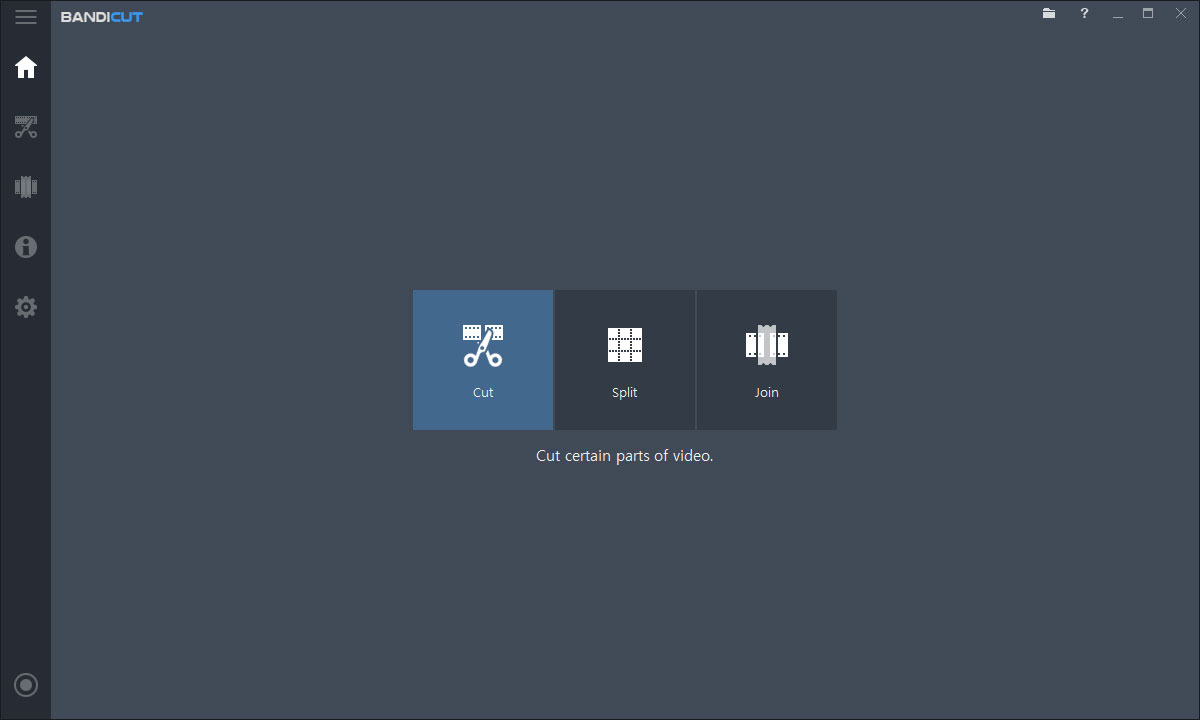
Bandicut
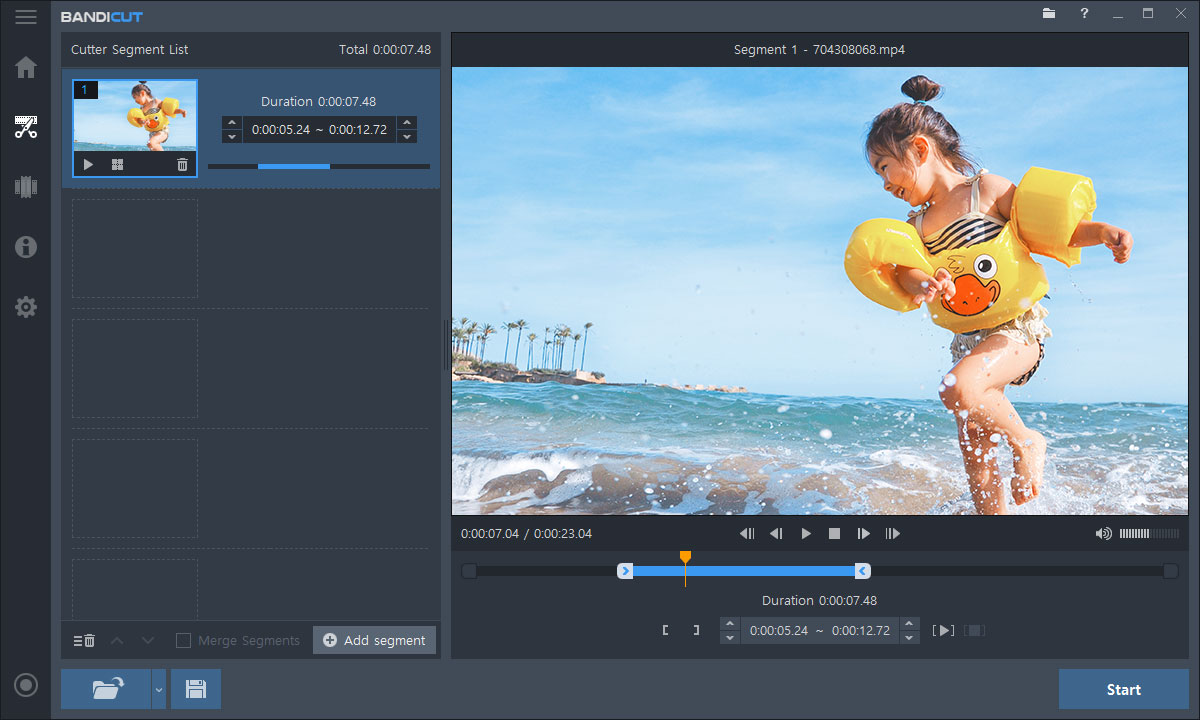
Video Cutter
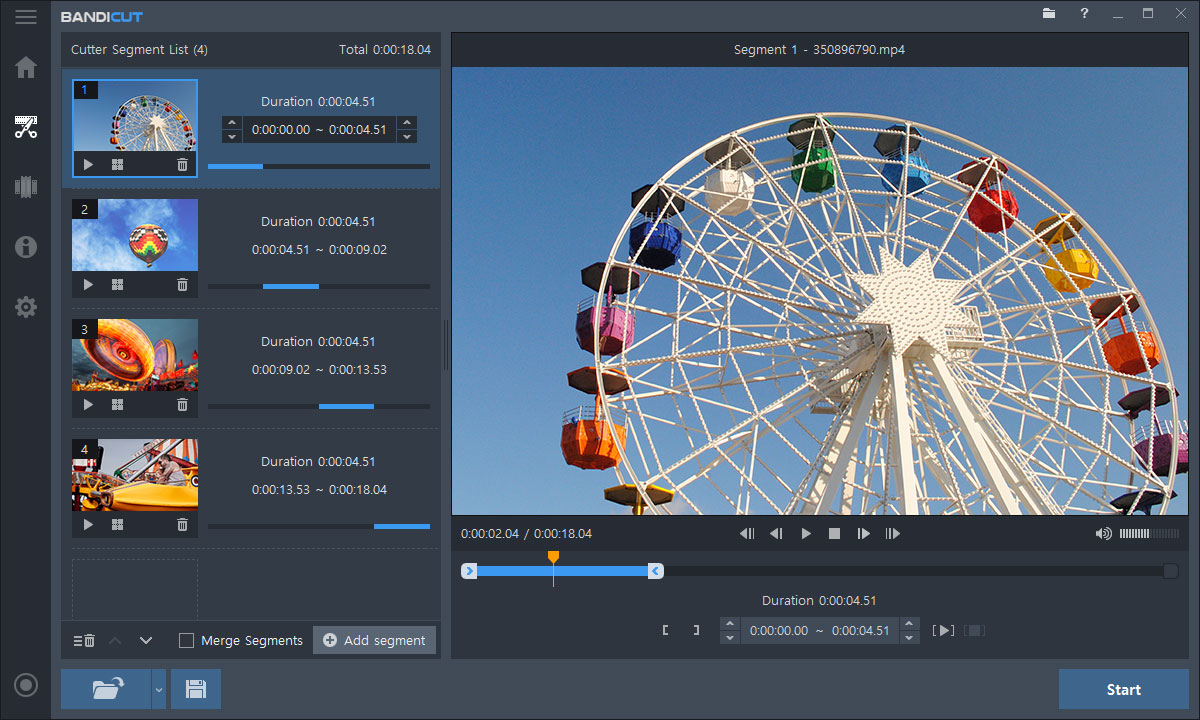
Video Splitter
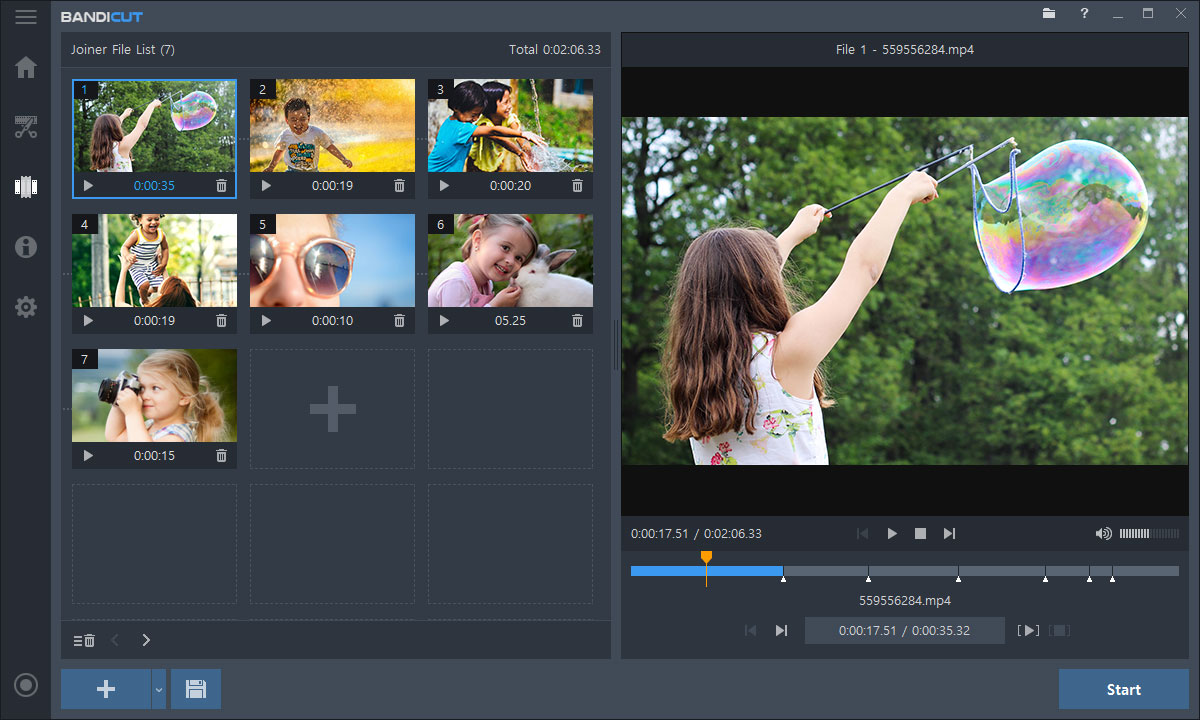
Video Joiner
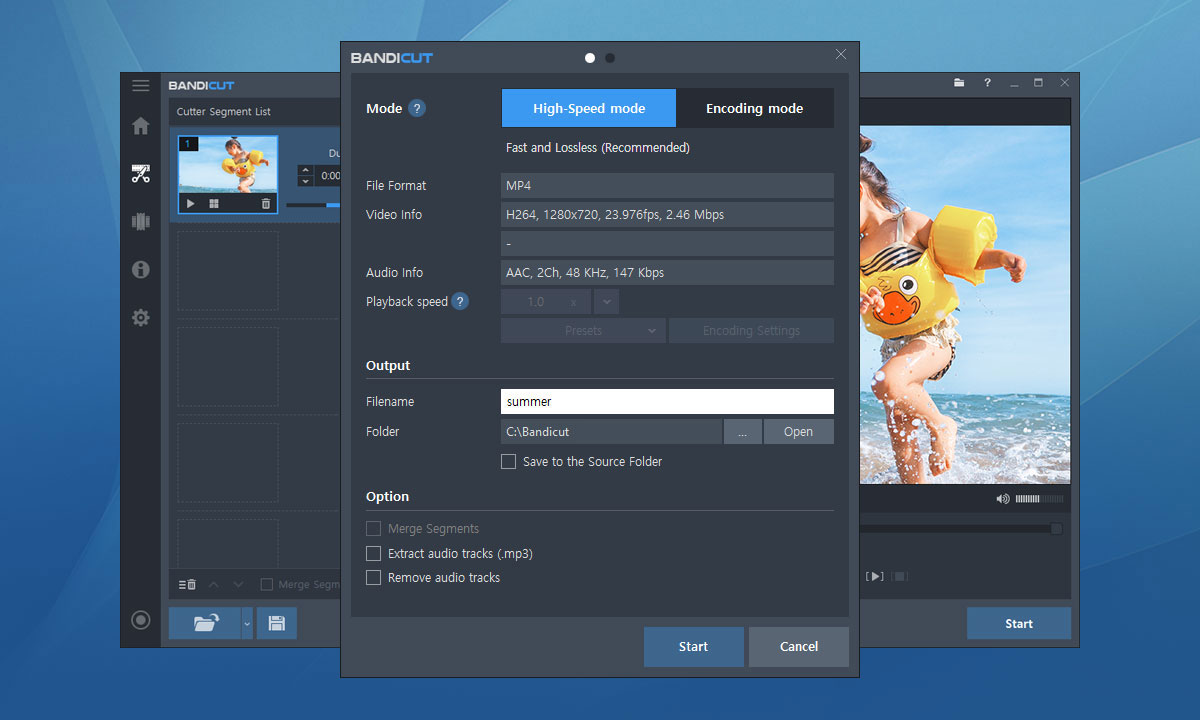
Output Settings

License Information
Purchase Bandicut
- Purchase Bandicut to enhance your editing process with [High-Speed mode] and edit videos in more formats without the watermark.
- To use Bandicut on 2 or more PCs such as "Desktop + Laptop," click the [Buy] button and change your license quantity.
The [Personal License] is for individuals and non-commercial purposes, and no invoice is provided.
Companies, schools, and other institutions must purchase the [Business License].

Perpetual

1-PC / Perpetual
$34.16
Bandicam + Bandicut


$49.97
$59.78
Winter Sale
This license is for users who want to use Bandicut for commercial or business purposes.
Bandicam + Bandicut
$79.74
$478.44
Winter Sale
* Upgrade your Perpetual License to the latest version » Upgrade License
* For inquiries, email us at bandicut@bandicam.com or visit the Bandicut forum.
Resend Purchased License
If you have lost your license information, enter your e-mail address in the box below. The license will then be sent to your email again.

You have exceeded the number of available licenses (PCs).
Please purchase additional licenses for the number of computers you wish to use.
OK