Free Mac Screen Recorder

Bandicam is a screen recorder for Mac that lets you capture your screen, internal audio, microphone, and camera for lectures, meetings, and gameplay. With its simple interface and built-in video trimmer, you can create high-quality content quickly—all without a watermark.


screen record on mac

Best Mac Screen Recorder for Creators

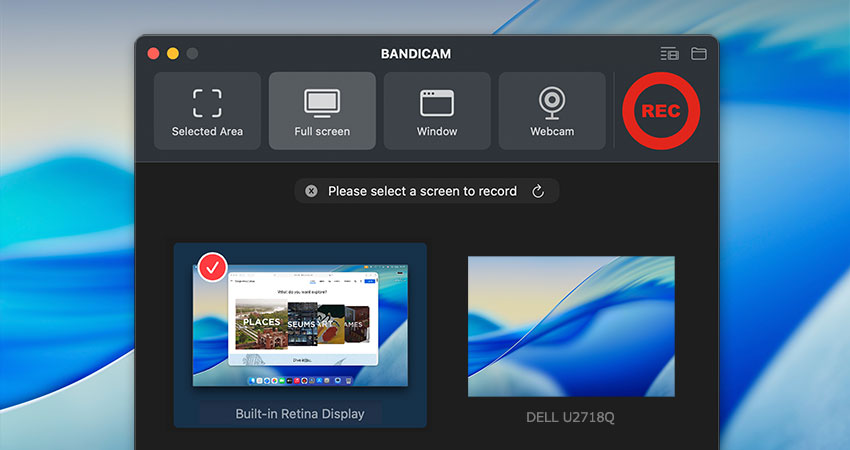
Bandicam is the definitive high-performance tool for creators and professionals to screen record on Mac. Through its intuitive interface, flawlessly capture precisely what you want—a specific area, the Full screen, or a single window—along with internal audio, your microphone, and a live camera feed. After recording, instantly trim your video to produce high-quality content more efficiently, all without needing extra software.


Everything You Need to Record Your Mac Screen
— With Audio, Webcam & More

High-Resolution Video Capture for Mac

Capture your Mac screen at up to 5K resolution and 60 FPS. Bandicam lets you create high-resolution videos that preserve every pixel with stunning smoothness and clarity.

Bandicam - Video Capture up to 5K resolution and 60 FPS

Record Everything: For Work, Personal Use, and More

Bandicam covers all your video capture needs on Mac. From important Zoom meetings and FaceTime calls to high-performance gameplay and YouTube tutorials, Bandicam is the most versatile screen recorder for Mac.
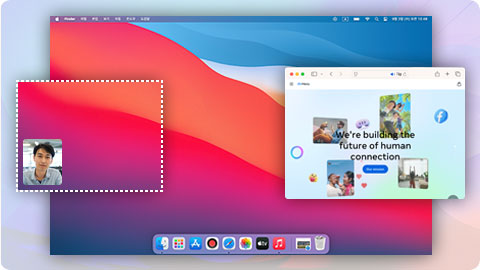
How to Record a Selected Area of Your Mac Screen »

Bandicam - Record Everything on Mac

Mac Screen Recorder with Audio & Camera

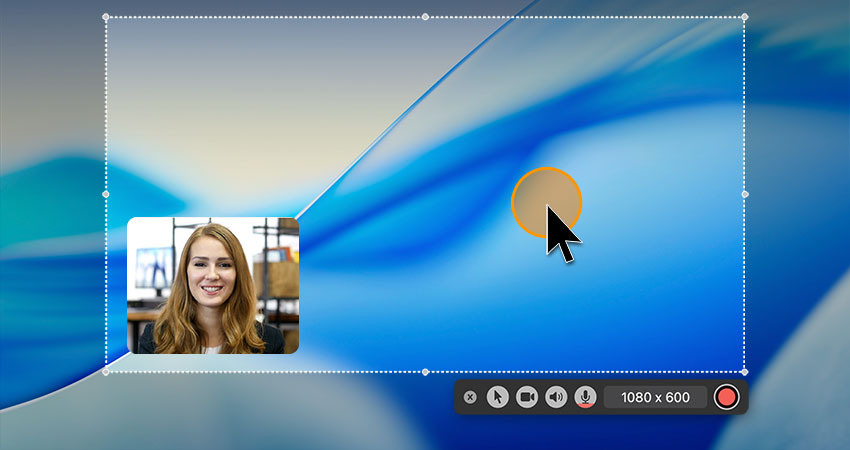
Record your Mac screen with internal audio, microphone, and webcam (FaceTime camera) simultaneously. This all-in-one capture is perfect for creating tutorials, business presentations, and dynamic gaming videos.

How to Record Screen and Face on Mac »

Bandicam - screen record on mac with audio and camera

Distraction-Free Window Recording for Mac

Select a specific window on your Mac to record. Uniquely, Bandicam will capture only that window—even when other apps cover it. This guarantees a clean, focused recording while you continue to multitask freely.
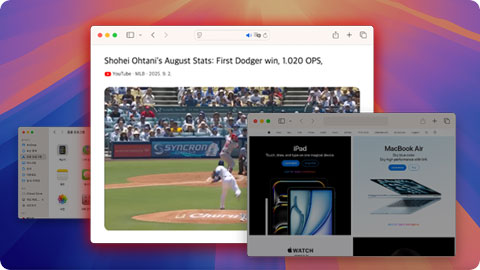
How to Record a Specific Window on Mac »

Bandicam - record a specific window only

Instantly Edit and Trim Your Mac Videos

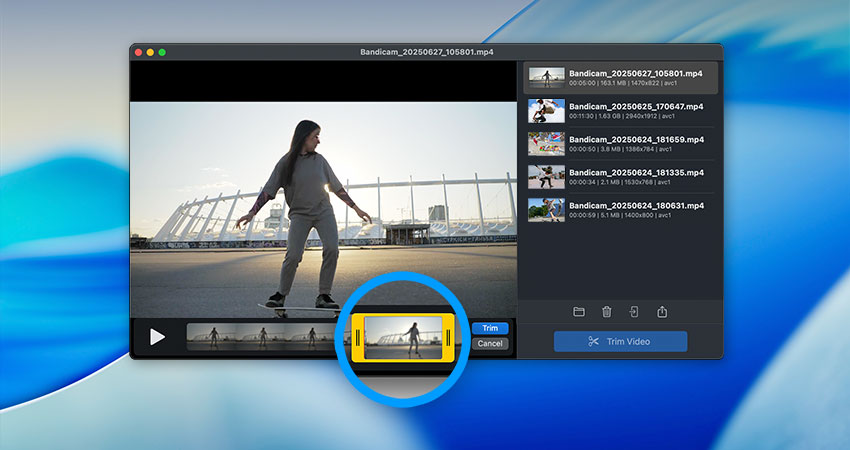
Bandicam simplifies content creation with its built-in video trimmer. Easily cut out unnecessary segments after recording and save only the parts you need, creating clean, ready-to-use videos without the need for complex editing.

How to Trim a Video on Your Mac »

Bandicam - trim videos after recording