The best free online screen recorder lets you capture your screen directly from your browser without installing software. Browser-based recorders are especially useful for quickly recording tutorials, presentations, bug reports, or short explanations.
Many online screen recorders promise free recording, but they often include limitations such as watermarks, account requirements, or extension installations. Choosing the right tool can make a big difference in how quickly you can start recording and how clean your final video looks.
In this guide, we compare some of the best free online screen recorders with no watermark and no sign-up, so that you can easily find the right tool for your workflow.
Some of these tools work entirely in the browser without installation, while others require extensions or accounts depending on their workflow.
Table of contents
Best Free Online Screen Recorder Comparison
To help you choose the right tool, the table below compares some of the best free online screen recorders available today.
| Tool | Watermark | Sign-Up Required | Installation | Saved To |
| Bandicam Online Screen Recorder | None | Not required | None | Your computer |
| Loom | None | Required | None | Loom cloud |
| Screenity | None | Not required | Extension | Your computer |
| Screencastify | None | Required | Extension | Cloud |
This comparison shows that while many tools offer browser-based recording, some still require extensions or account creation before you can start recording. If you’re new to browser-based recording, you may also want to read our guide on how to record your screen online.
How to Choose the Best Online Screen Recorder
When choosing an online screen recorder, several factors can affect your experience.
Watermark
Some free screen recorders add watermarks to the final video. If you want clean recordings, look for tools that allow watermark-free exports.
Sign-up requirement
Some screen recorders require creating an account before recording. If you prefer quick access, tools that allow recording without sign-up can save time.
Installation
Some browser recorders require installing extensions, while others run directly in the browser without downloads.
Privacy
Some tools upload recordings to cloud servers, while others process recordings locally and allow you to download the video directly.
Best Free Online Screen Recorder Tools
Below are some of the best free online screen recorders you can use directly from your browser. These tools allow you to capture your screen without installing large desktop applications, although their features and workflows may differ.
1. Bandicam – Free Online Screen Recorder With No Watermark
The Bandicam Online Screen Recorder allows you to record your screen directly from your browser without installing software or creating an account. You can start recording instantly and download the video as soon as the recording is finished.

Unlike many online screen recorders, recordings are processed locally in the browser and saved directly to your computer instead of being uploaded to external servers. This can be useful when recording tutorials, presentations, or bug reports that contain sensitive information.
Advantages
- No watermark on recordings
- No sign-up required
- No installation needed
- Videos saved directly to your computer
- Supports screen, audio, and webcam recording
- Supports on-screen drawing tools while recording
Limitations
- Fewer editing features compared to desktop recording software
- Browser-based recording may not be ideal for very long recordings
Try the Bandicam Online Screen Recorder:
https://freescreenrecorder.com/
2. Loom – Online Screen Recorder for Quick Video Sharing
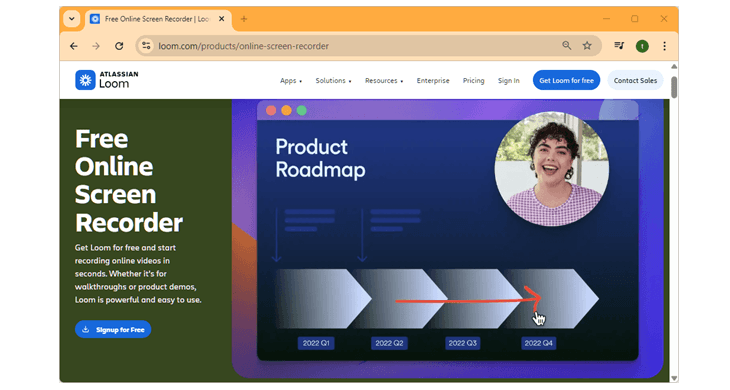
Loom is a widely used screen recording tool designed for quick communication and video sharing. Its online recorder allows you to capture your screen and webcam directly from your browser.
After recording, videos are uploaded to Loom’s cloud platform, making it easy to share recordings with colleagues or clients through a link.
Advantages
- Easy video sharing through links
- Screen and webcam recording
- Designed for team communication and collaboration
Limitations
- Requires creating an account
- Videos are stored in the cloud rather than locally
- Free plan may include limitations
Learn more:
https://www.loom.com/products/online-screen-recorder
3. Screenity – Open-Source Screen Recording Extension
Screenity is a free and open-source screen recorder available as a Chrome extension. It allows users to record their screen directly from the browser and includes useful features such as annotations and drawing tools.
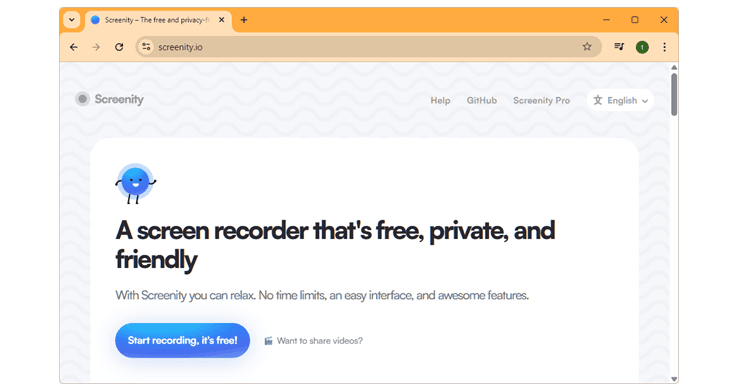
Recordings are saved locally, so you can download your videos immediately after recording.
Advantages
- Free and open source
- Local recording storage
- Annotation and drawing tools
- Webcam overlay support
Limitations
- Requires installing a Chrome extension
- Works mainly in Chromium-based browsers
- Interface may feel less polished than commercial tools
Official page:
https://screenity.io/
4. Screencastify – Screen Recorder for Education and Tutorials
Screencastify is a screen recording tool commonly used for creating tutorials and educational content. It works as a Chrome extension and allows users to record their screen, webcam, and microphone.
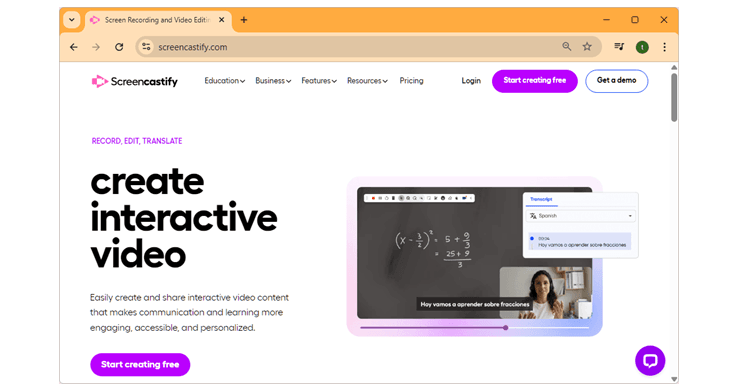
Recordings can be stored in the cloud and shared easily with students or teammates.
Advantages
- Simple and easy to use
- Screen, webcam, and microphone recording
- Basic editing tools included
Limitations
- Requires installing a browser extension
- Free plan may include recording limits
- Cloud-based storage workflow
Learn more:
https://www.screencastify.com/
Online vs. Desktop Screen Recorder
Online screen recorders allow you to capture your screen directly from your browser without installing software. Desktop screen recorders typically offer more advanced recording features but require installation.
Online Screen Recorders
- No installation required
- Quick browser access
- Easy to use for quick videos
- Ideal for tutorials or bug reports
Desktop Screen Recorders
- Requires software installation
- More advanced recording controls
- Higher performance recording
- Better for professional recording
For quick recordings, browser-based tools are usually the fastest solution. For longer recordings or advanced editing, desktop software may provide more flexibility.
Frequently Asked Questions
Below are some common questions people ask when choosing an online screen recorder.
The best online screen recorder depends on how you plan to use it. Some tools focus on quick video sharing and collaboration, while others prioritize simple browser-based recording without requiring installation. If you want a quick and lightweight recording workflow, a browser-based recorder can be a convenient option.
Not always. Some screen recorders work directly in the browser without installing software or extensions. These tools allow you to start recording instantly from modern browsers such as Chrome or Edge. Other tools may require installing a browser extension or desktop application before recording.
It depends on the tool you use. Some services automatically upload recordings to cloud servers so that videos can be shared through a link. Other tools allow recordings to be saved directly to your computer. For example, Bandicam processes recordings locally rather than sending them to external servers.
Summary
A free online screen recorder with no watermark or no sign-up can make screen recording significantly faster and easier. Instead of installing software, you can capture tutorials, demonstrations, and presentations directly from your browser.
Browser-based screen recorders are ideal for quick recordings, while desktop screen recording software may offer more advanced capabilities for longer or professional projects.
If you want to start recording instantly, an online screen recorder can be one of the simplest solutions available.